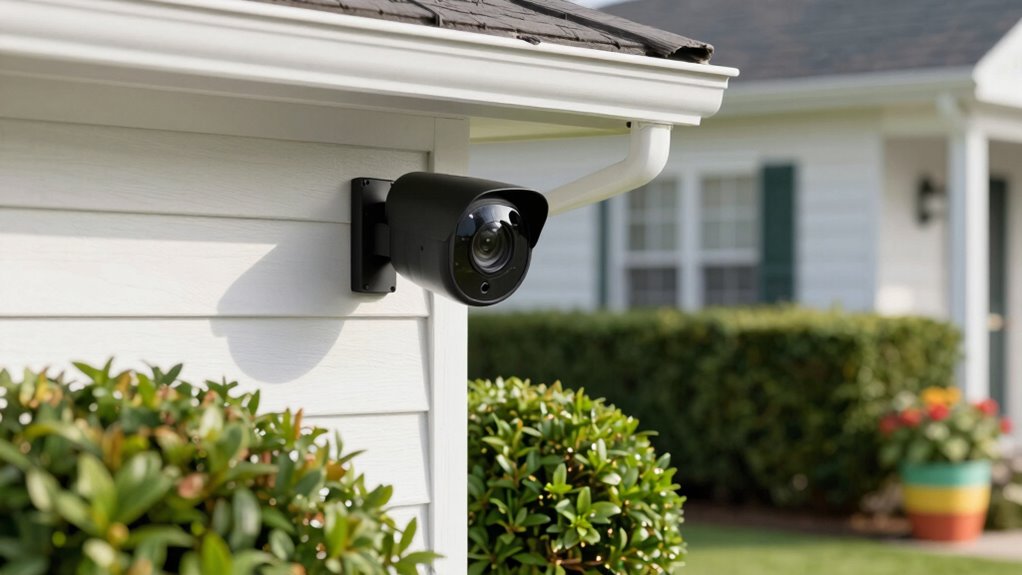

Before buying a home security camera, consider how well it integrates with your existing smart home system, including security and privacy features like encryption and secure login options. Think about placement to cover key entrances and blind spots, and choose between wired or wireless based on your home’s layout. Budget for both upfront costs and ongoing expenses like storage or subscription fees. Pay attention to camera durability, night vision, and whether it’s indoor or outdoor. If you continue exploring, you’ll find more important tips to help you make the best choice.

Get the latest gadgets delivered free — and shop member deals
- Fast, free delivery on millions of items
- Access to Prime Big Deal Days deals on October 6–7
- Prime Video, Amazon Music and more included
Key Takeaways
- Ensure the camera integrates seamlessly with your existing smart home devices and security system.
- Prioritize models with strong encryption, secure login options, and local storage to protect your privacy.
- Select cameras with appropriate placement, high resolution, night vision, and coverage of key entry points.
- Decide between wired or wireless options based on installation ease, reliability, and power needs.
- Consider total costs, including initial price, subscription fees, storage, and ongoing maintenance.
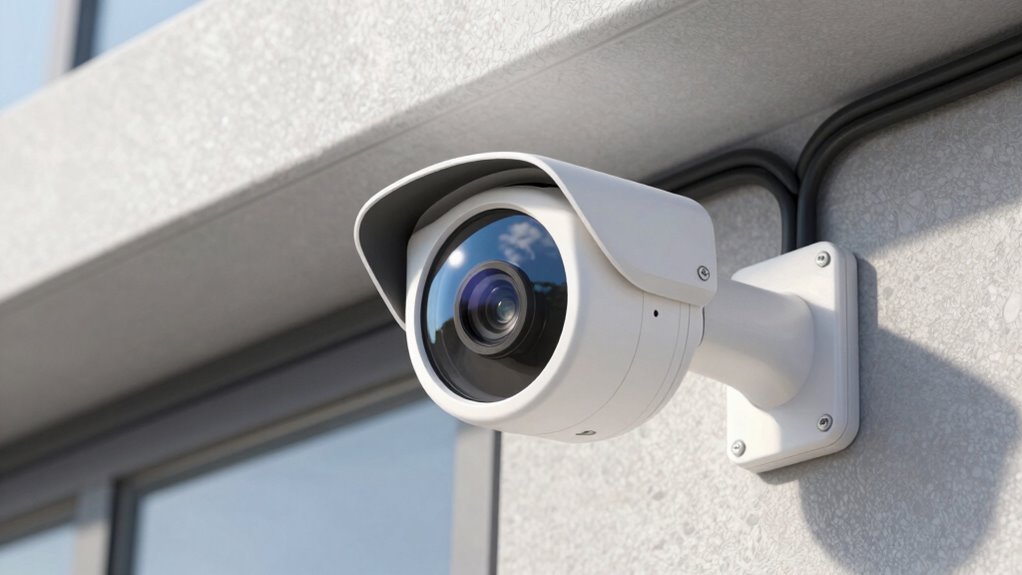
When choosing a home security camera, understanding your specific needs and the features that will best protect your property is vital. You need to evaluate how the camera will fit into your daily routine and what areas you want to monitor most. For example, if you have a smart home system, look for cameras that easily integrate with your existing setup. Smart home integration allows you to control your cameras alongside other devices like lights, locks, and thermostats, creating a seamless security network. This not only simplifies management but also enhances your ability to respond quickly to alerts. However, while smart features are appealing, it’s equally important to think about privacy concerns. Cameras connected to the internet can be vulnerable to hacking, so choose models with robust security protocols, such as encrypted data transmission and secure login options. Always change default passwords and keep firmware updated to minimize risks.
Choose cameras that integrate seamlessly with your smart home for easier control and enhanced security.
Another important factor is the camera’s placement and field of view. You want a device that covers critical entry points, driveways, or backyard areas without blind spots. Pay attention to the camera’s resolution; higher resolution offers clearer images, making it easier to identify people or objects. Night vision capability is also essential if you need 24/7 surveillance, especially in low-light conditions. Consider whether you prefer a wired or wireless camera. Wireless models are easier to install and move around, but they rely on Wi-Fi stability and batteries, which require regular charging or replacement. Wired cameras tend to be more reliable and offer continuous power, but installation can be more complex. Additionally, selecting a camera with advanced security features can provide extra peace of mind.
Privacy concerns extend beyond hacking; you should think about who has access to the footage and how it’s stored. Look for cameras with local storage options, like SD cards, or secure cloud services with strong privacy policies. Check the privacy policy of the manufacturer to ensure your data isn’t shared or sold without your consent. Additionally, think about whether you’re comfortable with cameras recording indoor or outdoor areas and how visible they are. Visible cameras can deter intruders, but some people prefer discreet models for privacy reasons.
Finally, consider your budget and the ongoing costs involved. Some cameras are more affordable upfront but require expensive subscriptions for full features or cloud storage. By weighing these factors—smart home integration, privacy concerns, placement, resolution, and costs—you’ll be better equipped to choose a home security camera that truly meets your needs and keeps your property safe. When evaluating options, don’t forget to research security protocols to ensure your footage remains protected from potential threats.
wireless home security camera with night vision
As an affiliate, we earn on qualifying purchases.
As an affiliate, we earn on qualifying purchases.
Frequently Asked Questions
How Do Security Cameras Impact Home Insurance Premiums?
Security cameras can lower your home insurance premiums by providing theft deterrence and proof of security measures. Many insurers offer insurance discounts when cameras are installed, recognizing their role in reducing theft and vandalism risks. By installing cameras, you not only boost your home’s safety but also potentially save money on premiums. Make sure to check with your insurer to see if they offer discounts for security cameras, and follow their installation guidelines.
Are Security Cameras Legal to Use Without Homeowner Permission?
You’re walking a tightrope when it comes to using security cameras without homeowner permission. Legally, it’s generally okay to monitor your own property, but privacy concerns come into play if cameras capture neighbors or public areas. To stay on the right side of the law, guarantee your cameras comply with legal standards and don’t infringe on others’ privacy rights. Always check local laws to avoid unintended legal trouble.
Can Security Cameras Record Audio Legally in All States?
Audio recording legality varies by state, so you need to check local laws. In some states, recording audio without everyone’s consent is illegal, while others permit one-party consent. You should consider privacy considerations carefully; always inform visitors if your camera records audio. Being transparent helps you stay within the law and respects others’ privacy, avoiding potential legal issues or privacy complaints.
What Is the Typical Lifespan of a Home Security Camera?
A typical home security camera lasts about three to five years, depending on camera durability and battery life. You’ll want to choose models with sturdy construction and long-lasting batteries to extend their lifespan. Regular maintenance, like cleaning lenses and updating firmware, also helps. By prioritizing durability and battery performance, you guarantee your security camera stays reliable, providing peace of mind and continuous protection for years to come.
How Do I Ensure My Security Camera Data Is Securely Stored?
To guarantee your security camera data is securely stored, you should choose cameras that use data encryption, both during transmission and storage. Opt for cloud storage services with strong security measures, like multi-factor authentication and regular security updates. Regularly update your camera’s firmware, and use strong, unique passwords for your accounts. These steps help protect your footage from unauthorized access and keep your data safe.
smart home security camera with encryption
As an affiliate, we earn on qualifying purchases.
As an affiliate, we earn on qualifying purchases.
Conclusion
So, as you weigh your options, remember that choosing the right security camera isn’t just about features—it’s about peace of mind. Sometimes, it’s funny how the perfect camera arrives just when you’re about to settle for less, almost like it was waiting for you to realize what you truly need. Trust your instincts, do your research, and you’ll find a camera that feels like it was made for your home. After all, safety often comes when you least expect it.
outdoor security camera with local storage
As an affiliate, we earn on qualifying purchases.
As an affiliate, we earn on qualifying purchases.
easy install indoor security camera
As an affiliate, we earn on qualifying purchases.
As an affiliate, we earn on qualifying purchases.
Fall Picks
fall essentials
As an affiliate, we earn on qualifying purchases.