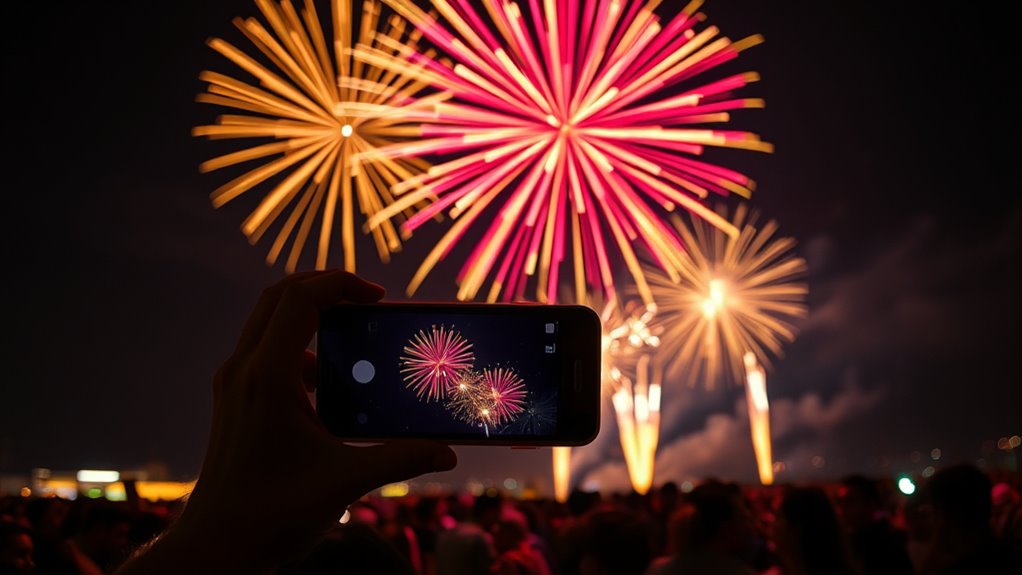

To snap like a pro, use manual or pro mode if available to control exposure and ISO, setting exposure around 2-4 seconds and keeping ISO low. Stabilize your phone on a tripod or steady surface, and use the timer to prevent shake. Anticipate the fireworks burst, pressing the shutter just before it explodes. Adjust your settings as needed and follow safety tips. Keep going, and you’ll discover how to capture those spectacular flashes perfectly.

Get the latest gadgets delivered free with Prime
- Fast, free delivery on millions of items
- Prime Video, Amazon Music and more included
- Member-only deals all year
Key Takeaways
- Use manual or pro mode to control exposure (2-4 seconds) and ISO (100-200) for clearer fireworks shots.
- Stabilize your phone with a tripod or sturdy surface to prevent blur during long exposures.
- Anticipate fireworks bursts and press the shutter just before the explosion for optimal capture.
- Keep your phone steady, use a timer, and avoid obstructing others to reduce shake and ensure sharp images.
- Review and adjust settings as needed, prioritize safety, and enjoy the show while capturing stunning fireworks photos.
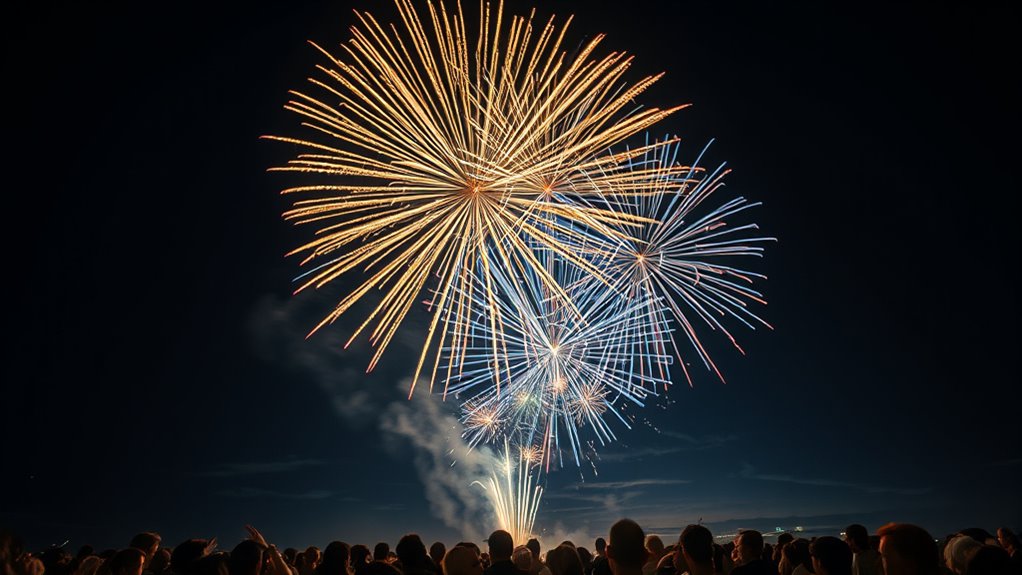
Capturing the stunning display of fireworks with your phone can be challenging, but with the right techniques, you can turn your shots into breathtaking images. The key is understanding how to adjust your camera settings to suit the low-light, fast-moving environment of fireworks. Begin by setting your phone’s camera to manual or pro mode if available. This allows you to control exposure, ISO, and focus, giving you more creative freedom. For fireworks, a longer exposure time between 2-4 seconds works best to capture the full burst and trails of light. Keep your ISO low, around 100 or 200, to prevent grainy images. Aperture settings should be kept open enough to let in enough light, but since most smartphones don’t have adjustable apertures, focus on exposure and ISO to compensate.
Before the fireworks start, make sure your phone is fully charged, and clear enough space in your camera roll or storage. Use a tripod or stabilize your phone against a solid surface to prevent blur caused by hand movement during long exposures. Holding your phone steady is *essential* for sharp, vibrant shots, especially in low-light situations. If a tripod isn’t an option, lean against a stable object or use your phone’s timer function to reduce shake.
Ensure your phone is charged, clear storage, and stabilize it with a tripod or sturdy surface for sharp fireworks photos.
Safety tips are just as important as camera settings. Always stay aware of your surroundings and avoid obstructing pathways or emergency exits. Keep a safe distance from the fireworks launch site—never attempt to get too close, and follow any safety guidelines provided by event organizers. Be mindful of your environment; watch out for uneven ground or obstacles that could cause falls or accidents. If you’re in a crowd, hold your phone securely and avoid blocking others’ views. Remember, your safety and the safety of those around you come first, so never compromise safety to get the perfect shot.
When capturing fireworks, anticipate the bursts by pressing the shutter just before the explosion, and then hold steady to let the camera’s long exposure work its magic. Review your shots periodically and adjust camera settings if needed, especially if the images are overexposed or too dark. Additionally, AI security developments have improved camera algorithms, which can help in optimizing photo quality in challenging conditions. With practice, you’ll find the right balance between exposure, ISO, and stability, transforming your smartphone photos into stunning fireworks displays that will impress everyone. Keep safety in mind, stay steady, and enjoy the show—your phone can capture spectacular fireworks if you approach it with the right mindset and techniques.
Frequently Asked Questions
What Is the Best Time to Start Photographing Fireworks?
You should start photographing fireworks a few seconds before the explosion to capture the ideal moments. Use timing strategies like watching for the countdown or the first burst to anticipate the display. Press the shutter just as the fireworks are about to burst to get vibrant, well-framed shots. Practicing these moments helps you master timing strategies and guarantees you catch the full, colorful display at its most spectacular.
How Do I Prevent My Phone From Overheating?
Your phone’s overheating can feel like a fiery dragon breathing down your neck! To tame it, prioritize battery safety by avoiding extended use of high-demand apps, especially during fireworks. Use phone cooling techniques like removing the case and keeping your device in the shade. Limit screen brightness and pause your shooting if it gets too hot. Staying cool keeps your phone firing on all cylinders, ensuring perfect fireworks shots without overheating.
Can I Use a Portable Tripod for Fireworks Photography?
Yes, you can use a portable tripod for fireworks photography. It provides excellent tripod stability, helping you capture sharp, clear images during long exposures. Its portable convenience makes it easy to set up anywhere, so you won’t miss any spectacular moments. Just make certain your tripod is sturdy enough to withstand wind or movement, and adjust the height for the best angle. This way, you get professional-looking fireworks photos effortlessly.
How Do I Capture Multiple Fireworks in One Shot?
To capture multiple fireworks in one shot, you should use timing tricks, like pressing the shutter just before the explosion and holding it for a few seconds to include the burst. Keep your phone steady on a tripod or stable surface. Afterward, use editing techniques to enhance the image, such as adjusting contrast and brightness. Practice these steps, and you’ll create stunning, multi-firework photos with ease.
What Settings Should I Use for Different Firework Displays?
Imagine capturing a vibrant, bursting fireworks display at night. For different displays, you should adjust your camera settings accordingly. Use a tripod or stabilize your phone to maintain camera stability, preventing blur. Set a longer exposure, around 2-4 seconds, to capture the full explosion. Adjust exposure if needed; brighter displays may require shorter exposures, while dimmer ones benefit from longer ones. Experiment to find what works best for each event.
Conclusion
Now that you know the secrets to capturing fireworks like a pro, your phone is ready to light up the night with dazzling images. Think of your camera as a magic wand that freezes moments bursting with color and wonder. With patience and a steady hand, you’ll turn fleeting explosions into timeless art. So go ahead—ignite your passion, press that shutter, and let your photos paint the sky’s masterpiece for all to admire.
Fall Picks
fall essentials
As an affiliate, we earn on qualifying purchases.