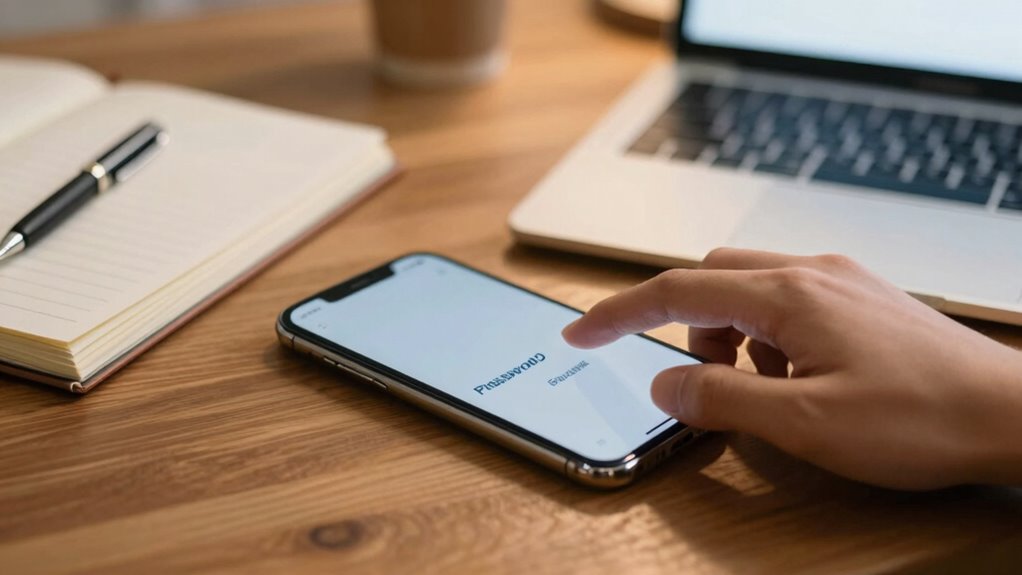

To make your online life safer without extra stress, develop the habit of creating strong, memorable passphrases that combine words, numbers, and symbols. Use a password manager to store complex passwords instead of trying to remember each one. Regularly update your passwords and avoid common, easy-to-guess info. By building these simple routines, security becomes automatic and less overwhelming. Stick with these habits, and you’ll discover even more ways to protect yourself effectively.

Get the latest gadgets delivered free with Prime
- Fast, free delivery on millions of items
- Prime Video, Amazon Music and more included
- Member-only deals all year
Key Takeaways
- Use passphrases combining random words or sentences for easy recall and strong security.
- Regularly update passwords to stay ahead of potential security breaches.
- Utilize a password manager to securely store complex passwords with minimal effort.
- Incorporate varied character types in passphrases to enhance strength without complexity.
- Develop the habit of reviewing and improving passwords as part of your routine security practices.
Creating strong passwords might seem like a hassle, but forming an easy password habit can make it quick and natural. When you prioritize good password habits, you improve your overall security practices without feeling overwhelmed. The key is to make strengthening your password strength a routine part of your digital life rather than a chore you avoid. Instead of trying to memorize complex passwords for every account, you can adopt simple strategies that boost your security with minimal effort. For example, using a passphrase—like a sentence or a combination of random words—can be both memorable and difficult for others to guess. Combining uppercase and lowercase letters, numbers, and symbols within your passphrase increases its strength without making it hard to recall. This approach helps you create passwords that are both secure and easy to remember, reinforcing good security practices.
Another practical tip is to leverage password managers. These tools automatically generate and store complex passwords for all your accounts, removing the need to remember multiple strings of characters. Once you set up a password manager, you only need to remember one strong master password. This simplifies your security practices by reducing the temptation to reuse passwords or settle for weaker ones. Plus, many password managers alert you if your passwords are weak or have been compromised, helping you stay proactive about your password strength. Using a password manager turns what could be a tedious chore into a seamless part of your digital routine, making it easier to maintain strong security habits. Additionally, understanding the importance of password complexity can motivate you to create more resilient credentials. Developing an awareness of cybersecurity best practices can further enhance your overall online safety. Regularly educating yourself about potential threats and security vulnerabilities can help you adapt your habits to new risks as they emerge, especially when you stay informed about evolving cybersecurity threats.
You should also prioritize updating your passwords regularly, especially after a data breach or if you notice suspicious activity. Setting a reminder to review and refresh your passwords every few months keeps your accounts safer and ensures you’re practicing good security habits over time. Avoid common pitfalls like using easily guessable information—such as birthdays or simple sequences—and instead, aim for randomness and complexity. Remember, the more you practice these habits, the more natural they become, transforming what once seemed like a hassle into an automatic part of your online routine.
As an affiliate, we earn on qualifying purchases.
Frequently Asked Questions
How Often Should I Change My Passwords for Optimal Security?
You should change your passwords every three to six months to maintain strong security habits. Regular password renewal reduces the risk of unauthorized access, especially if a breach occurs. Keep your security habits consistent by updating passwords after major online account breaches or when you suspect your information might be compromised. This proactive approach helps protect your personal data without making the process overly burdensome.
Are Password Managers Safe to Use?
Yes, password managers are safe to use if you choose reputable ones. They encrypt your passwords, keeping them secure, but remember, user education is key—know how to spot scams or weak links. Think of it as locking your valuables in a safe; a good password manager shields your information from prying eyes, making your online life easier and safer without adding hassle. Just stay informed and cautious.
Can Two-Factor Authentication Replace Strong Passwords?
Two-factor authentication enhances your account security, but it shouldn’t replace strong passwords. While it adds an extra layer of protection, you still need complex passwords for each account to prevent unauthorized access. Combining robust password practices with multiple authentication methods offers the best defense. Don’t rely solely on two-factor authentication; maintaining password complexity is essential to stay safe online and protect your sensitive information effectively.
What Are Common Mistakes to Avoid When Creating Passwords?
When creating passwords, avoid common pitfalls like using simple, predictable patterns or dictionary words, which compromise password complexity. Don’t reuse passwords across multiple accounts, and steer clear of personal info like birthdays or names. Keep your passwords unique and hard to guess. Also, avoid creating very short passwords; aim for a mix of letters, numbers, and symbols. This helps prevent hacks and keeps your accounts more secure.
How Do I Remember Multiple Strong Passwords Easily?
To remember multiple strong passwords easily, use password memory techniques like creating strong password patterns based on memorable phrases or combining unrelated words with numbers. You can also develop a personal system, such as substituting certain letters or using a consistent structure across accounts. These strategies help reinforce your memory, making it easier to recall complex passwords without writing them down, ensuring your accounts stay secure while remaining manageable.
As an affiliate, we earn on qualifying purchases.
Conclusion
By adopting this simple password habit, you unknowingly create a safer digital space for yourself. It’s funny how such a small change can make a big difference—like stumbling upon a lost key just when you needed it most. As you build this habit, you’ll find your online life feels more secure and less stressful. Sometimes, the smallest routines have the biggest impact, turning everyday moments into quiet victories for your security.
As an affiliate, we earn on qualifying purchases.
As an affiliate, we earn on qualifying purchases.
Halloween Picks
halloween
As an affiliate, we earn on qualifying purchases.