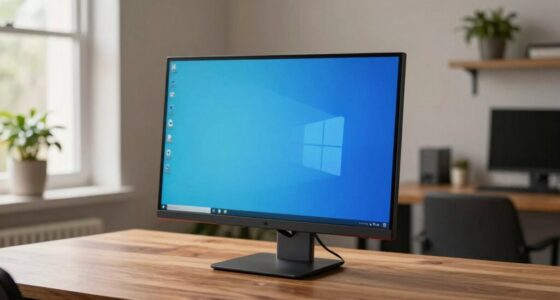

To set up a beginner-friendly home office tech stack, start with a reliable computer or laptop that fits your needs, along with ergonomic accessories like an adjustable chair and keyboard. Invest in a strong Wi-Fi router or wired connections for steadiness. Use cloud storage solutions like Google Drive for easy access and backups. Keep clutter minimal and organize cables. As you explore further, you’ll discover simple ways to optimize your workspace and boost productivity.

Get the latest gadgets delivered free — and shop member deals
- Fast, free delivery on millions of items
- Access to Prime Big Deal Days deals on October 6–7
- Prime Video, Amazon Music and more included
Key Takeaways
- Choose user-friendly, reliable hardware like a basic laptop, ergonomic accessories, and a sit-stand desk converter for comfort.
- Use cloud storage solutions for easy file access, organization, and collaboration from any device.
- Invest in a stable Wi-Fi router and wired Ethernet options for consistent internet connectivity.
- Install essential productivity apps such as calendar, task managers, and communication tools like Slack.
- Keep the workspace organized with cable management and gradually add accessories as your needs grow.
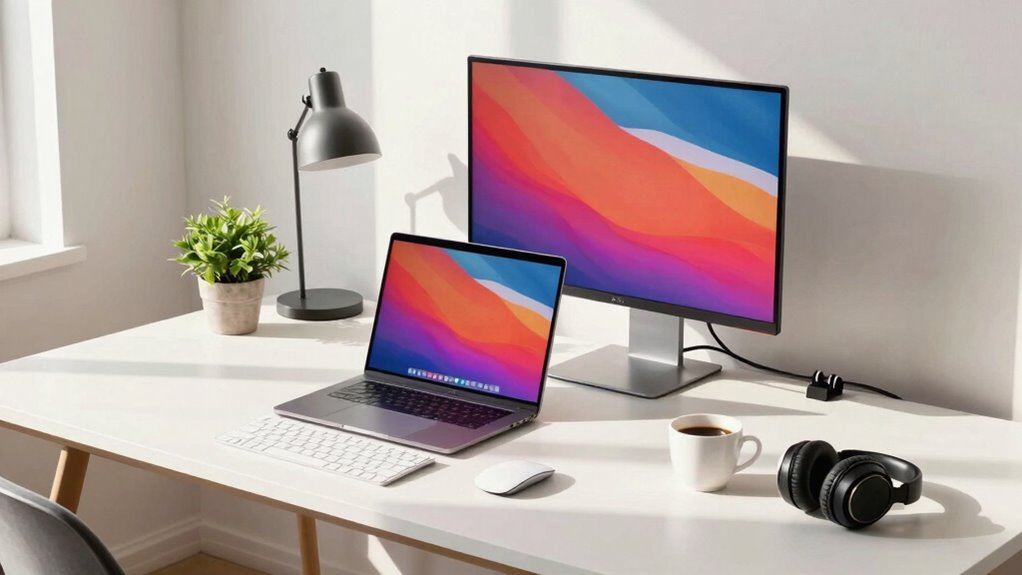
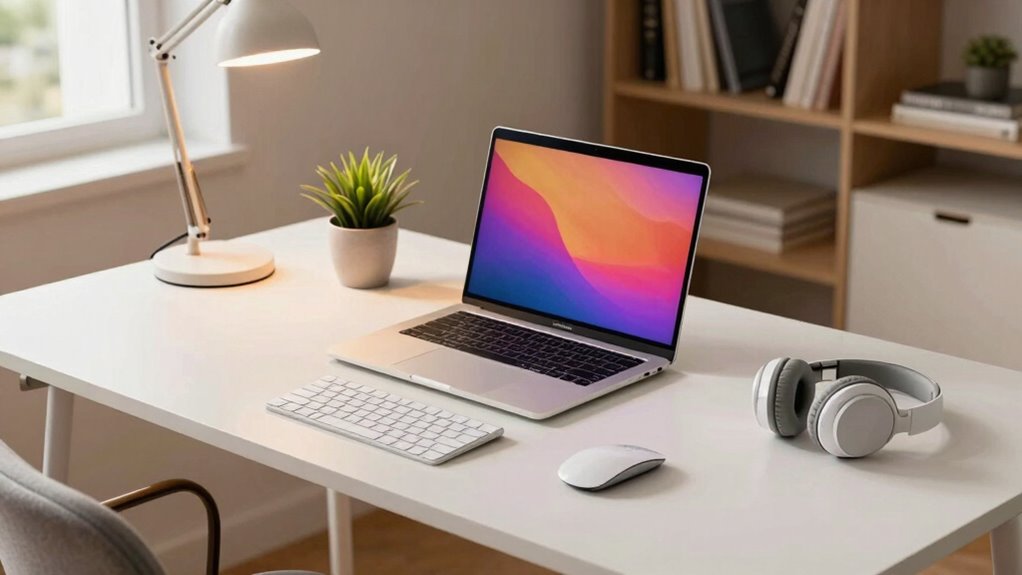
Creating an efficient home office tech setup is vital for staying productive and comfortable while working remotely. When starting out, focus on the essentials that will support your workflow without overwhelming your space. A good starting point is selecting a reliable computer or laptop suited to your tasks. Look for models with sufficient processing power, memory, and storage to handle your daily activities smoothly. Pair this with ergonomic accessories like an adjustable chair, a sit-stand desk converter, and an ergonomic keyboard and mouse. These accessories help reduce strain on your body, especially during long work hours, making your setup more comfortable and sustainable over time.
Start with a reliable computer and ergonomic accessories for a comfortable, productive home office setup.
Next, consider how you’ll store and access your files. Cloud storage solutions are a game-changer for remote work, offering easy access to your documents from any device and location. Services like Google Drive, Dropbox, or OneDrive integrate seamlessly with most devices, making it simple to save, share, and collaborate on files. Using cloud storage also guarantees your data is backed up automatically, giving you peace of mind against hardware failures or accidental deletions. Establishing a cloud storage system can also streamline your workflow and improve collaboration with colleagues or clients. By establishing a solid cloud storage system, you eliminate the need for multiple external drives, simplifying your workspace and keeping everything organized. Incorporating reliable networking hardware ensures your entire setup remains connected without interruptions, especially important for uninterrupted video calls and large data transfers. Additionally, choosing high-quality networking hardware can enhance your overall internet speed and reduce latency, which is crucial for seamless remote work.
To connect all your devices, invest in a reliable Wi-Fi router that provides strong, consistent internet coverage throughout your home. A stable connection is vital for video calls, file transfers, and online collaboration. Additionally, consider adding a wired Ethernet connection for your main workstation if you need ultra-fast and dependable internet—especially if you’re handling large files or live streaming meetings. Keep your workspace tidy with a multi-port USB hub or docking station, which allows you to connect your monitor, keyboard, mouse, and other peripherals effortlessly. These networking hardware components contribute to a seamless and efficient workflow, reducing frustration caused by connectivity issues. Incorporating proper cable management can also help keep your workspace organized and prevent accidental disconnections or damage to your cables.
Lastly, don’t forget about the software tools that keep you productive. Install essential applications like a calendar, task manager, and communication platforms such as Slack or Microsoft Teams. These tools help you stay organized, connected, and efficient. As you build your home office tech stack, remember that simplicity is key. Start with the basics, prioritize comfort and connectivity, and gradually add accessories or tools as your needs evolve. With the right combination of ergonomic accessories, cloud storage solutions, and reliable hardware, you’ll create a beginner-friendly setup that supports your productivity and keeps you comfortable throughout your workday.
Frequently Asked Questions
What Is the Best Budget-Friendly Tech for Home Offices?
For budget-friendly home office tech, start with an affordable laptop or desktop, paired with ergonomic accessories like a comfortable chair and keyboard to prevent strain. Use green energy options such as energy-efficient monitors or solar-powered chargers to save on costs and reduce your carbon footprint. Free or low-cost software for productivity and video calls also helps keep expenses down. Prioritize essentials that boost comfort and efficiency without breaking the bank.
How Do I Ensure My Home Office Tech Is Secure?
To make certain your home office tech is secure, follow cybersecurity best practices like using strong, unique passwords and enabling two-factor authentication. Set up a secure network by changing default router passwords, enabling WPA3 encryption, and keeping firmware updated. Regularly update your devices and antivirus software. Avoid public Wi-Fi for sensitive tasks, and consider using a VPN for additional security. These steps help protect your data and create a secure network setup.
Are There Specific Tech Requirements for Remote Collaboration?
You need reliable tech for seamless remote collaboration. Imagine the suspense of a critical video conferencing call suddenly freezing—disrupting your flow. To prevent this, make sure your internet connection is stable, your device supports high-quality video conferencing, and you have essential collaboration tools like shared document platforms. These tech requirements keep your team connected, maintain productivity, and help you avoid frustrating interruptions during important remote interactions.
How Can I Improve Wi-Fi Stability in My Home Office?
To improve Wi-Fi stability in your home office, start with Wi-Fi optimization by placing your router centrally and elevating it for better coverage. Use signal repeaters or extenders to eliminate dead zones and strengthen your connection. Regularly update your router’s firmware and reduce interference from other devices. These steps will guarantee a more reliable, faster connection, allowing you to work efficiently without interruptions.
What Are Essential Backup Solutions for Home Office Data?
Imagine your important files as delicate glassware—precious and vulnerable. To safeguard them, use cloud backup services that keep your data safely stored online, accessible anytime. Pair this with external drives, like sturdy safes where you can quickly grab copies if needed. Together, these backup solutions guarantee your data stays secure, even if your main system crashes, giving you peace of mind and quick recovery options.
Conclusion
Your home office setup is the foundation of your productivity, blending simplicity with efficiency. While sleek gadgets and fast internet might seem like luxury, they’re the tools that turn your workspace into a hub of creativity. Think of your tech stack as the engine under the hood—powerful yet unobtrusive. With the right balance, you’ll find that even a modest setup can drive big results, proving that sometimes, less truly is more.
Fall Picks
fall essentials
As an affiliate, we earn on qualifying purchases.