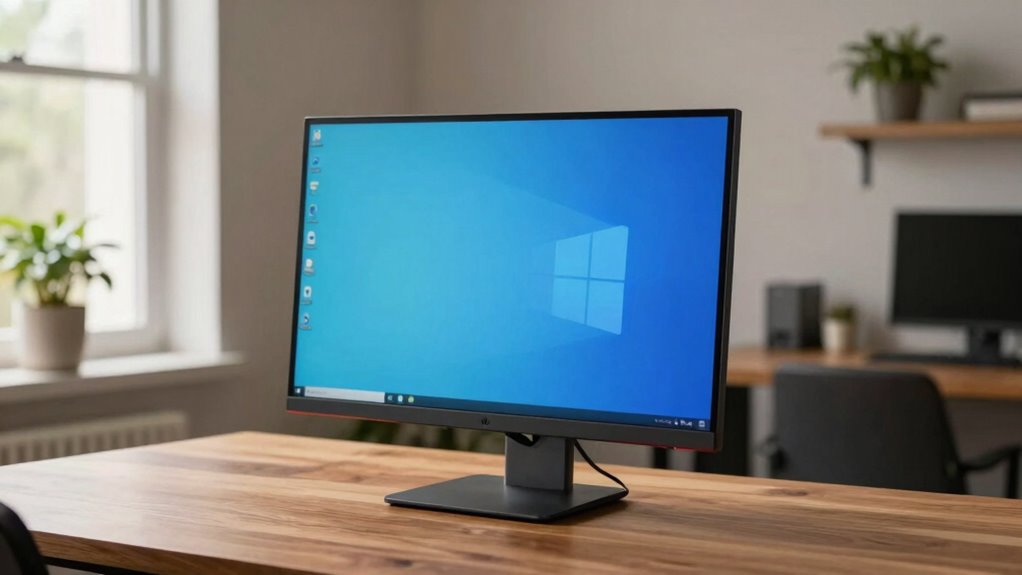
Some monitors feel better for work because they minimize eye strain by reducing glare, offering anti-reflective coatings or matte finishes. They also provide precise color reproduction, which helps you see details clearly and reduces fatigue. Features like flicker-free technology and blue light filters keep your eyes comfortable during long hours. Plus, ergonomic designs support better posture. If you want to understand how these features improve comfort and productivity even more, keep exploring these essential aspects.

Get the latest gadgets delivered free with Prime
- Fast, free delivery on millions of items
- Prime Video, Amazon Music and more included
- Member-only deals all year
Key Takeaways
- Monitors with better color accuracy reduce eye strain and improve detail visibility, making work more comfortable.
- Anti-glare and matte finishes minimize reflections, decreasing distractions and eye fatigue.
- Adjustable ergonomic features like height and tilt support proper posture, enhancing comfort instantly.
- Flicker-free technology and blue light filters decrease eye fatigue during extended use.
- Higher resolution and larger screens provide more workspace and sharper images, boosting productivity and comfort.
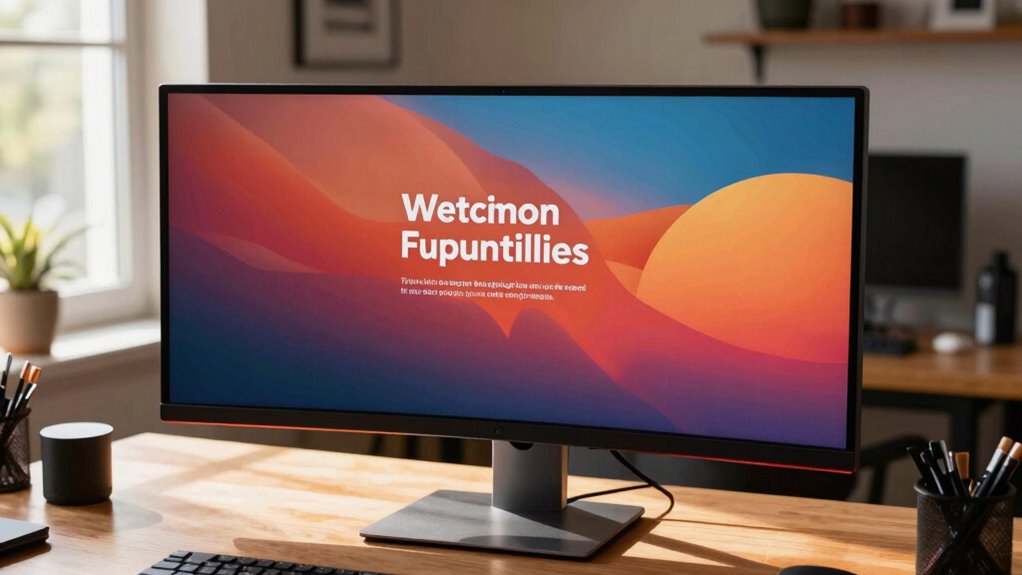
Choosing the right monitor can considerably impact your comfort and productivity at work. When you sit down at your desk, the display’s quality influences how easily you can focus, how well your eyes stay comfortable, and how effectively you perform tasks. One key factor is color accuracy. If your monitor displays colors precisely, it reduces the strain on your eyes and helps you see details clearly, especially if your work involves design, editing, or any color-sensitive tasks. A monitor with poor color accuracy can cause you to squint or misjudge shades, leading to fatigue over time. Investing in a screen that reproduces colors accurately ensures that what you see on the display matches real-world colors, making your work more precise and less tiring. Additionally, color accuracy can be affected by the monitor’s calibration and technology, so choosing a model that maintains consistent color reproduction is essential.
Choosing a monitor with accurate colors reduces eye strain and enhances detail visibility for more precise, comfortable work.
Another vital aspect is screen glare. Glare occurs when light sources reflect off your monitor’s surface, creating bright spots or reflections that distract you and force your eyes to work harder. If you notice that your screen’s reflections are causing discomfort or reducing your visibility, you’re likely dealing with a monitor that has poor anti-glare properties. Choosing a monitor with an anti-glare coating or matte finish can substantially reduce reflections and improve your overall viewing experience. This is especially important if your workspace has bright windows or overhead lighting. A glare-free screen minimizes eye strain and allows you to work comfortably for longer periods without constantly adjusting your position or squinting. Proper workspace lighting can also enhance the effectiveness of glare-reducing features. Additionally, monitor technology such as flicker-free backlighting further contributes to a more comfortable viewing experience by reducing eye fatigue. Incorporating ergonomic design features, like adjustable height and tilt, can also help you maintain proper posture and reduce discomfort during long work sessions.
Beyond color accuracy and screen glare, other features contribute to a monitor feeling better for work. For instance, the size and resolution matter—larger screens with higher resolutions give you more workspace and sharper images, reducing the need to scroll or switch between windows. Adjustable stands and ergonomic designs help you find a comfortable viewing position, preventing neck or back pain. Additionally, flicker-free technology and blue light filters can make a noticeable difference in reducing fatigue and preserving your eye health over extended hours.
Ultimately, a monitor that balances excellent color accuracy with minimal screen glare creates a viewing experience that feels natural and comfortable. It helps you stay focused, reduces eye discomfort, and boosts your efficiency. When you prioritize these features, your work environment becomes more inviting, and tasks that once felt tedious now seem more manageable. The right monitor isn’t just about specifications; it’s about how those specifications translate into a more comfortable, healthier, and more productive workday.
ergonomic adjustable monitor stand
As an affiliate, we earn on qualifying purchases.
As an affiliate, we earn on qualifying purchases.
Frequently Asked Questions
How Does Monitor Size Affect Work Comfort?
Monitor size directly impacts your work comfort by influencing your screen space and ergonomic benefits. A larger screen size lets you view more content without constant scrolling, reducing eye strain and neck movement. Conversely, a smaller monitor can cause you to squint or lean forward, decreasing comfort. Selecting the right monitor size guarantees your workspace feels natural, keeps you focused, and minimizes fatigue, making work more enjoyable and productive.
Do Monitor Brands Impact Long-Term Eye Health?
Yes, monitor brands do impact your long-term eye health, especially regarding eye strain and screen glare. Reputable brands often prioritize eye comfort features like flicker-free screens, anti-glare coatings, and adjustable brightness, reducing eye fatigue over time. Cheaper or lesser-known brands might not offer these benefits, increasing your risk of eye strain and discomfort with prolonged use. Investing in a high-quality monitor from a trusted brand can help protect your eyes in the long run.
Can Adjustable Stands Improve Productivity?
Adjustable stands can truly elevate your productivity by supporting ergonomic accessories and encouraging proper posture. When you customize your monitor height, you reduce neck and eye strain, helping you stay focused longer. Plus, pairing it with lighting adjustments creates a comfortable workspace. This simple shift enhances your efficiency, making work feel less like a chore and more like a seamless flow. Ultimately, adjustable stands turn your desk into a well-orchestrated environment for success.
What Role Does Screen Resolution Play in Comfort?
Screen resolution plays a vital role in your comfort by providing clear, sharp images that reduce eye strain. Higher resolution monitors with better color accuracy help you see details easily, while minimizing color distortion. Additionally, choosing a monitor with anti-glare coatings reduces screen glare, which can cause discomfort and fatigue. When resolution and glare are optimized, your eyes stay more comfortable during long work sessions, boosting productivity and reducing fatigue.
Are There Specific Monitor Features for Ergonomic Support?
Yes, look for monitors with ergonomic features like adjustable height, tilt, and swivel, which help you maintain good posture. Features like blue light filters reduce eye strain during long hours, while anti-glare coatings minimize reflections, making work more comfortable. These features allow you to customize your setup, reducing fatigue and discomfort, so you stay focused and productive throughout your workday.
As an affiliate, we earn on qualifying purchases.
Conclusion
Choosing the right monitor can truly transform your workday, often in ways you don’t immediately notice. It’s funny how the perfect screen feels almost like a coincidence—like it was meant to be, aligning seamlessly with your needs. Sometimes, the best tools appear when you least expect them, quietly boosting your productivity and comfort. So, trust that with the right monitor, you might just find that everything clicks into place a little more naturally.
As an affiliate, we earn on qualifying purchases.
high resolution color accurate monitor
As an affiliate, we earn on qualifying purchases.
As an affiliate, we earn on qualifying purchases.
Halloween Picks
halloween
As an affiliate, we earn on qualifying purchases.