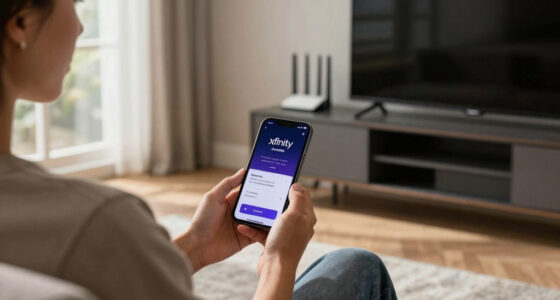

To choose a streaming device for simple TV upgrades, focus on those with easy smartphone control, compatibility with your favorite streaming apps like Netflix or Hulu, and voice assistant support for hands-free operation. Look for 4K HDR support and strong Wi-Fi connectivity to guarantee high-quality streaming. Regular software updates are also important for security and new features. Keep these features in mind, and you’ll find the perfect device to upgrade your TV experience and enjoy more tips ahead.
Key Takeaways
- Ensure the device supports 4K Ultra HD and HDR for high-quality streaming.
- Prioritize seamless smartphone integration for easy control and casting.
- Confirm compatibility with your preferred streaming services and voice assistants.
- Check for regular software updates to improve security and add new features.
- Evaluate connectivity options like Wi-Fi standards and ports for reliable performance.
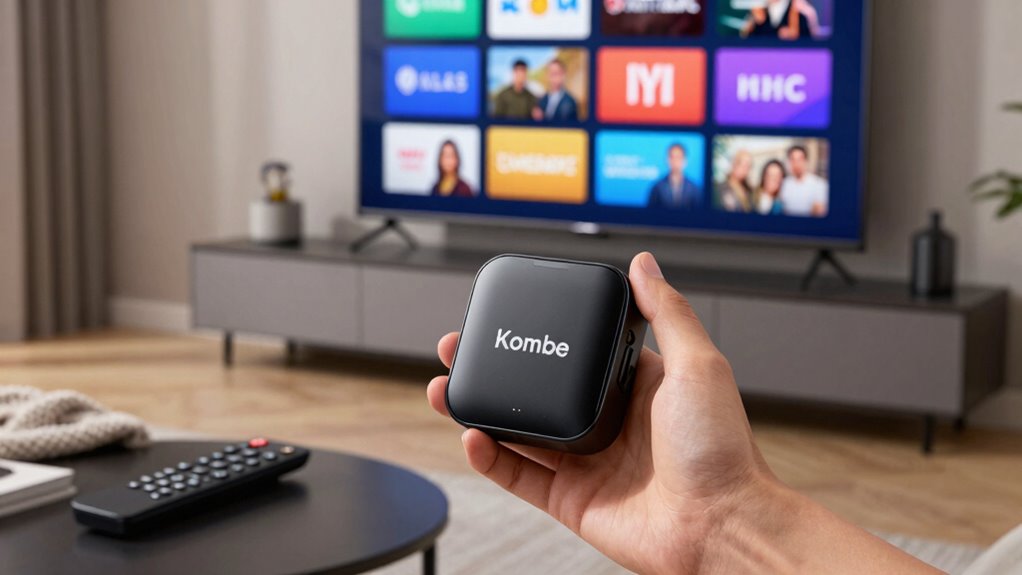
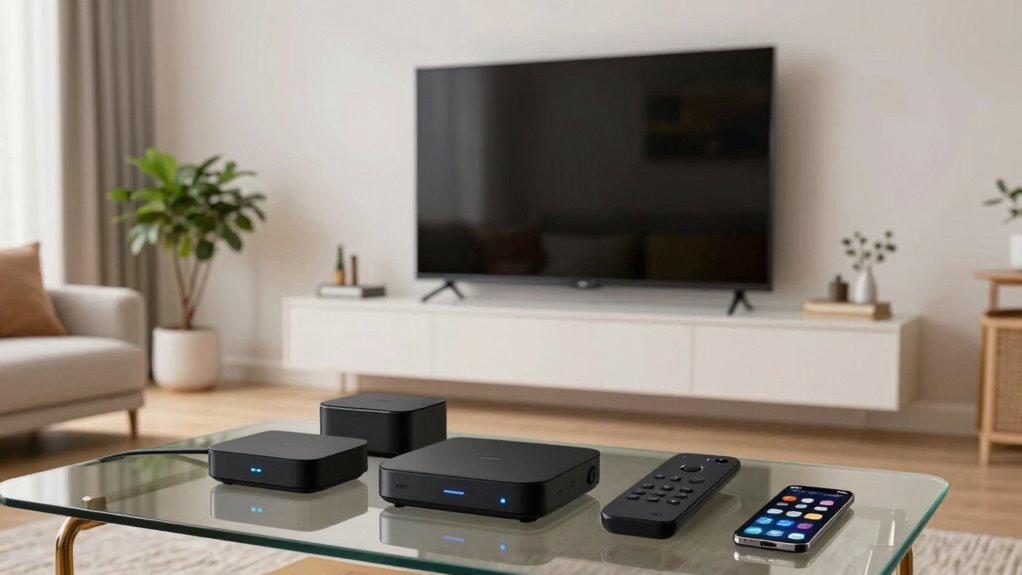
Are you overwhelmed by the variety of streaming devices available today? With so many options on the market, it can feel daunting to pick the right one for your TV setup. To start, consider what features matter most to you. If you want a seamless experience, look for devices that offer smartphone integration. This feature allows you to control your streaming experience directly from your phone, making browsing and selecting content more intuitive. Smartphone integration also means you can cast videos from your device to the TV effortlessly, which is especially handy if you already use your phone for other tasks throughout the day.
Next, think about voice control options. If you favor hands-free operation, choosing a streaming device with built-in voice control can significantly enhance your user experience. Devices that support voice commands let you search for shows, adjust volume, or even turn the TV off without lifting a finger. This feature is particularly useful if you often find yourself busy or if you want to reduce remote clutter. Before making a decision, verify whether the device works with your existing voice assistants, like Alexa, Google Assistant, or Siri, to ensure compatibility and a smooth setup. Additionally, compatibility with voice assistants can influence how well your smart home ecosystem integrates with your TV.
In addition to smartphone integration and voice control options, consider the device’s compatibility with your preferred streaming services. Most popular apps like Netflix, Hulu, and Disney+ are supported across many devices, but it’s worth double-checking. Also, assess the device’s user interface—some offer more intuitive navigation than others. A straightforward, easy-to-use interface helps you find your favorite content faster and makes the overall experience more enjoyable. When choosing, also consider the importance of device updates, as regular updates can improve functionality and security over time. Staying informed about the latest technology standards can help you select a device that remains compatible with future streaming innovations.
Another factor to weigh is the device’s hardware capabilities. If you’re interested in high-resolution streaming, look for a device that supports 4K Ultra HD and HDR for better picture quality. If you prefer gaming or other media functions, check whether the device has the necessary processing power and ports. Also, consider the device’s connectivity options, such as Wi-Fi standards and Bluetooth support, to ensure smooth streaming without interruptions. Additionally, understanding the latest technology standards can help you choose a device with future-proof features that keep up with evolving streaming needs. Being aware of these standards can give you confidence that your device will remain compatible with upcoming updates and services.
Lastly, keep in mind that some streaming devices regularly receive software updates that enhance security and add new features, prolonging their usefulness over time. Regular updates not only improve security but can also introduce new functionalities that improve your overall experience. Ultimately, choosing the right streaming device boils down to your specific needs and preferences. Focus on features like smartphone integration and voice control options that can make your TV experience more convenient and fun. By evaluating compatibility, user interface, and hardware capabilities, you can select a device that upgrades your TV with minimal fuss, giving you quick access to all your favorite content in the simplest way possible.
As an affiliate, we earn on qualifying purchases.
Frequently Asked Questions
Can I Use a Streaming Device With an Older TV?
Yes, you can use a streaming device with an older TV, but consider vintage compatibility and power requirements. Many streaming devices connect via HDMI, so your TV needs an HDMI port. If your TV lacks HDMI, adapters might work. Also, check the power source—some devices need an outlet, while others use USB. Confirm your TV’s input options and power setup match the device’s needs for smooth streaming.
Do Streaming Devices Support 4K and HDR Content?
Most streaming devices support 4K and HDR content, but you need to check content compatibility and device compatibility first. Many popular devices like Roku, Amazon Fire TV, and Apple TV offer 4K HDR streaming options, but confirm your TV supports these formats too. If your TV isn’t compatible, you won’t see the full quality benefits. Always verify both content and device compatibility before buying a streaming device for 4K and HDR content.
Are There Any Hidden Fees With Streaming Devices?
You won’t find any hidden fees with streaming devices, but it’s wise to watch out for subscription costs that can add up. While device compatibility is generally clear, some services may require specific hardware features or extra charges. Don’t let hidden fees catch you off guard; read the fine print and check if additional costs apply for premium channels or apps. Staying informed helps you avoid surprises down the road.
How Easy Is It to Set up a Streaming Device?
Setting up a streaming device is usually straightforward and quick, especially with remote compatibility that simplifies navigation. You can easily connect it to your Wi-Fi, follow on-screen instructions, and start streaming within minutes. Device portability means you can move it between TVs effortlessly, making setup hassle-free. Most devices also come with detailed guides or apps to assist you, ensuring a smooth and simple setup process every time.
Can Streaming Devices Be Used for Gaming?
Yes, streaming devices can be used for gaming, but their gaming compatibility varies. Many support popular streaming apps, but for smooth gameplay, look for devices with low device latency, ensuring minimal lag. Devices like the Nvidia Shield or certain smart TVs are better suited for gaming, offering dedicated features and faster responses. Keep in mind, for serious gaming, a dedicated console or PC might deliver a superior experience.
smartphone control streaming media player
As an affiliate, we earn on qualifying purchases.
As an affiliate, we earn on qualifying purchases.
Conclusion
Just like the wise owl that sees through the darkness, choosing the right streaming device helps you uncover new worlds and endless entertainment. It’s not just about upgrading your TV; it’s about opening a window to fresh experiences and stories waiting to be explored. Trust your instincts, pick what suits your needs, and remember—every great adventure begins with a single step. So, take that step today, and let your TV be your gateway to discovery.
voice assistant compatible streaming device
As an affiliate, we earn on qualifying purchases.
As an affiliate, we earn on qualifying purchases.
As an affiliate, we earn on qualifying purchases.