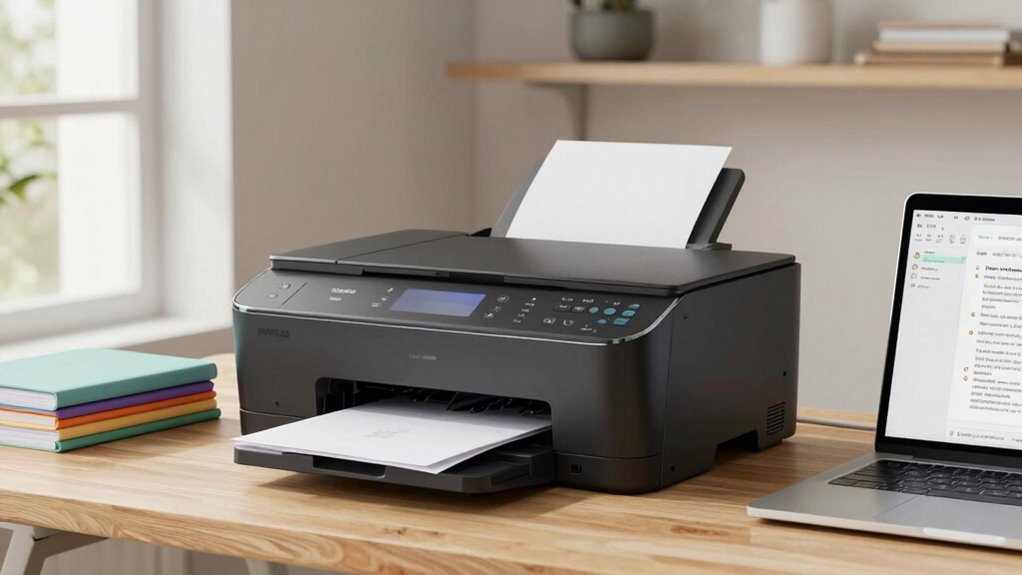

To choose a home printer that fits your needs, start by identifying your main tasks—documents or high-quality photos. If you print often, consider models with fast speeds and cost-effective ink options like refillable tanks. Check wireless capabilities for convenience and compatibility with your devices. Think about size and design if space is limited. By considering these factors, you’ll find a printer that balances performance, cost, and eco-friendliness—discover how to make the best choice as you explore further.

Get the latest gadgets delivered free with Prime
- Fast, free delivery on millions of items
- Prime Video, Amazon Music and more included
- Member-only deals all year
Key Takeaways
- Identify whether you primarily need document printing or high-quality photo output.
- Consider ink cartridge types and costs to ensure long-term affordability and efficiency.
- Check for wireless connectivity and mobile printing features for convenience.
- Evaluate printer size, speed, and multifunction options to match your space and volume needs.
- Confirm compatibility with your devices and prioritize eco-friendly features for sustainability.
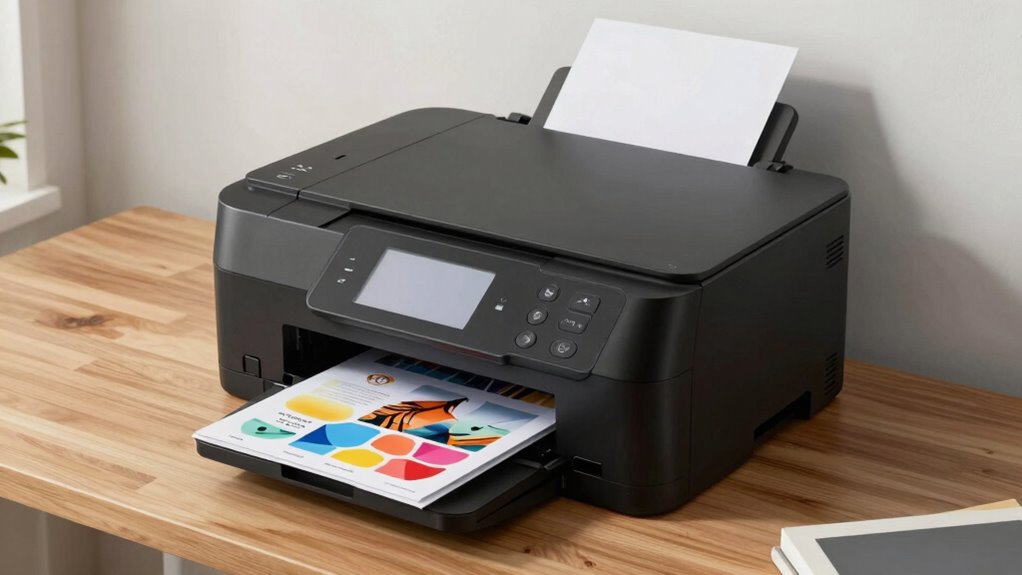
Selecting the right home printer can seem overwhelming with so many options available, but understanding your printing needs makes the process much easier. The first step is to determine what you’ll be printing most often. If you mainly print documents, a basic inkjet or laser printer might suffice. However, if you also want to print high-quality photos, look for models that support photo printing with vibrant color accuracy. Once you know what you need, consider the type of ink cartridge the printer uses. Ink cartridges influence both the quality of your prints and the ongoing cost. Some printers use individual cartridges for each color, which can save money because you only replace the color that runs out. Others come with combo cartridges, which might be less expensive upfront but lead to more frequent replacements. Think about how often you’ll replace ink and choose a model with cartridges that match your printing volume.
Choose printers with individual ink cartridges for cost-effective, high-quality printing tailored to your volume.
Wireless connectivity is another essential feature to consider. Modern home printers often come with Wi-Fi capabilities, allowing you to print directly from your laptop, tablet, or smartphone without needing to connect via cables. This convenience is especially valuable if your workspace is separate from your printer or if multiple family members share the device. Wireless printers also support mobile printing apps, enabling you to print documents or photos straight from your mobile device, often with just a few taps. If you prefer a clutter-free setup and quick access, a printer with reliable wireless connectivity can considerably streamline your workflow. Additionally, understanding the printing technology used in the device can help you select a model that offers better durability and print quality over time. Incorporating advanced features, such as automatic duplex printing or cloud integration, can further enhance your printing experience. Furthermore, considering the environmental impact of your printer choices, such as energy efficiency and refillable ink options, can contribute to a more sustainable setup. Being aware of the air quality implications of printer emissions, especially in enclosed spaces, is also an important consideration for maintaining a healthy indoor environment.
Size and design are also worth thinking about. If you have limited space, look for compact or all-in-one printers that combine printing, scanning, and copying functions in a small footprint. Consider the printer’s speed as well—if you print large volumes regularly, a model with a higher pages-per-minute (PPM) rate can save you time. Cost is another factor; while some printers are affordable upfront, the ongoing expense of ink cartridges can add up. Research the cost of replacement cartridges and average ink yield to verify your choice remains economical over time. Furthermore, some models offer refillable ink tanks, which can be a more sustainable and cost-effective option for high-volume printing.
Lastly, assess compatibility with your devices and operating systems. Most printers support Windows and macOS, but if you’re using a less common system or mobile OS, check for compatibility before purchasing. By carefully evaluating the type of ink cartridge, wireless features, size, speed, and overall costs, you can find a home printer that truly fits your needs—saving you time, money, and frustration in the long run.
Popular right now

Bose QuietComfort Headphones (2nd Gen), Wireless Noise-Cancelling Over-Ear Headphones, Black

Bose QuietComfort Ultra Wireless Noise-Cancelling Headphones with Spatial Audio, Black

Ninja Foodi 10-Qt DualZone Smart XL Air Fryer, 6-in-1, DZ550
As an affiliate, we earn on qualifying purchases.
Frequently Asked Questions
What Are the Latest Printer Models Available in 2023?
In 2023, the latest printer models include the Epson EcoTank Pro, Canon PIXMA G7250, and HP OfficeJet Pro 9025e. These printers boast advanced printer features like wireless connectivity, duplex printing, and high-capacity ink tanks. They also leverage modern ink technology, such as refillable ink systems and fast-drying inks, ensuring cost-efficiency and quality. Consider these models to find a printer that matches your needs and offers reliable, high-quality output.
How Do I Connect My Printer to Multiple Devices?
To connect your printer to multiple devices, start by enabling its wireless connectivity, usually via Wi-Fi. Make sure your devices are on the same network for seamless printing. Use compatibility options like AirPrint, Google Cloud Print, or manufacturer-specific apps to make setup easier. Once connected, install the appropriate drivers or apps on each device. This way, you can print effortlessly from multiple smartphones, tablets, or computers without physical cables.
Are There Eco-Friendly Printer Options?
Yes, eco-friendly printer options exist that can transform your printing habits into a force of good for the planet! Look for printers with eco-friendly ink and features supporting sustainable printing, like energy-saving modes and recycled materials. These printers drastically reduce waste and energy consumption, making your home office a champion of environmental responsibility. Embrace sustainable printing today and turn your everyday printing into a small but mighty act of eco-warrior greatness!
What Maintenance Is Required for Home Printers?
You need to regularly clean the print head and replace ink cartridges to keep your home printer running smoothly. Check the ink levels often and swap out cartridges before they run dry to avoid print issues. Also, perform routine print head cleaning cycles, either automatically via the printer’s software or manually if needed. Proper maintenance guarantees clear prints and prolongs your printer’s lifespan.
How Long Do Typical Printer Cartridges Last?
Printer cartridges can last an eternity—or at least several months—depending on usage. Ink cartridge lifespan varies from about 200 to 1,000 pages, while toner durability often exceeds 2,000 pages. If you print daily, expect to replace ink cartridges every few months, but toner cartridges might last even longer. Keep in mind, high-quality cartridges tend to have a longer lifespan, saving you time and money in the long run.
Conclusion
Ultimately, choosing the right home printer is like finding your own Excalibur—it empowers you to bring your ideas to life with ease. By understanding your needs and comparing features, you can avoid the pitfalls of over- or under-investment. Remember, a well-chosen printer isn’t just a device; it’s a trusty sidekick in your daily adventures, transforming your space into a hub of productivity and creativity. Make your choice wisely, and let your printing journey begin.