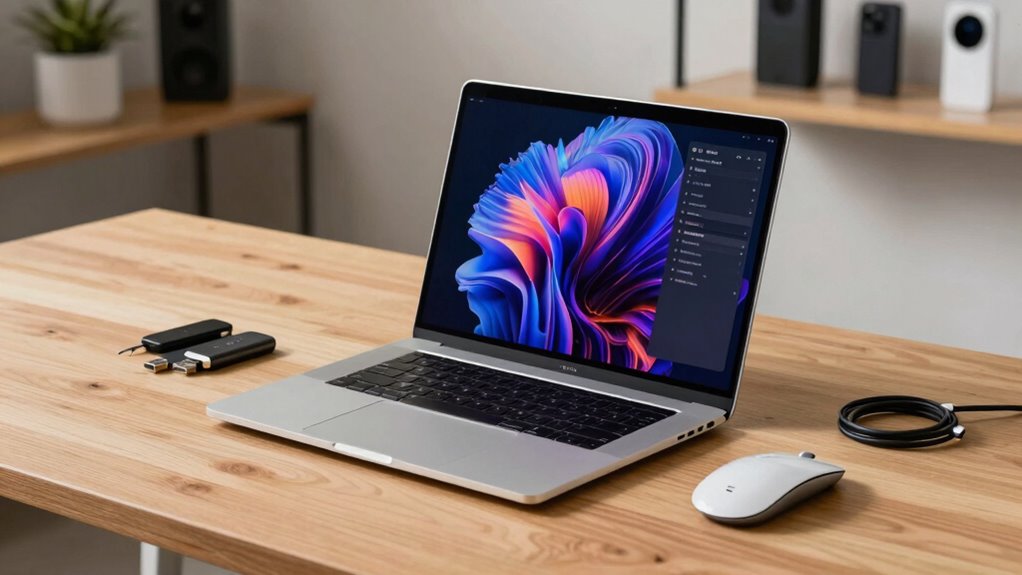

Most shoppers tend to overpay for high-end processors and ultra-fast graphics cards they don’t actually need for everyday tasks like browsing or streaming. These advanced specs can be costly and don’t substantially boost performance for basic use. Instead, focusing on solid battery life, reliable build quality, and reputable brands offers better value. If you want to avoid overspending and find a balanced laptop, there’s more to uncover that can help you make smarter choices.

Get the latest gadgets delivered free — and shop member deals
- Fast, free delivery on millions of items
- Access to Prime Big Deal Days deals on October 6–7
- Prime Video, Amazon Music and more included
Key Takeaways
- Shoppers often overpay for high-end processors that exceed the requirements of basic tasks like browsing or streaming.
- Many purchase ultra-fast graphics cards unnecessary for non-gaming or casual use.
- Overinvestment in premium hardware can lead to higher costs without improving everyday performance.
- Buyers frequently choose top-tier specs driven by hype rather than actual need.
- High-end hardware may reduce battery life without providing tangible benefits for typical usage.
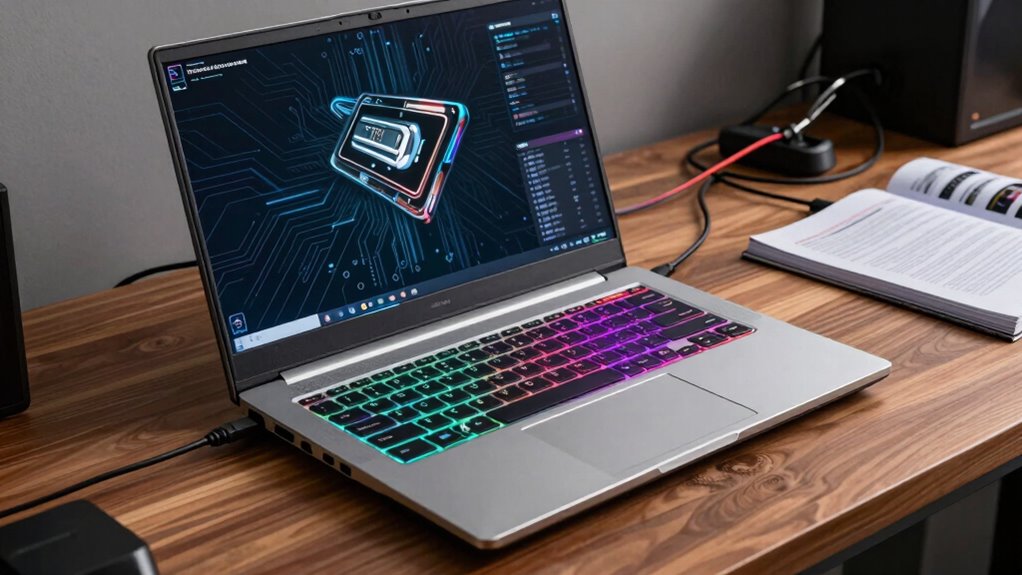
Many shoppers end up overpaying for laptop specs they don’t really need, often because they get caught up in the hype of the latest hardware. One of the most common areas where this happens is with high-end processors or ultra-fast graphics cards, which often come with a hefty price tag. But what many don’t realize is that these advanced specs aren’t always necessary for everyday tasks like browsing, streaming, or working on documents. Instead, it’s the basics—like battery life and brand reputation—that truly matter in the long run.
Avoid overspending on high-end specs; focus on battery life and brand reputation for smarter, long-lasting laptop choices.
When you focus solely on high-end specs, it’s easy to overlook the importance of battery life. A powerful processor or a dedicated GPU can drain your battery quickly, meaning you’ll be constantly tethered to power outlets or carrying around a bulky charger. For most users, a laptop with decent specs that offers solid battery life is a smarter investment. You want a device that can last through your workday without needing a charge, especially if you’re frequently on the go. Overpaying for the latest hardware often doesn’t translate into longer battery life—in fact, it may do the opposite—so it’s worth considering how long your laptop can operate between charges. Additionally, understanding hardware efficiency can help you find a device that balances performance with power consumption. Recognizing the importance of long-term value can also guide you in making smarter purchasing decisions that balance cost and durability. Being aware of energy consumption can further assist in choosing a device that remains efficient over time. Moreover, selecting hardware with good thermal management can prevent overheating and maintain overall device longevity. Investing in reliable components can also reduce the likelihood of costly repairs and replacements down the line.
Brand reputation also plays a significant role in avoiding unnecessary expenses. Well-known brands often have a track record of reliability, customer support, and software updates that keep your device running smoothly over time. While lesser-known brands might offer tempting discounts with high specs, they can sometimes fall short in durability or after-sales service. Paying a premium for a reputable brand guarantees peace of mind, especially if you rely on your laptop daily. You’re not just paying for the specs; you’re paying for quality, longevity, and support that can save you money in the long run.
Ultimately, you shouldn’t be swayed by the latest hardware trends if those features don’t align with your needs. Instead, prioritize a balance between decent specs, strong battery life, and a trusted brand reputation. This approach helps you avoid overspending on features you won’t use and ensures your investment lasts longer. Remember, a well-chosen laptop tailored to your actual use will outperform a high-spec device that’s overkill for your routine. Focus on what truly matters, and you’ll find that you’re not only saving money but also getting a device that genuinely meets your day-to-day needs.
best budget laptops for everyday use
As an affiliate, we earn on qualifying purchases.
As an affiliate, we earn on qualifying purchases.
Frequently Asked Questions
Do Higher Specs Always Translate to Better Performance?
Higher specs don’t always mean better performance, especially for gaming or battery life. You might get faster gaming performance with a powerful GPU, but if your laptop has a high-end processor that isn’t needed, it won’t improve gaming much and could reduce battery longevity. Focus on the specs that match your needs; overpaying for unnecessary power won’t provide real benefits and may limit your laptop’s battery life.
How Often Should I Upgrade My Laptop’s Hardware?
You should upgrade your laptop’s hardware when you notice battery life declining considerably or performance slowing down for your typical tasks. If your build quality remains sturdy but the battery no longer holds a charge, consider replacing it. Upgrading components like RAM or storage can extend your device’s lifespan, but avoid unnecessary upgrades if your current hardware still meets your needs. Regular maintenance helps keep your laptop running smoothly.
Are Premium Brands Worth the Extra Cost?
Premium brands can be worth it if brand loyalty matters and you value build quality and customer support. However, beware of price inflation, as these brands often charge a premium for their reputation. You might find similar specs in less expensive models from lesser-known brands, so weigh the extra cost against actual benefits. If you’re after durability and reliable service, spending more on a premium brand could pay off.
What Features Are Unnecessary for Most Users?
You don’t need a high-end aesthetic design or ultra-long battery life if you mostly browse, stream, or do light work. Most users can get by with a basic design that’s functional and a battery life of around 6-8 hours. Extra features like premium looks or extended battery life often add cost without providing real value for everyday tasks. Focus on what truly meets your needs instead of overpaying.
How Can I Test a Laptop’s Real-World Performance?
To test a laptop’s real-world performance, delve into gaming benchmarks to gauge its graphics and processing capabilities under load. Check battery longevity by using the device as you normally would, noting how long it lasts during typical tasks. Run your favorite applications to see how smoothly they operate. This hands-on approach helps you understand if the laptop truly meets your daily needs without relying solely on specs.
As an affiliate, we earn on qualifying purchases.
Conclusion
So, next time you’re eyeing that high-end laptop, remember, you probably don’t need the top-tier specs to handle everyday tasks. It’s easy to get caught up in the hype, but spending less on features you won’t use can save you big bucks. Plus, with smarter choices, you’ll still enjoy a reliable device without overpaying. Don’t fall for the marketing trap—choose what’s right for you and keep your hard-earned cash in your pocket.
As an affiliate, we earn on qualifying purchases.
balanced specs laptops for browsing
As an affiliate, we earn on qualifying purchases.
As an affiliate, we earn on qualifying purchases.
Fall Picks
fall essentials
As an affiliate, we earn on qualifying purchases.