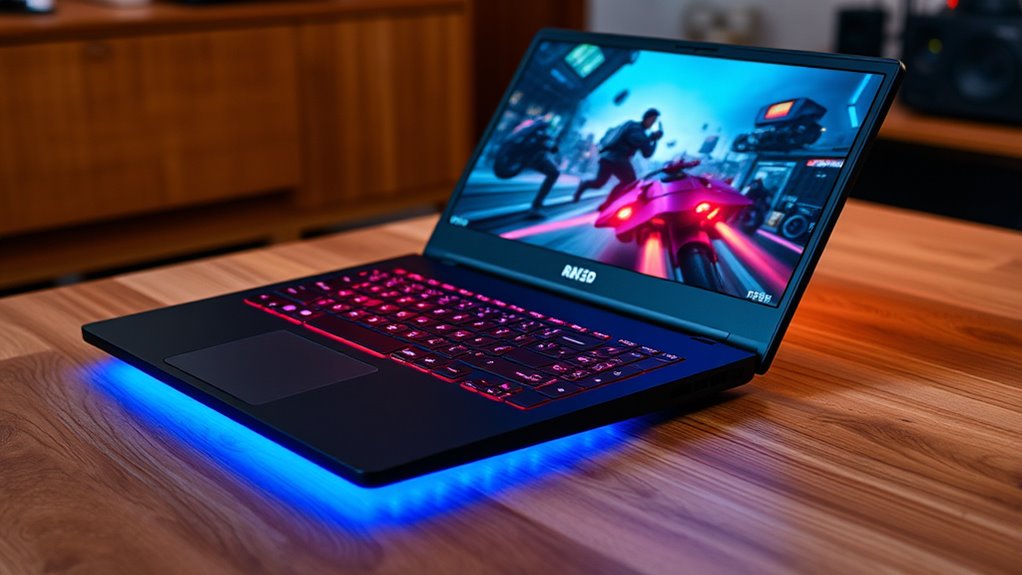

When choosing a gaming laptop, focus on the key specs that truly impact performance. Prioritize a powerful GPU like an RTX 3060 or higher for smooth visuals, and a fast CPU such as an i7 or Ryzen 7 to handle demanding tasks. Make certain you have at least 16GB of RAM and an SSD for quick load times. A high refresh rate display boosts gameplay fluidity. To maximize your gaming experience, understanding these vital components will guide your selection—continue to explore for more tips.
Key Takeaways
- The GPU determines gaming performance; prioritize at least NVIDIA GTX 1650 or AMD RX 5500M, with RTX 3060 or higher for future-proofing.
- The CPU affects multitasking and demanding games; aim for at least Intel i5 or Ryzen 5, with i7/Ryzen 7 for better performance.
- High refresh rates (120Hz or 144Hz) ensure smoother visuals during fast-paced gaming sessions.
- Adequate RAM (16GB recommended) supports multitasking and modern game requirements for optimal performance.
- SSD storage enhances load times and responsiveness; a minimum of 512GB is ideal for gaming and system files.
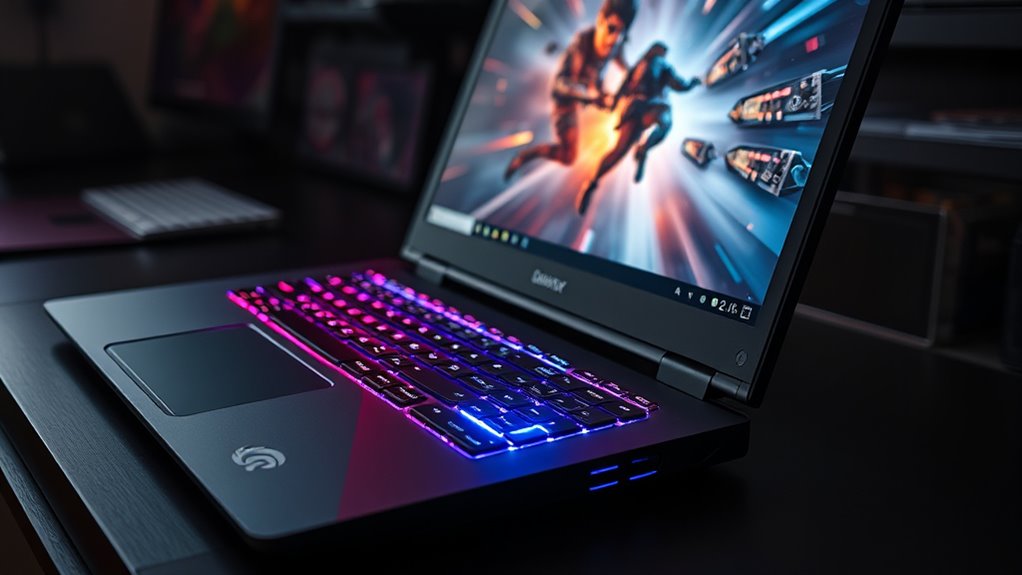
Have you ever wondered what makes a gaming laptop different from regular laptops? It’s not just about flashy designs or RGB lighting; it’s about the specific components that deliver high performance in a portable package. When considering your options, especially if you’re on a budget, it’s essential to understand which specs truly impact gaming performance and how portability considerations can influence your choice. Budget options might seem tempting because they often cost less upfront, but they usually compromise on key gaming features like graphics power and processing speed, so you need to know what’s worth investing in.
One of the most critical specs that matter in a gaming laptop is the graphics card, or GPU. For smooth gameplay at high settings, you want at least an NVIDIA GeForce GTX 1650 or AMD Radeon RX 5500M, but if your budget allows, stepping up to an RTX 3060 or higher will future-proof your experience. The CPU is equally important; a solid processor like an Intel Core i5 or AMD Ryzen 5 can handle most games, but for more intensive titles or multitasking, an i7 or Ryzen 7 provides extra headroom. RAM is another factor—aim for a minimum of 8GB, though 16GB is ideal for seamless multitasking and modern gaming.
A powerful GPU like RTX 3060 and at least 16GB RAM are key for smooth, future-proof gaming experiences.
Display quality also plays a crucial role. A high-refresh-rate screen, such as 120Hz or 144Hz, offers smoother visuals, which is especially noticeable during fast-paced action. But if portability is a priority, you might opt for a slightly smaller screen size, like 15 inches instead of 17, to make the laptop lighter and easier to carry around. This is where portability considerations come into play; a gaming laptop that’s too bulky can hinder your mobility, especially if you’re often on the go. Look for lightweight designs or models with slim bezels to maximize screen real estate without adding bulk.
Storage options are another vital aspect. An SSD (Solid State Drive) dramatically improves load times and system responsiveness, which enhances your overall gaming experience. Many gaming laptops now come with at least a 512GB SSD, but if you’re on a tight budget, models with a smaller SSD or combined SSD-HDD setups can work, though they may slow down load times. Remember, balancing storage capacity with portability considerations is key—more storage often means a thicker, heavier device.
Frequently Asked Questions
How Important Is the Refresh Rate for Gaming Performance?
The refresh rate importance for gaming performance is significant. A higher refresh rate, like 120Hz or more, makes gameplay smoother and reduces motion blur, giving you an edge in fast-paced games. If you care about responsive gameplay and quick reactions, prioritizing a higher refresh rate enhances your experience. It’s especially noticeable in competitive gaming, where every millisecond counts. So, don’t overlook refresh rate importance when choosing a gaming laptop.
Do Gaming Laptops Have Better Cooling Systems?
You might wonder if gaming laptops have better cooling systems. The answer is often yes, because manufacturers focus on thermal management and airflow design to keep temperatures in check. They incorporate larger vents, improved fans, and heat pipes to enhance cooling. This helps you enjoy extended gaming sessions without overheating, ensuring smooth performance and longevity. Good cooling systems are essential, and gaming laptops typically prioritize these features to meet gamers’ demands.
Can I Upgrade the GPU in a Gaming Laptop?
You might wonder if you can upgrade the GPU in a gaming laptop. Usually, gaming laptops don’t offer GPU upgradeability, as their GPUs are soldered onto the motherboard. However, some models allow RAM expansion options and sometimes storage upgrades. Before buying, check if your laptop supports GPU upgrades, but keep in mind that most gaming laptops prioritize compact design over upgradeability, so upgrading the GPU is often not feasible.
What Battery Life Can I Expect During Gaming Sessions?
You might find that during gaming sessions, your battery life varies widely—sometimes lasting an hour, other times a bit longer. It’s a coincidence that battery optimization and power management play vital roles here. By adjusting settings, lowering screen brightness, and enabling power-saving modes, you can extend gaming time. Just remember, high-performance gaming generally drains the battery faster, so managing power wisely is key to getting the most out of your sessions.
Are There Any Specific Ports Needed for Gaming Accessories?
When choosing ports for gaming accessories, look for multiple USB ports to guarantee gaming controller compatibility and an audio port with good quality for clear sound. You’ll want at least one dedicated port for your headset and others for controllers or external devices. Having these ports easily accessible and compatible will enhance your gaming experience, allowing seamless connection of peripherals without needing extra adapters or hubs.
Conclusion
Now that you know what truly matters in a gaming laptop, are you ready to find the perfect one? The specs might seem overwhelming at first, but once you focus on the essentials, you’ll be one step closer to discovering your gaming potential. Don’t settle for less—your next gaming adventure could depend on it. So, are you prepared to make the right choice and take your gaming to the next level? The next move is yours.