
🔍 Read the full analysis: 10 Best External GPUs For AI Models And Creative Work In 2027 on ThorstenMeyerAI.com

Get the latest gadgets delivered free with Prime
- Fast, free delivery on millions of items
- Prime Video, Amazon Music and more included
- Member-only deals all year
TL;DR
This is a buyer’s guide, not a report of a new product launch: it compares 10 external GPU options for AI and creative work using source material from ThorstenMeyerAI.com. The guide highlights a central tradeoff: Thunderbolt offers broader compatibility, while OCuLink may provide more bandwidth but requires compatible hardware; prices, tested performance and 2027 availability are not established in the supplied material.
ThorstenMeyerAI.com’s guide to 10 external GPUs compares enclosures, integrated units and do-it-yourself docks for AI models and creative work, with the choice largely shaped by a computer’s connection type. The guide names the Razer Core X V2 its general-purpose pick and favors OCuLink docks such as the MINISFORUM DEG1 for compatible systems, but the supplied material does not provide independent test results, prices or confirmation of 2027 availability.
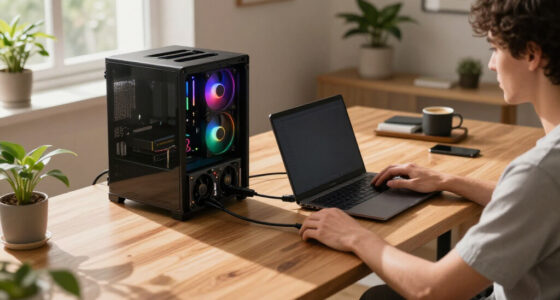
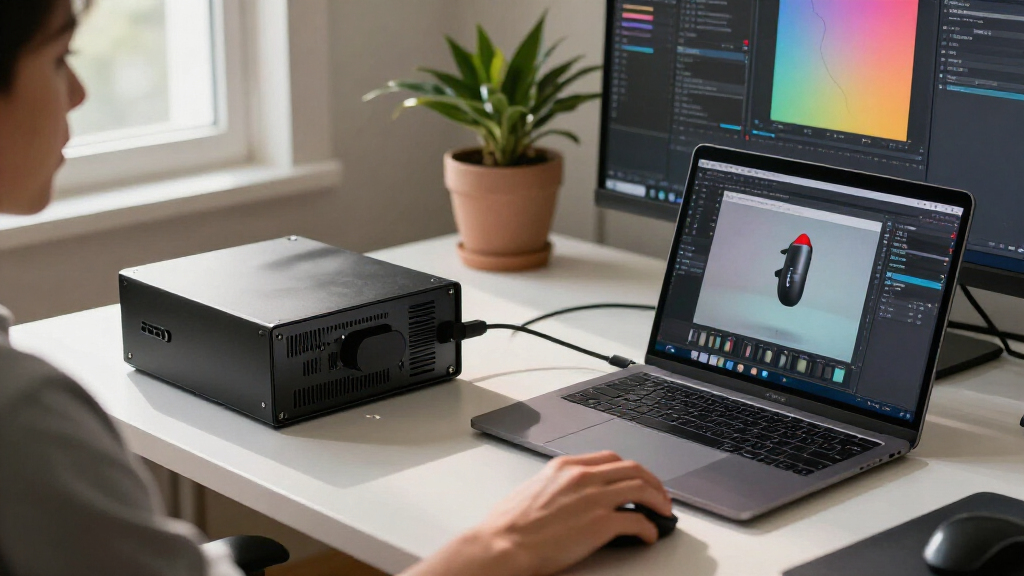
The guide’s main distinction is between an external GPU enclosure, which requires a separately purchased graphics card, and an integrated unit, which comes with a GPU; a comparison of external GPU models can help clarify the options. The Razer Core X V2 is presented as a broad-compatibility Thunderbolt 4 enclosure, while the ASUS ROG XG Mobile and NIMO RX 7600M XT are described as integrated options. The guide says the ASUS includes a custom NVIDIA RTX 5090 and uses proprietary high-speed connectivity; it does not offer supporting product documentation in the supplied source.
For connections, the guide describes Thunderbolt 4 as offering a 40Gbps link and an effective data rate of 32Gbps, while OCuLink uses a direct PCIe 4.0 x4 connection. It gives OCuLink throughput as up to 63GB/s, but does not explain the measurement method or reconcile the stated unit with its separate 63Gbps description. Readers should treat the figure as a source claim, not a verified comparison.
The list also includes the MINISFORUM DEG1, the NIMO RX 7600M XT, and DIY docks from OwlTree and RGEEK, options covered in this guide to external GPUs for laptop graphics. The supplied material does not name the remaining products in its 10-pick list, so they cannot be independently described here. It says DIY docks can lower the entry cost but require a separate GPU and power supply, while integrated boxes are simpler but limit upgrades.
The 10 picks
- 1
 GIGABYTE AORUS RTX 5090 AI Box External GPUView on Amazon →
- 2
 ASUS ROG XG Mobile (2025) External Graphics Card with NVIDIA GeForce RTX 5090View on Amazon →
- 3
 NIMO External Graphics Card Enclosure with AMD Radeon RX 7600M XTView on Amazon →
- 4
 NIMO External GPU Docking Station with AMD Radeon RX 7600M XT 8GB GDDR6View on Amazon →
- 5
 Razer Core X V2 External Graphics Enclosure (eGPU)View on Amazon →
- 6
 MINISFORUM DEG1 OCuLink eGPU DockView on Amazon →
- 7
 RGEEK PCIe 5.0 OCuLink eGPU Dock for External Graphics CardsView on Amazon →
- 8
 OCuLink PCIe 4.0 x4 eGPU Dock with 19.7-Inch CableView on Amazon →
- 9
 OwlTree PCIe 4.0 x4 eGPU Dock with OCuLink CableView on Amazon →
- 10
 OwlTree PCIe 3.0 x16 eGPU Dock with Thunderbolt 4 CableView on Amazon →
Connection Limits Shape GPU Choices
The guide is useful because an external GPU’s performance depends not only on the graphics card but also on the connection to the host computer. A buyer considering a high-end GPU for AI workloads or creative applications may face a bandwidth constraint with Thunderbolt, while an OCuLink setup may offer more direct access to system PCIe bandwidth if the computer supports it.
That tradeoff affects both cost and convenience. A Thunderbolt enclosure can work across a broader range of compatible computers, according to the guide, but buyers must budget for a GPU and check power delivery. OCuLink can appeal to technical users with supported mini PCs or laptops, but its limited availability and separate power requirements can make the setup less practical. These are guide-level assessments, not results from disclosed benchmark testing.
Popular right now

Ninja CREAMi 7-in-1 Ice Cream Maker, NC301

Ninja Luxe Café Premier 3-in-1 Espresso, Drip Coffee, and Cold Brew Machine

Dyson V8 Cordless Vacuum
As an affiliate, we earn on qualifying purchases.
How the Guide Ranks Its Picks
ThorstenMeyerAI.com says it evaluated products on bandwidth efficiency, compatibility and total cost of ownership. Its ranking favors ease of use for general buyers, which it says is why the Razer Core X V2 leads overall, while higher-bandwidth OCuLink options suit enthusiasts with compatible systems. Integrated products are judged partly on convenience and size despite their more limited upgrade paths.
The guide also cautions that not every laptop or mini PC can use every connection. Thunderbolt and USB4 support, charging capability, available ports and the enclosure’s power requirements all need checking before purchase. OCuLink options typically need a separate power source, the source says, and may leave a laptop relying on its own charger.
““The pipe that connects it to your computer” matters alongside the graphics card inside.”
— ThorstenMeyerAI.com guide
Availability and Test Evidence
The source does not establish when the guide was published, whether all 10 products are currently sold, or whether their specifications will remain current in 2027. It also does not provide a complete list of the 10 picks, product prices, benchmark methodology, or results for AI model training, inference or creative software.
Several performance statements need qualification. The guide estimates a 15–20% Thunderbolt bottleneck for high-end cards such as the RTX 4080 or 5090 in CPU-bound scenarios, but does not identify the tests behind that estimate. Its OCuLink throughput figures use different units in different passages. Those claims should not be treated as directly comparable measurements without clarification.
Verify Before Buying
Readers should check each product’s current specifications, price and availability, then confirm that their computer supports the required connection. Before choosing an enclosure, they should also verify GPU dimensions, power supply requirements and whether the host port can charge the laptop. For AI and creative workloads, application-specific benchmarks and memory requirements matter as much as the connection type.
No additional product launch, test release or follow-up announcement is identified in the supplied material. The next useful update would be a complete, dated list of all 10 products, with verified specifications, prices and comparable workload tests.
Key Questions
Which external GPU does the guide recommend for most users?
ThorstenMeyerAI.com names the Razer Core X V2 as its overall pick, citing Thunderbolt 4 compatibility and a sturdy enclosure. It requires a separate graphics card, and the guide provides no independent benchmark results.
Is OCuLink faster than Thunderbolt 4?
The guide says OCuLink can provide more bandwidth through a direct PCIe connection, but it does not supply a clear, independently tested comparison. OCuLink also requires a compatible computer port, which the guide describes as less common.
Do external GPU enclosures include a graphics card?
Not necessarily. The Razer Core X V2 and DIY docks are described as enclosures or docks that need a separately purchased GPU; integrated options such as the NIMO RX 7600M XT include graphics hardware, according to the source.
Are these picks confirmed to be available in 2027?
No. The supplied source does not provide a publication date or confirm current or future availability. Check manufacturer listings and retailer stock before making a purchase.
Source: ThorstenMeyerAI.com