TL;DR

Get the latest gadgets delivered free with Prime
- Fast, free delivery on millions of items
- Prime Video, Amazon Music and more included
- Member-only deals all year
Josephine Pfeiffer reports installing Arch Linux ARM on an ASUS ProArt P16 H7607BA-SE033W laptop with NVIDIA’s N1X processor, despite official support being Windows-only. Her tests report 116.0 GiB available to both the operating system and CUDA, and CPU 7-Zip results broadly comparable with published Windows tests; the comparisons have limits.
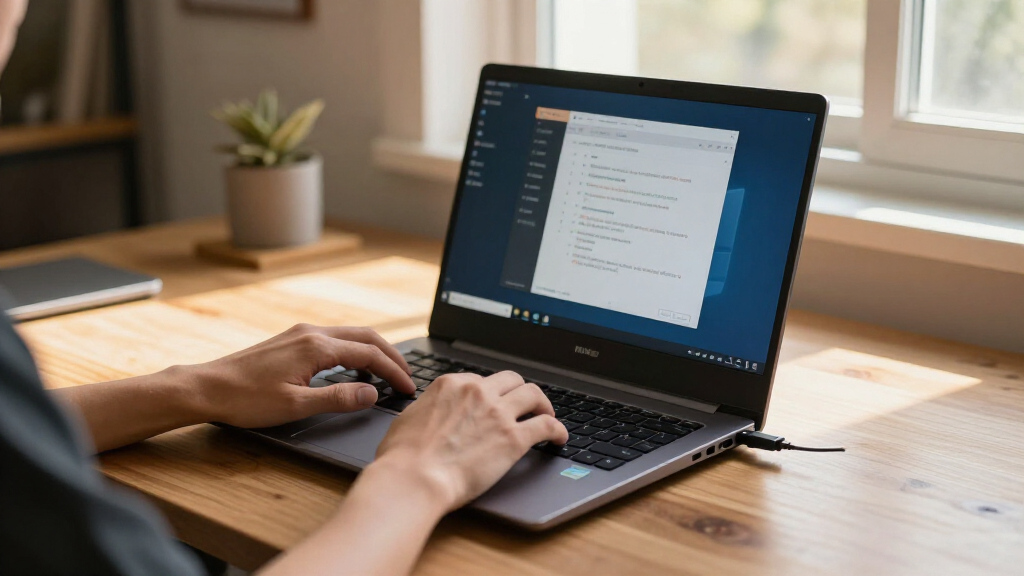
Developer Josephine Pfeiffer says she has installed Arch Linux ARM on an ASUS ProArt P16 laptop with NVIDIA’s N1X processor, creating a bootable setup for hardware whose official support she describes as Windows-only. Her report includes installation scripts and patches, and says Linux exposes 116.0 GiB of the laptop’s shared memory pool to both the operating system and CUDA.
The machine is the ASUS ProArt P16 H7607BA-SE033W, configured with 128 GB of memory, a 2 TB SSD and a 20-core N1X processor with 6,144 CUDA cores. Pfeiffer says she used Arch Linux ARM, a separate project that ports Arch packages to ARM hardware, and adapted support work NVIDIA had been doing for Ubuntu. Her changes addressed ACPI table overrides, framebuffer mapping, keyboard support and audio.
Pfeiffer has published a bootable USB setup, build scripts and patches. The report says the installation extends Archinstall 4.5, uses hash-pinned build inputs, and signs the hardware packages with her Arch Linux package-maintainer key. It also documents how users can obtain their own ACPI tables and extract speaker firmware from ASUS’s driver package. Some components, including kernel, NVIDIA and firmware packages, are held back from ordinary updates while other packages continue updating.
In CPU tests run on October 19 with kernel 7.0.0-1022-nvidia and NVIDIA driver 615.78.08, Pfeiffer used native ARM64 7-Zip 26.04. Her comparison with published Windows results showed near ties in single-thread tests; her Linux system was about 5% ahead in 20-thread compression and 3% ahead in decompression against an HP OmniBook test. Those are comparisons between laptop results, not controlled tests: the HP review did not specify its 7-Zip version or dictionary size.
The reported Linux setup matters to developers who want to run large models locally without dividing a laptop’s memory into separate CPU-only and GPU-only regions. Pfeiffer says Linux reports 116.0 GiB for system memory and CUDA from the same physical pool. On Windows, memory is split among dedicated GPU, shared and CPU-only regions, and changing the dedicated GPU reservation can require a reboot.
That difference could make it easier to move between CPU and GPU workloads without adjusting a reservation setting. Pfeiffer’s report also describes loading a Qwen model through vLLM, with 68.2 GiB for model loading and another 21.1 GiB allocated to the KV cache. The figures illustrate a demanding local workload, but they are one developer’s reported run, not a standardized benchmark or independent verification of sustained performance.
The work also offers a practical route for people interested in Linux on N1X hardware before official support is available. It is not a polished, vendor-supported distribution: users would need to understand the documented patches, package holds and hardware-specific setup.
USB bootable Linux USB drive for ASUS ProArt P16
As an affiliate, we earn on qualifying purchases.
As an affiliate, we earn on qualifying purchases.
How the N1X Linux Setup Was Built
Pfeiffer says she chose Arch because it is her preferred distribution and she contributes as an Arch package maintainer. The Linux build combines Arch Linux ARM with hardware support assembled for this laptop. The report credits NVIDIA’s Ubuntu kernel work as a starting point, while describing additional fixes needed to reach a usable console and support the laptop’s keyboard and speakers.
The machine’s display is reported to run at 3840 × 2400 at 120 Hz. Pfeiffer also lists NetworkManager, PipeWire and rootless Podman with NVIDIA CDI among the working components. Her report says the installed setup uses firmware H7607BA.300 and that the ACPI overrides come from the laptop’s own tables.
For comparison, the report cites Windows testing of other N1X laptops. A ComputerBase ProArt P16 result fell within the range of Pfeiffer’s three measured runs, though that system had 64 GB of memory and used 7-Zip 26.00. The cited reviews differ in configuration and test details, so the figures provide reference points rather than a direct, controlled Linux-versus-Windows comparison.
“Arch Linux works, keeps up with Windows in 7-Zip, and reports the same 116.0 GiB memory pool to the OS and CUDA.”
— Josephine Pfeiffer, in her report
NVIDIA N1X compatible Linux drivers
As an affiliate, we earn on qualifying purchases.
As an affiliate, we earn on qualifying purchases.
Limits of the Reported Tests
The report does not establish that every ProArt P16 or N1X configuration will work with the same setup. Its instructions target the H7607BA-SE033W model and list firmware H7607BA.300; compatibility with other hardware or firmware versions is not confirmed. Nor does the article describe the installation as officially supported by ASUS or NVIDIA.
The 7-Zip comparisons are not matched benchmark runs. The HP review does not state its 7-Zip version or dictionary size, while the ComputerBase system had a different memory configuration and used a different version. The results support a limited comparison of reported laptop performance, not a general conclusion that Linux is faster than Windows on N1X.
The supplied account begins describing a local Qwen run but does not provide the resulting generation-speed figures in the available material. It reports model-loading and cache allocations, but those numbers alone do not establish the model’s response speed, sustained performance, power use or thermal behavior.
ARM64 Linux distribution for laptops
As an affiliate, we earn on qualifying purchases.
As an affiliate, we earn on qualifying purchases.
Testing Beyond One Laptop
The immediate next step for interested users is to review Pfeiffer’s published build scripts and patches and check whether their exact laptop and firmware match the documented configuration. The report provides methods for retrieving local ACPI tables and speaker firmware, but users should treat the setup as community-built hardware support rather than a vendor installation.
Further testing could clarify how the system performs across longer workloads, different N1X configurations and repeatable Linux-versus-Windows benchmarks. The supplied report does not announce a vendor support plan or a timetable for upstreaming the hardware changes, so whether the patches will become part of standard distribution support remains open.
high performance 2TB SSD for Linux
As an affiliate, we earn on qualifying purchases.
As an affiliate, we earn on qualifying purchases.
Key Questions
Which laptop did Pfeiffer install Linux on?
The report covers the ASUS ProArt P16 H7607BA-SE033W with 128 GB of memory, a 2 TB SSD and NVIDIA’s 20-core N1X processor.
Does the report say Linux is officially supported on this laptop?
No. Pfeiffer describes official support as Windows-only and presents her Arch Linux ARM installation as a community-built setup. The report does not announce ASUS or NVIDIA support for the installation.
What does the 116.0 GiB figure refer to?
Pfeiffer says Linux reports 116.0 GiB from the laptop’s physical memory pool to both the operating system and CUDA. It is not a claim that the laptop has 116.0 GiB of installed memory; the machine is configured with 128 GB.
Did Linux beat Windows in the 7-Zip tests?
In Pfeiffer’s comparison, single-thread results were close to the published Windows figures, while her Linux system was about 5% ahead in 20-thread compression and 3% ahead in decompression against one cited HP test. The systems and test details were not fully matched, so the results do not prove a general Linux performance advantage.
Can the reported Qwen run be used to judge model speed?
Not from the supplied figures alone. Pfeiffer reports memory used for loading the model and KV cache, but the available material does not include generation-speed results. It also says model loading and compilation took about 16 minutes before the first request.
Source: hn
Fall Picks
fall essentials
As an affiliate, we earn on qualifying purchases.