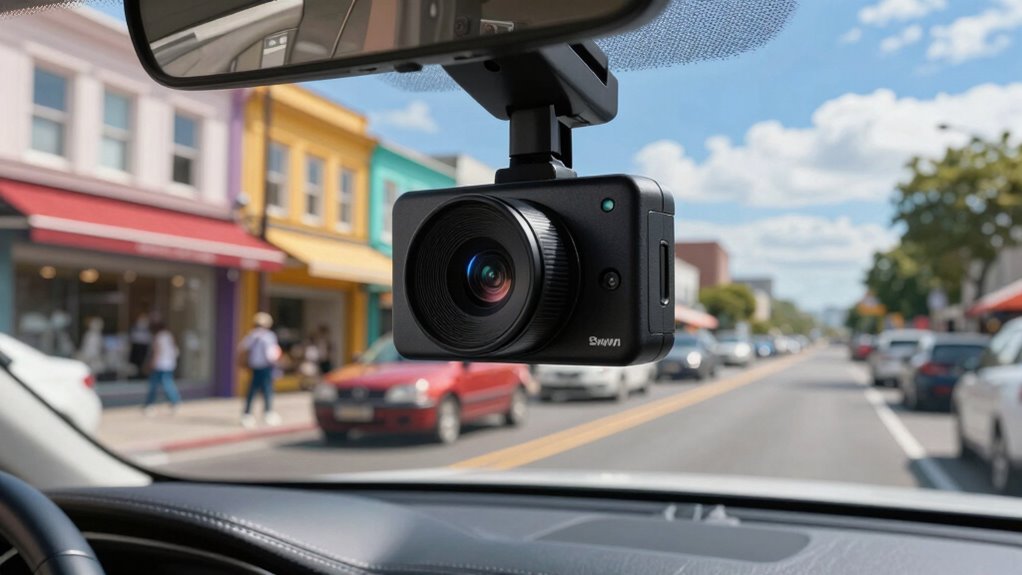

Before adding a dash cam, consider its benefits like recording accidents, deterring theft, and providing proof for insurance claims. Be aware of privacy concerns and legal restrictions on recording, especially regarding audio and private property. Choose a model with secure storage and encryption to protect your data from cyber threats. Understanding local laws helps you avoid legal issues. If you want to know more about using dash cams responsibly and safely, keep exploring what you should consider.

Get the latest gadgets delivered free with Prime
- Fast, free delivery on millions of items
- Prime Video, Amazon Music and more included
- Member-only deals all year
Key Takeaways
- Understand local laws and regulations regarding dash cam use, especially related to audio recording and privacy.
- Choose a dash cam with secure storage and encryption to protect footage from cyber threats.
- Be aware of privacy concerns; avoid recording beyond your vehicle or sharing footage without permission.
- Consider features like parking mode and collision detection for enhanced security during unattended periods.
- Ensure the dash cam provides clear footage to support insurance claims and legal processes.
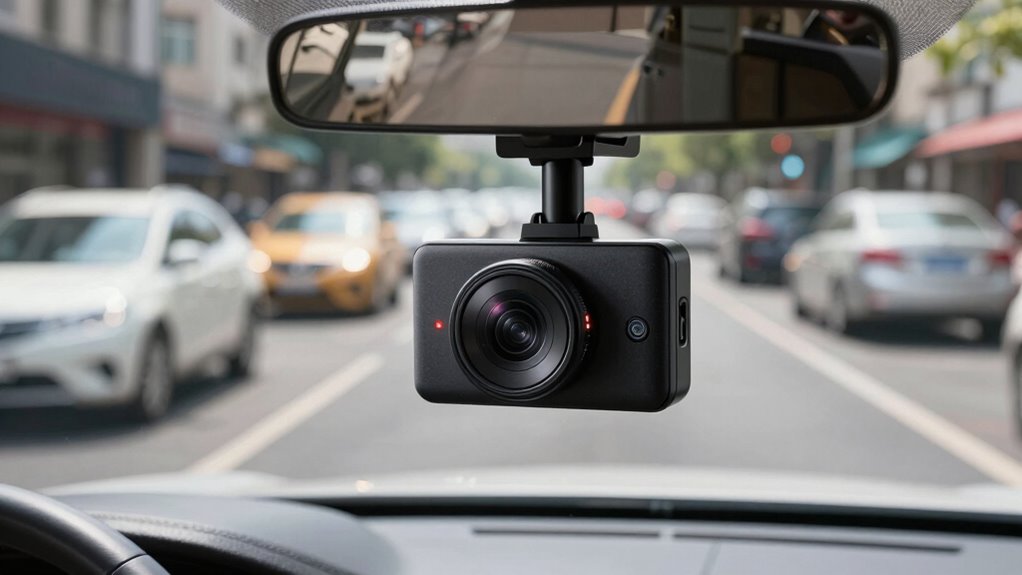
Are dash cams worth the investment? For many drivers, they provide an added layer of vehicle security, offering peace of mind on the road. With a dash cam, you can record your drives, capturing evidence in case of accidents or disputes. This can be especially helpful if you’re involved in a collision, as clear footage can support your insurance claim or legal case. Beyond accident documentation, dash cams can deter vandalism and theft. Knowing that your vehicle is constantly being recorded might discourage malicious acts, giving you added confidence when parking or leaving your car unattended. If you often park in busy or high-crime areas, a dash cam with parking mode can be a worthwhile investment for protecting your vehicle.
Dash cams boost vehicle security, record evidence, and deter theft, offering peace of mind during drives and parking.
However, before installing a dash cam, you should consider the privacy concerns that come with continuous recording. As a driver, you need to be aware of how your footage is stored, who has access to it, and the potential implications for others on the road. Some jurisdictions have specific laws regulating the use of recording devices, especially if they capture audio or video of pedestrians, other drivers, or private properties without consent. You might face privacy issues if your dash cam records beyond your vehicle or if footage is shared publicly without proper permissions. It’s essential to familiarize yourself with local laws to avoid inadvertently infringing on others’ privacy rights. Additionally, you should evaluate the security of the footage itself, as cyber threats could compromise your data if not properly protected. Cybersecurity concerns are valid, especially if the footage contains sensitive information or personally identifiable details. Choosing a dash cam with robust encryption and secure storage options can help safeguard your data. Moreover, understanding the storage methods used by your dash cam can help ensure your footage remains protected from unauthorized access. Being aware of the legal regulations surrounding dash cam usage in your area can also prevent legal complications and ensure your recordings are admissible if needed. Staying informed about privacy policies from manufacturers can further help you make responsible decisions regarding your recordings.
As an affiliate, we earn on qualifying purchases.
Frequently Asked Questions
Do Dash Cams Record Audio Automatically?
Most dash cams automatically record audio, but it depends on the model. Some offer voice activation features, allowing you to enable or disable audio recording easily. Keep in mind, privacy concerns might arise if you record conversations without consent, so check local laws. If you prefer, you can usually turn off audio recording in the settings. Always review your dash cam’s capabilities and legal implications before recording audio automatically.
How Long Can a Dash Cam Store Footage?
A dash cam can store footage for several days to weeks, depending on its storage capacity and video resolution. Higher video resolution uses more space, so footage may be overwritten faster unless you save important clips. Many dash cams offer cloud storage options, enabling you to back up footage securely. To maximize storage, regularly review and delete unnecessary videos, and consider models with larger storage or cloud integration.
Are Dash Cams Legal in All States?
Think of dash cams as a double-edged sword—powerful but requiring careful handling. They’re legal in most states, but legal considerations and privacy concerns vary widely. Some states have restrictions on recording audio or sharing footage, so you must check local laws. Before installing, make certain you’re compliant to avoid legal troubles. Respect privacy rights, and use footage responsibly, understanding that laws are evolving like shifting sands beneath your wheels.
Can Dash Cams Be Hacked or Accessed Remotely?
Yes, dash cams can be hacked or accessed remotely if they lack proper security measures. Many models use data encryption to protect footage, but if the device has weak security or default passwords, hackers could exploit vulnerabilities. To prevent unauthorized remote access, always update your dash cam’s firmware, change default passwords, and disable features like Wi-Fi when not in use. Staying vigilant helps keep your footage secure.
Do All Dash Cams Work During Power Outages?
Think of your dash cam as a loyal guardian, but even the bravest may falter in a power outage. Not all dash cams work during such times; it depends on their power source and vehicle integration. Some models rely solely on the car’s electrical system, while others have backup batteries. Camera resolution remains unaffected, but you might lose footage if the power drops. Be sure to choose a dash cam with a reliable power backup.
As an affiliate, we earn on qualifying purchases.
Conclusion
Thinking about adding a dash cam is like installing a guardian angel on your dashboard—ready to capture every moment. Just last year, a friend’s dash cam caught a hit-and-run, saving them from a headache. Remember, choosing the right device and understanding its features guarantees you’re protected when you need it most. So, equip yourself with knowledge, and drive with confidence—your car’s new eye on the road.
As an affiliate, we earn on qualifying purchases.
high-definition vehicle dash camera
As an affiliate, we earn on qualifying purchases.
As an affiliate, we earn on qualifying purchases.
Halloween Picks
halloween
As an affiliate, we earn on qualifying purchases.