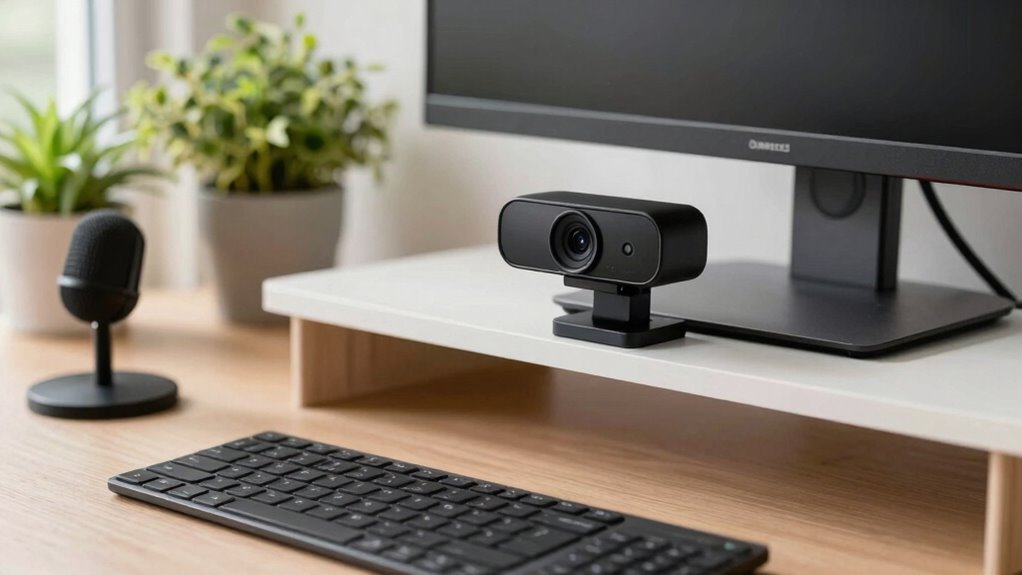

A good webcam for meetings and content calls offers at least 1080p resolution and smooth frame rates like 30 or 60 fps to keep your video crisp and fluid. It should have easy setup, good compatibility with your platforms, and features like adjustable focus and wide field of view to keep you centered and clear. Pairing it with proper lighting and a quality microphone makes your presence more professional. Keep exploring to discover the perfect setup for your needs.

Get the latest gadgets delivered free with Prime
- Fast, free delivery on millions of items
- Prime Video, Amazon Music and more included
- Member-only deals all year
Key Takeaways
- High resolution (at least 1080p) and high frame rates (30 or 60 fps) ensure clear, smooth video quality.
- Good lighting setup with soft, even illumination enhances camera image clarity and professionalism.
- External microphones or noise-canceling features improve audio clarity for meetings and content calls.
- Features like adjustable focus and suitable field of view help customize framing and focus on the subject.
- Easy plug-and-play connectivity and platform compatibility simplify setup and ensure seamless use.
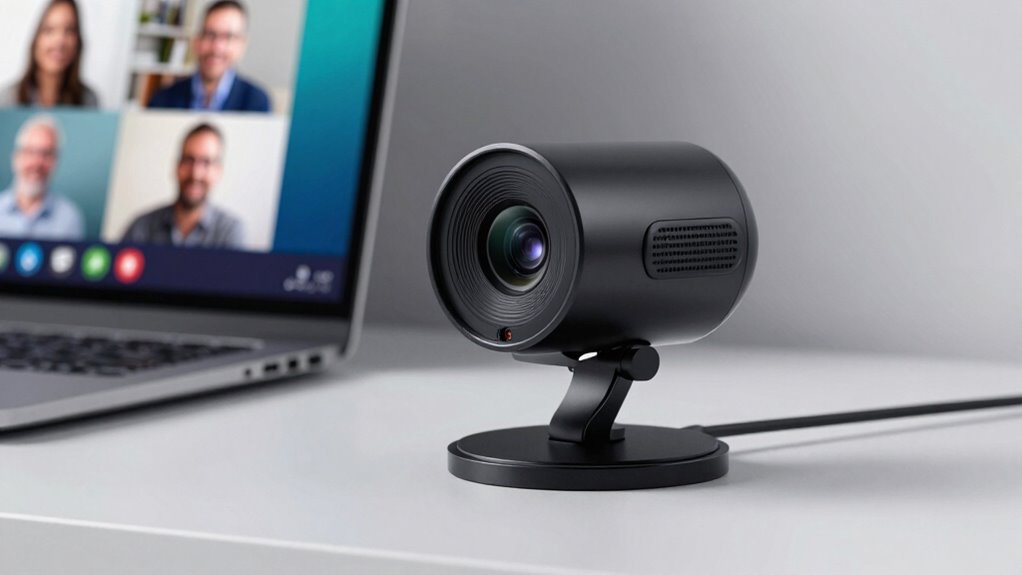
In today’s remote work environment, having a reliable webcam for meetings isn’t just a luxury—it’s essential. Your webcam is often the first impression others get during virtual calls, so choosing the right one can make a significant difference. But a good webcam isn’t just about the camera itself; it’s also about how well your environment complements it. A proper lighting setup is crucial because even the best camera can struggle in poor lighting conditions. You want soft, even light that illuminates your face without creating harsh shadows or glare. Natural light works great if you can position yourself facing a window, but if that’s not possible, invest in adjustable LED lights that can be diffused to produce a balanced glow. This ensures your face is clear and vibrant on camera, making your expressions easy to read and your overall appearance professional.
A well-lit environment enhances your webcam’s quality, making your face clear and expressions more engaging on camera.
Equally important is microphone quality. Even if your webcam has a decent built-in microphone, it’s often worth upgrading to an external one for clearer sound. Poor audio quality can be distracting and may cause misunderstandings during meetings. Look for a microphone that captures your voice accurately without picking up too much background noise. Many high-quality webcams come with integrated microphones, but these tend to be less effective than dedicated devices. An external microphone, whether a USB condenser mic or a headset with a good mic, can significantly improve your audio clarity, making your communication more engaging and professional. Improving your overall audio setup with proper microphone placement can also help reduce echo and background noise, further enhancing sound quality. Additionally, choosing a high-quality microphone is essential to ensure your voice sounds natural and clear on every call. Moreover, considering noise-canceling features in microphones can help create a more focused audio experience, especially in noisy environments. Incorporating soundproofing techniques around your workspace can further improve audio clarity by minimizing echoes and external noise.
Beyond lighting setup and microphone quality, consider the resolution and frame rate of your webcam. Look for a model that offers at least 1080p resolution to ensure sharp, detailed images. Higher frame rates, such as 30 or 60 frames per second, deliver smoother video, which is especially noticeable during fast movements or screen sharing. Also, pay attention to the webcam’s field of view; a wider lens can include more of your background if that’s desirable, but a narrower view helps keep the focus on you. Additionally, choosing a webcam with high-resolution capabilities ensures your video quality remains sharp and professional in various lighting conditions, further enhancing your virtual presence. This combination of features can help you maintain a polished appearance in any virtual setting.
Finally, ease of use and compatibility matter. Your webcam should be simple to set up and compatible with your preferred video conferencing platforms. Features like plug-and-play connectivity and adjustable focus can save you time and frustration. When all these elements—lighting setup, microphone quality, resolution, and user-friendliness—are aligned, you’ll have a webcam that enhances your professionalism, keeps your audience engaged, and ensures your virtual presence is as effective as being in the same room.
Popular right now

Bose QuietComfort Headphones (2nd Gen), Wireless Over-Ear Noise-Cancelling Headphones, Hazelnut Taupe

Bose QuietComfort True Wireless Earbuds with Active Noise Cancellation, Black

Apple AirPods Pro 3 Wireless Earbuds with Active Noise Cancellation
As an affiliate, we earn on qualifying purchases.
Frequently Asked Questions
How Does Frame Rate Affect Video Quality During Calls?
The frame rate impact directly influences your video quality during calls, affecting how smooth your video appears. A higher frame rate, such as 30 or 60 fps, makes your video look more natural and fluid, reducing choppiness. If your webcam has a low frame rate, your video may appear jittery or stutter, which can be distracting. For the best experience, choose a webcam with a higher frame rate for improved video smoothness.
What Is the Ideal Webcam Resolution for Professional Meetings?
Ever wondered what the ideal webcam resolution is for professional meetings? Aim for at least 1080p, which offers clear, sharp video quality, enhancing your presentation. Higher resolutions like 4K can be beneficial but may increase call latency and demand better internet. Striking a balance guarantees your video resolution looks professional without causing lag, helping you stay focused and confident during important calls.
Can Webcams Improve Audio Quality During Video Calls?
Webcams alone don’t improve audio quality, but paired with good microphones, they can enhance your overall call experience. To minimize background noise, use noise-canceling microphones or headphones. Adjust your lighting conditions to avoid shadows and glare, making your video clearer. Good lighting helps your webcam focus better, while a quality microphone reduces background noise, ensuring your voice comes through crisp and clear during meetings and content calls.
How Important Is Autofocus in a Meeting Webcam?
Autofocus is essential in a meeting webcam because it keeps you sharp and clear, even if you move around or lean in. Imagine your face staying perfectly in focus like a camera tracking a subject smoothly—auto focus precision guarantees you’re always visible. Without it, your image might become blurry at vital moments. So, prioritizing autofocus helps maintain professional, distraction-free calls, making interactions seamless and engaging.
Are Built-In Microphones Sufficient for Clear Communication?
Built-in microphones can be sufficient for clear communication if they’re well-designed, but background noise and microphone placement matter. If the mic is positioned poorly or picks up ambient sounds, your voice might get drowned out or distorted. To improve clarity, minimize background noise, and make certain the microphone is directed toward you. Sometimes, using an external microphone offers better sound quality and reduces the chances of unwanted noise interfering with your calls.
Conclusion
So, when you’re choosing your webcam, remember it’s more than just specs—it’s about capturing your true essence in every call. The right one can transform your meetings and content calls, but what if the perfect camera is just around the corner, waiting to elevate your communication to a whole new level? Don’t settle now. Keep exploring, and soon, you might discover that game-changing webcam you never saw coming—your next big step is closer than you think.