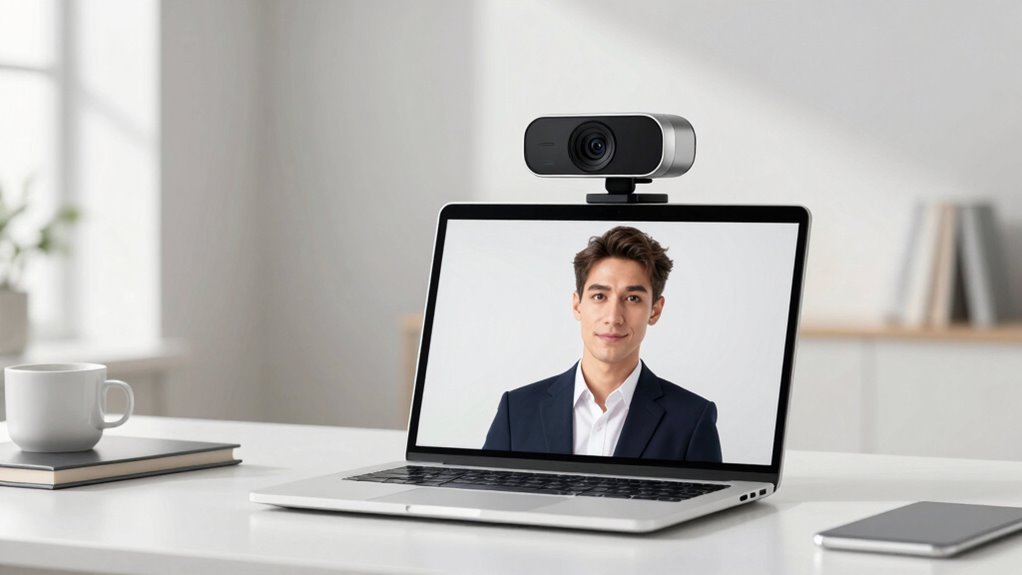

To look more professional in minutes, upgrade to a high-quality webcam for sharper visuals and better color. Pair it with soft, diffuse lighting—like a ring light or facing a window—and guarantee your background is tidy and free of clutter. Small adjustments in lighting angles and background elements can make a big difference. These quick upgrades boost your confidence, approachability, and credibility on camera. Keep going to discover more tips to perfect your remote presence.

Get the latest gadgets delivered free with Prime
- Fast, free delivery on millions of items
- Prime Video, Amazon Music and more included
- Member-only deals all year
Key Takeaways
- Upgrade to a high-quality webcam for sharper visuals and accurate color reproduction.
- Use natural light or soft, diffused lighting to evenly illuminate your face.
- Keep backgrounds tidy and add subtle elements like plants or artwork for a professional look.
- Adjust camera angles and experiment with lighting for the most flattering appearance.
- Keep setup simple, quick, and affordable to instantly enhance your on-camera credibility.
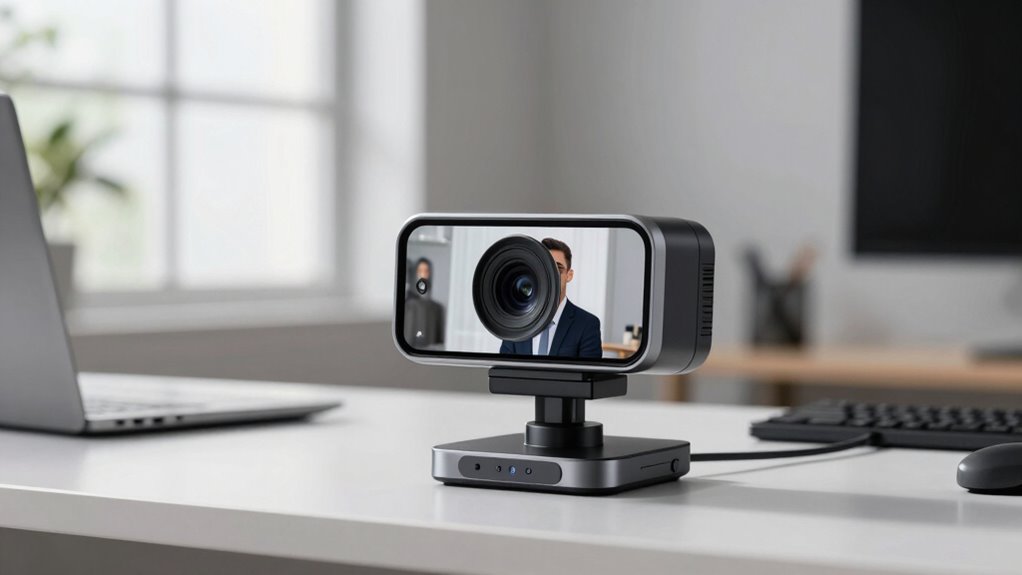
In today’s remote work environment, a professional appearance on video calls can make all the difference. Upgrading your webcam is just the first step—you also need to assess your lighting setup and background enhancement to truly elevate your look. When you choose a high-quality webcam, you instantly gain sharper visuals and better color reproduction. But to maximize its potential, pay attention to how you light yourself. Natural light is ideal, so position yourself facing a window if possible. If natural light isn’t an option, invest in soft, diffused lighting like ring lights or LED panels. Avoid harsh, direct lights that create unflattering shadows or wash out your face. Instead, aim for even, flattering illumination that highlights your features clearly. Proper lighting not only improves your appearance but also reduces the need for post-processing or digital filters, giving you a more polished, professional look.
Additionally, lighting quality plays a crucial role in how well your image appears on camera, emphasizing the importance of choosing the right setup. Background enhancement plays a vital role in making your video presence more credible and engaging. Keep your background tidy and free of clutter to avoid distractions. If you want to add a touch of professionalism or personality, consider a simple, clean backdrop or a virtual background that aligns with your work environment. Avoid overly busy or distracting visuals, as they can pull attention away from what you’re saying. Adding a few well-placed elements, like books, plants, or artwork, can create a welcoming atmosphere while maintaining professionalism. You can also use a backdrop with subtle branding or company logos if appropriate, reinforcing your identity without overwhelming the viewer. Creating a professional environment with thoughtful background choices can significantly enhance your credibility on camera. Additionally, experimenting with different lighting angles can help you find the most flattering and natural look for your video presence. Remember that camera specifications can influence how well your webcam captures your image, so understanding these features can help you make better choices when selecting equipment. The key is to find a setup that works for you and complements your overall video quality, ensuring you look confident and approachable. These adjustments take just minutes but have a lasting impression. You’ll appear more confident, approachable, and competent—all key qualities that help you stand out in remote meetings. Remember, the goal is to look natural and well-prepared, not overly staged. Experiment with your lighting angles and background choices until you find what works best for you. The beauty of these upgrades is that they’re simple, affordable, and quick to implement, yet they markedly impact how you’re perceived on camera. In a competitive remote work landscape, these small tweaks can give you a professional edge and make every video call count.
high quality webcam for streaming
As an affiliate, we earn on qualifying purchases.
As an affiliate, we earn on qualifying purchases.
Frequently Asked Questions
Can I Upgrade My Existing Webcam Easily?
Yes, you can easily upgrade your existing webcam by adjusting camera positioning to improve framing and lighting, which enhances your professional appearance. Additionally, investing in a good microphone or audio accessories boosts audio clarity, making your video calls more effective. These simple upgrades don’t require much time or technical skills, helping you look more polished instantly. Focus on proper camera placement and clear audio, and you’ll see a noticeable improvement.
Does Lighting Affect the Webcam’s Professional Appearance?
Lighting definitely affects your webcam’s professional appearance. Good lighting effects can reduce shadows and highlight your features clearly, making your video look more polished. Proper lighting also improves color accuracy, ensuring your skin tones and background look natural. You should avoid harsh or uneven lighting, as it can make you look unprofessional. Invest in soft, diffuse light sources for a balanced, flattering look that enhances your overall video quality.
Are There Specific Settings to Optimize Video Quality?
Yes, you can optimize your webcam’s video quality by adjusting settings like color calibration and ensuring proper audio synchronization. Set your camera’s brightness, contrast, and sharpness to match your environment for clearer images. Use the software’s auto-focus and exposure features, if available. Make sure your audio and video are synchronized by checking your system’s settings or using dedicated tools, which enhances your overall professional appearance during calls or recordings.
How Does Background Impact the Professional Look?
A well-chosen background subtly elevates your professional image. Keep it simple to avoid distractions and emphasize your presence. Opt for a clean, uncluttered space with a color contrast that complements your attire, helping you stand out clearly. This thoughtful approach guarantees your viewers focus on you, not your surroundings, making your presentation look polished and confident in every virtual interaction.
What Accessories Improve Webcam Professionalism?
To improve webcam professionalism, focus on accessories like a high-quality microphone and proper camera placement. A good microphone guarantees clear, crisp audio, making your communication more effective. Adjust your camera placement so it’s at eye level, which creates a natural, confident appearance. You might also consider a ring light for even lighting. These accessories boost your overall image, making you look more polished and professional during video calls.
As an affiliate, we earn on qualifying purchases.
Conclusion
Upgrading your webcam can dramatically boost your professional appearance in just minutes. With clearer video quality, you’ll make a stronger impression during meetings and interviews. Did you know that 93% of employers say video quality impacts their perception of professionalism? Investing in a good webcam isn’t just a quick fix—it’s a smart move to elevate your online presence and confidence, helping you stand out in a competitive digital landscape.
tidy background for video conferencing
As an affiliate, we earn on qualifying purchases.
As an affiliate, we earn on qualifying purchases.
As an affiliate, we earn on qualifying purchases.
Halloween Picks
halloween
As an affiliate, we earn on qualifying purchases.