
TL;DR

Get the latest gadgets delivered free with Prime
- Fast, free delivery on millions of items
- Prime Video, Amazon Music and more included
- Member-only deals all year
The c64-hw-sim project simulates the Commodore 64 ASSY 250407 motherboard at the level of individual pins and electrical connections. Users can introduce faults and inspect resulting signals and screen output, but its author says it runs below real C64 speed and is intended for learning and repair clues, not gameplay.
The open-source c64-hw-sim project simulates the Commodore 64 ASSY 250407 motherboard pin by pin, allowing users to remove chips, break connections or short pins and observe the resulting signals and display. Its author says the tool is designed to help people study the computer’s circuitry and investigate possible repair faults—not to play games at normal speed.
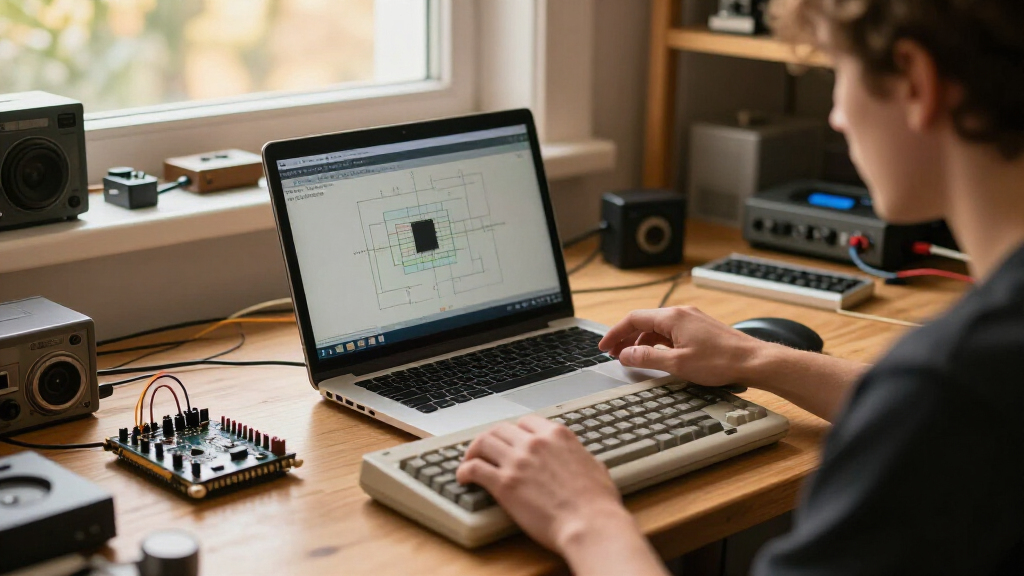
The simulator represents the board’s netlist—the electrical connections between components—and models how chips behave at their pins. Its interface displays the motherboard, monitor output, controls and an oscilloscope. Users can click pins to make them float or connect them to ground or +5 volts, remove chips, and open resistors, ferrite beads or the crystal. A control panel lists faults and offers repair controls.
The project describes an example involving pin 17 (A7) of the color RAM. With that pin lifted before power-on, the computer can boot with a clean-looking display because the CPU’s writes and the VIC’s reads use the same incorrect address. According to the project, restoring the pin exposes color RAM that was not written and produces random colors. The author says a real 2114 color RAM can behave the same way.
Users can also load .prg files, which the simulator writes directly into DRAM, and inspect pin states shown as high, low, pulsing, floating or contending. A headless command-line mode can run a simulation, extract text from the displayed image and save a screenshot. The project’s README says its test script covers 31 common faults, with expected symptoms recorded before the simulations were run.
A Safer Way to Trace C64 Faults
The simulator offers a way to test what happens when individual connections fail without first altering a physical vintage computer. That is relevant to repairers and electronics learners: many Commodore 64 boards have chips soldered in place, and removing components can take time and risks board damage. The project’s author suggests that testing a suspected fault in the simulator may help repairers decide which components to investigate or desolder first.
That use is limited. The project explicitly cautions that a matching symptom is a clue, not proof, because different faults can produce similar behavior and the simulation has limits. It is best treated as a way to develop or check hypotheses, not as a definitive diagnosis of a real machine.
As an affiliate, we earn on qualifying purchases.
From Chip Models to a Whole Board
The project builds on pin-based chip emulators by Andre Weissflog, known as floooh. Its author says the next step was extending that approach to other components on the C64 board, including RAM, ROM, logic chips and the PLA. Chip cores are taken from floooh’s chips project, while the board design is based on bwack’s C64-250407-Replica-KiCad project. The README also credits the source of the PLA equations.
A conversion tool turns the KiCad board design into tables describing 216 parts and 249 nets. The simulator applies electrical rules to those connections, including strong and weak drives, supply shorts, floating lines and conflicts between outputs. The result is meant to emerge from the circuit model rather than from a lookup table of known failure symptoms.
“A matching symptom is a clue, not a proof: different faults can look the same, and the simulation has its limits.”
— The c64-hw-sim project author
As an affiliate, we earn on qualifying purchases.
Limits of the Fault Model
The project materials do not establish how closely every simulated fault matches every physical C64 board or component. The described board is specifically the ASSY 250407, so the source does not claim that the model covers other motherboard revisions. Its author also says different real faults may produce similar symptoms and that the simulation has limits.
Performance is another constraint. The README reports that the simulator reaches 31% of C64 speed on an Apple M3 Max, 39% on an AMD Ryzen AI Max+ PRO 495 and 48% on an Apple M5 Max. These are figures reported by the project, and the source does not specify a benchmark procedure or broader testing. The material does not provide independent validation of the fault results.
As an affiliate, we earn on qualifying purchases.
Build and Test the Simulator
The project provides build instructions for macOS and Linux with X11 and OpenGL, along with controls for adding and repairing faults during a run. Users can inspect the source and test the simulator against their own hypotheses, while keeping in mind that a match is not proof of a physical failure. The project materials describe no scheduled release, independent evaluation or next milestone; those developments remain unknown.
As an affiliate, we earn on qualifying purchases.
Key Questions
What does the Commodore 64 simulator model?
It models the ASSY 250407 motherboard, including component pins and the electrical nets connecting them, and displays resulting board signals and monitor output.
What kinds of faults can users try?
Users can remove chips, lift or short pins to ground or +5 volts, and open resistors, ferrite beads or the crystal. Faults can also be scheduled through command-line options.
Can it diagnose a broken physical C64?
It may help test a repair hypothesis, but the project says a matching simulated symptom is a clue, not proof. Different faults can look alike, and the simulator has limits.
Is it suitable for playing C64 games?
No. The author says it is not intended as a game emulator. Reported performance ranges from 31% to 48% of C64 speed on three named computers.
Which systems can run it?
The project lists macOS and Linux with X11 and OpenGL as supported environments and provides build instructions in its GitHub repository.
Source: hn
Halloween Picks
halloween
As an affiliate, we earn on qualifying purchases.