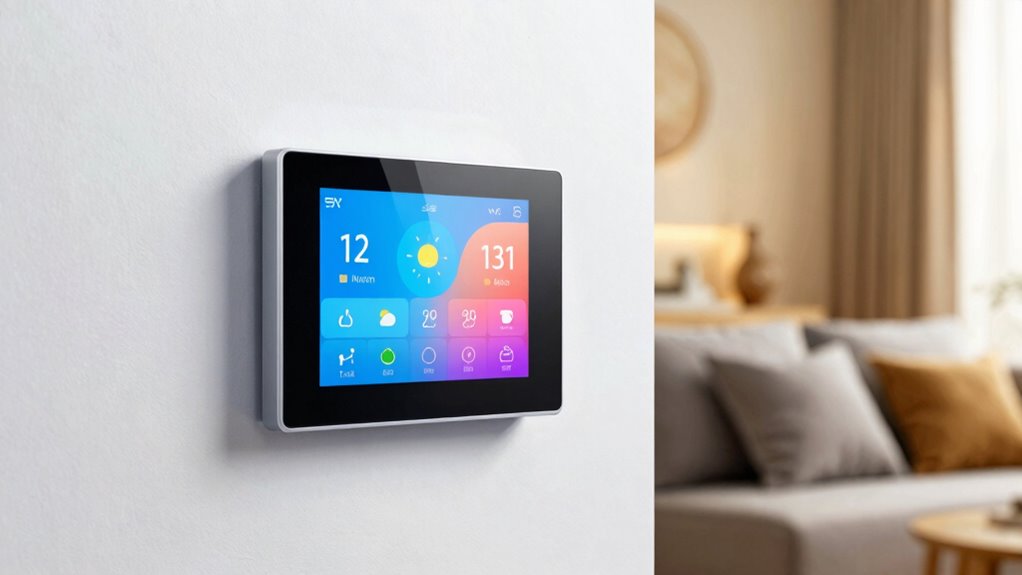

To avoid constant tweaking, set your smart thermostat with pre-set and custom schedules that match your daily routines, lowering temperatures during away or sleep times and raising them before you wake or return home. Enable learning features that adapt based on your habits, and use geofencing to adjust temperatures when you’re away or arriving. Regular alerts and monitoring help keep everything running smoothly. Keep exploring to discover how these settings work together for effortless comfort.

Get the latest gadgets delivered free with Prime
- Fast, free delivery on millions of items
- Prime Video, Amazon Music and more included
- Member-only deals all year
Key Takeaways
- Use pre-set or custom schedules to automate temperature adjustments based on your daily routines.
- Enable learning and adaptive features for the thermostat to automatically optimize settings over time.
- Activate geofencing and indoor sensors to adjust temperature based on your presence and location.
- Set up alerts and monitoring to receive notifications on maintenance needs and energy usage insights.
- Properly configure your thermostat for comfort and efficiency to minimize manual adjustments.
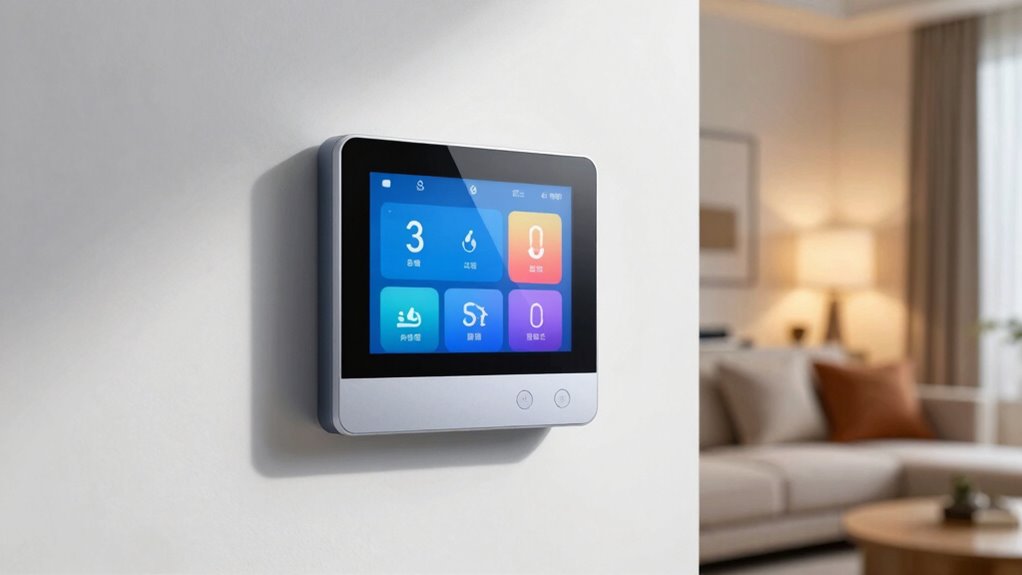
Adjusting your smart thermostat settings can considerably improve your home’s comfort and energy efficiency. When you take the time to set up your device properly, you can save money on energy bills while ensuring your home feels just right. The key is finding a balance between automation and user customization. Instead of constantly tinkering with the settings, you can program your thermostat to adapt to your daily routine, which reduces unnecessary energy consumption and maintenance.
Most smart thermostats come with pre-set schedules that match typical daily patterns, such as lowering the temperature when you’re away or asleep and raising it before you return or wake up. By customizing these schedules, you align your heating and cooling with your lifestyle, leading to better energy efficiency without sacrificing comfort. For example, setting lower temperatures during work hours or when you’re out helps prevent wasting energy on heating or cooling an empty house. You can also adjust the temperature settings for weekends or special occasions, providing a high level of user customization that fits your specific needs.
Customize your thermostat schedule for better comfort and energy savings tailored to your lifestyle.
Additionally, many smart thermostats learn from your habits over time, making automatic adjustments that optimize energy use without requiring constant input. These learning features analyze your behaviors and adapt the schedule accordingly, ensuring that your home remains comfortable while minimizing energy waste. Incorporating learning algorithms into your setup can further enhance your thermostat’s efficiency by continuously refining its performance based on your routines. This personalization helps maximize savings while maintaining the comfort you desire. Furthermore, some models integrate air quality sensors that can influence temperature adjustments based on indoor conditions, contributing to a healthier environment.
Another way to enhance energy efficiency is through geofencing, a feature available in many smart thermostats. It uses your smartphone’s location to determine if you’re home or away and adjusts the temperature accordingly. When you leave, the thermostat lowers the heating or cooling, saving energy. When you return, it heats or cools the house to your preferred temperature before you arrive. This user-centric approach minimizes energy use without sacrificing comfort, and once set up, it requires little ongoing adjustment.
Finally, setting up alerts and reminders can keep you informed about your energy consumption patterns. Some thermostats notify you if they detect unusual activity or if maintenance is needed, helping you optimize performance without constant oversight. Energy monitoring features allow you to see how much energy you’re using and make adjustments to improve efficiency. By leveraging these features, you make smarter choices about your home’s climate control, ensuring maximum energy efficiency with minimal effort. In essence, the right combination of initial setup, automated learning, and user customization allows your smart thermostat to work seamlessly, providing comfort and savings without the need for frequent tinkering.
smart thermostat with scheduling
As an affiliate, we earn on qualifying purchases.
As an affiliate, we earn on qualifying purchases.
Frequently Asked Questions
How Often Should I Update My Smart Thermostat Settings?
You should update your smart thermostat settings whenever your temperature calibration or user preferences change. Typically, it’s helpful to review your settings seasonally or after significant schedule shifts to guarantee comfort and energy efficiency. Pay attention to how your home feels and adjust accordingly. Regularly updating your preferences prevents constant tweaking, helping your thermostat adapt seamlessly to your lifestyle and maintaining ideal temperature control without hassle.
Can Smart Thermostats Learn My Schedule Automatically?
Yes, many smart thermostats can learn your schedule automatically. They use sensors and algorithms to adapt based on your habits, making adjustments in real-time. Voice control features allow you to tweak settings verbally, and remote access lets you change temperatures from anywhere. Over time, these features help your thermostat optimize comfort and efficiency without constant manual tweaking, saving you time and energy.
Are There Energy-Saving Tips Specific to Certain Climates?
Yes, there are energy-saving tips tailored to different climates. In colder climates, you should use seasonal adjustments to lower your thermostat when you’re away or asleep, and consider a smart thermostat that adapts to your heating needs. In warmer regions, optimize cooling by setting higher temperatures during the day and utilizing climate adaptations like shading or fans. These strategies help you save energy without sacrificing comfort, regardless of your climate.
How Do I Troubleshoot Connectivity Issues With My Thermostat?
If your thermostat isn’t connecting, start by checking for Wi-Fi interference from other devices or thick walls blocking signals. Move your router closer or elevate it for better coverage. Consider using signal boosters or extenders to strengthen the connection. Restart both your router and thermostat, then re-pair them. Keeping your firmware updated also helps prevent and resolve connectivity issues, ensuring smooth communication between your devices.
Is It Safe to Share Thermostat Access With Family Members?
Sharing thermostat access with family members is generally safe, but you should consider privacy concerns and set appropriate parental controls if needed. Make sure your smart thermostat has secure login features and strong passwords. Regularly review access permissions to prevent unauthorized changes. Discuss boundaries with family members about thermostat use, and enable parental controls to limit settings for kids, ensuring everyone’s comfort while maintaining security.
As an affiliate, we earn on qualifying purchases.
Conclusion
Think of your smart thermostat as a trusty garden keeper. With the right settings, it gently prunes and nurtures your home’s comfort, adjusting seamlessly like a gardener tending to plants. No constant fussing needed—just a few thoughtful choices, and it blooms into perfect warmth or coolness. When you set it wisely, your home becomes a peaceful garden, thriving effortlessly under your watchful eye. Let your thermostat be the gentle hand guiding your cozy oasis.
As an affiliate, we earn on qualifying purchases.
As an affiliate, we earn on qualifying purchases.
Halloween Picks
halloween
As an affiliate, we earn on qualifying purchases.