
Start by installing the smart hub or voice assistant as your control center. Next, set up essential devices like the smart thermostat or security sensors, calibrating them for accuracy. Connect smaller gadgets like smart bulbs or plugs afterward, organizing links neatly to avoid confusion. Keep manuals handy and test each device step-by-step, especially voice recognition and battery-powered items. Following this logical order keeps your setup smooth and frustration-free—if you stick with it, you’ll discover even more tips for hassle-free installation.

Get the latest gadgets delivered free with Prime
- Fast, free delivery on millions of items
- Prime Video, Amazon Music and more included
- Member-only deals all year
Key Takeaways
- Start with the central hub or voice assistant to establish control and simplify subsequent device setup.
- Install essential sensors and battery-operated devices early to avoid reconfiguration later.
- Prioritize voice recognition setup to ensure accurate commands and reduce troubleshooting.
- Organize device linking systematically, testing each device before proceeding to prevent issues.
- Use manuals and app guides throughout setup for proper configuration and optimal feature performance.
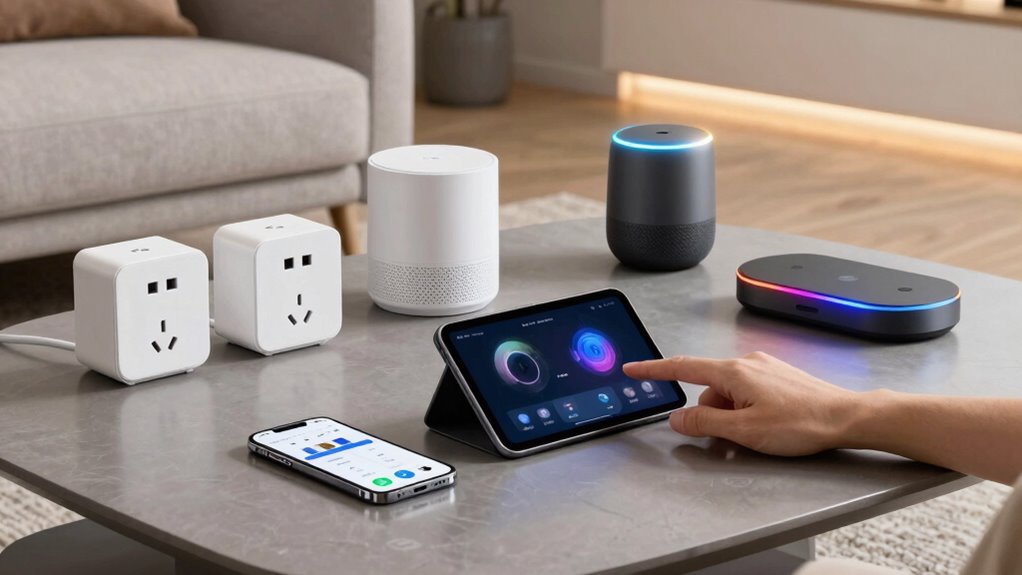
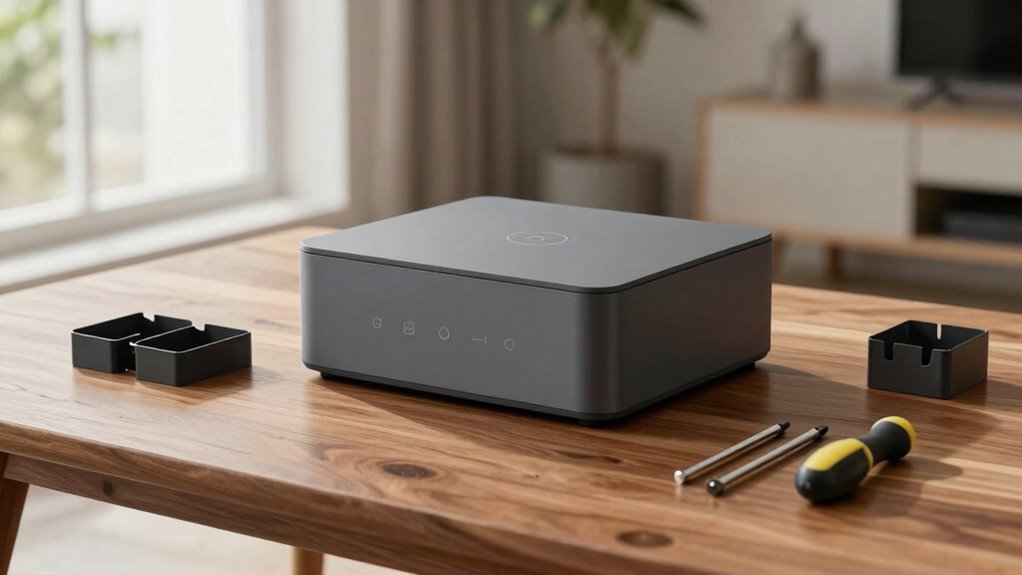
Setting up your smart home devices might seem intimidating at first, but with a clear step-by-step approach, it becomes straightforward. The key is to plan the order in which you install and configure each device so that the process flows smoothly and avoids frustration. Starting with the essential or central devices helps create a foundation for the rest of your setup. For example, begin with your smart hub or voice assistant, as this will serve as the control center for your other devices. Once the hub is connected, you can move on to smaller gadgets like smart bulbs or plugs.
When installing new devices, pay attention to features like voice recognition. Devices equipped with advanced voice recognition can understand your commands more accurately, making your smart home more intuitive and responsive. Setting these up early ensures that your voice commands work seamlessly across the system, reducing the need for troubleshooting later. Additionally, consider the battery longevity of portable devices such as sensors, remotes, or battery-powered cameras. Installing battery-operated devices early in the process minimizes the risk of needing to reconfigure or replace batteries once other items are already in place, saving you time and hassle.
Next, focus on your security and environmental sensors, like motion detectors and temperature sensors. These should be placed strategically to maximize their effectiveness, and setting them up after your main hub and voice recognition devices ensures they’re integrated properly. When positioning sensors, sensor placement can significantly impact their performance and accuracy. Understanding sensor placement science can help you optimize their positioning for the best results. It is also helpful to consider sensor calibration to ensure they respond accurately to environmental changes. Once your sensors are in place, proceed to add smart lighting, thermostats, and other appliances, linking them to your central system. Doing this in an organized way helps you troubleshoot issues at each stage rather than dealing with everything all at once. It’s also helpful to familiarize yourself with the science behind sensor placement to optimize their performance.
Throughout the setup, keep your device manuals or app guides handy. Many smart devices have simple app-based setup procedures that walk you through pairing and configuration. Following these instructions carefully guarantees that features like voice recognition are optimized and that battery-powered devices are configured for long-lasting performance. As you go, test each device to confirm it responds correctly and operates as intended. This prevents cumulative problems later, which can be frustrating and time-consuming.
Popular right now

Samsung 65-Inch The Frame Pro Neo QLED 4K TV (2026) Bundle with Modern Brown Bezel, HDMI Cables, and Home Theater Guide

LG 55-Inch OLED evo G2 Series 4K Smart TV (OLED55G2PUA, 2022)

Samsung QN65LS03FAFXZA 65 The Frame QLED 4K Art Mode Vision AI Smart TV (2025)
As an affiliate, we earn on qualifying purchases.
Frequently Asked Questions
How Do I Troubleshoot Connectivity Issues With Smart Home Devices?
To troubleshoot connectivity issues, start by checking your device placement; make sure it’s within range of your Wi-Fi router and not obstructed. Restart your smart device and your router to refresh the connection. Test your voice commands for responsiveness, and if problems persist, reconfigure the device’s network settings. Keep your firmware updated, and consider moving the device closer to your router if signal strength seems weak.
Can I Set up Multiple Devices at Once?
You can definitely set up multiple devices at once, and it’s easier than you think. Imagine the power of device grouping, where you link similar devices for simultaneous control, saving you time. Use setup automation to streamline the process, configuring routines during installation so all devices sync seamlessly. With a little planning, you’ll have your smart home running smoothly in no time—no more tedious, one-by-one setups.
What Security Measures Should I Take During Setup?
During setup, prioritize user privacy and network encryption by changing default passwords and using strong, unique ones. Guarantee your Wi-Fi network has WPA3 or WPA2 encryption enabled to protect data transmitted between devices. Keep firmware updated for security patches. Consider setting up a separate guest network for your smart devices, so your main network remains protected. These steps help prevent unauthorized access and keep your smart home secure.
Are There Compatibility Issues Between Different Brands?
You might encounter compatibility issues between different brands, especially if they don’t support cross-platform integration. To avoid this, check each device’s brand compatibility before purchasing and look for products that support common standards like Zigbee or Z-Wave. Prioritize devices known for seamless cross-platform integration, ensuring they work together smoothly. This way, you’ll save time and frustration during setup and enjoy a more cohesive smart home experience.
How Do I Update Device Firmware After Installation?
To tackle tech troubles, take timely steps to update device firmware. You typically open the device’s app, find the firmware update section, and tap to install updates. These updates improve device compatibility, fix bugs, and enhance features. Regularly checking for firmware updates guarantees your smart home devices stay synchronized and secure, preventing compatibility issues. Staying proactive with updates keeps your smart setup seamless and satisfying, avoiding frustrating failures or disconnects.
Conclusion
So, after all the tips and tricks, you might find that setting up your smart home isn’t quite the hassle you imagined — or maybe it is. Ironically, the very devices designed to simplify your life can sometimes turn into a frustrating puzzle. But hey, at least once you get everything working, you can kick back and enjoy the convenience, even if the setup was a bit of a headache. Who knew tech could be so delightfully ironic?