
When shopping for a projector, understanding key terms like lumens, which measure brightness—higher lumens mean a brighter image—is vital. Consider your room size for throw distance, as short-throw projectors work well in small spaces, while longer throw models suit larger rooms. Pay attention to resolution and contrast ratio for sharp, vivid images, and look for additional features like zoom or built-in speakers. If you want to make the best choice, keep exploring to learn more about these essential factors.

Get the latest gadgets delivered free with Prime
- Fast, free delivery on millions of items
- Prime Video, Amazon Music and more included
- Member-only deals all year
Key Takeaways
- Understand lumens to choose the right brightness level based on your room’s ambient light conditions.
- Measure throw distance and use throw ratio to position your projector for optimal image size.
- Consider resolution and contrast ratio for sharp, vibrant, and clear image quality.
- Match projector features like lens zoom, mounting options, and connectivity to your specific space and needs.
- Evaluate specifications, reviews, and compatibility to select a reliable projector that fits your environment.
As an affiliate, we earn on qualifying purchases.
How to Choose the Right Projector for Your Space
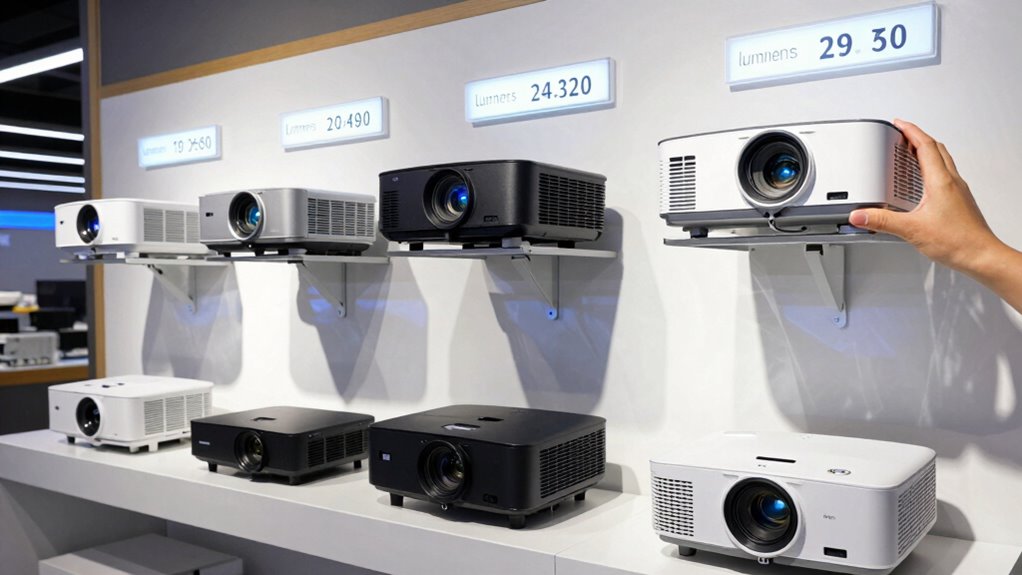
How do you determine the best projector for your space? Start by considering your environment and how you’ll use the projector. For example, if you have a dedicated home theater room, focus on screen selection that offers high contrast and resolution for sharp images. If you plan to use it in a bright room, brightness—measured in lumens—becomes essential. Remember, projector maintenance is key to longevity, so choose a model that’s easy to clean and service. Think about placement too; short-throw projectors work well in small spaces, while longer throws suit larger rooms. By matching your needs with the right screen, brightness, and maintenance ease, you’ll find a projector that fits perfectly into your space and lifestyle. Additionally, proper cabling solutions ensure a clean, reliable setup that minimizes signal issues and enhances overall performance.
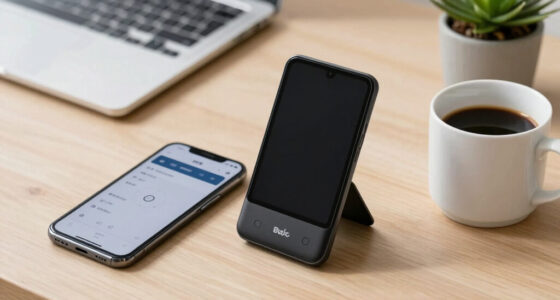
short throw projector for small spaces
As an affiliate, we earn on qualifying purchases.
As an affiliate, we earn on qualifying purchases.
What Are Projector Lumens and How Do They Affect Brightness?
Understanding projector lumens helps you gauge how bright your image will be, which directly impacts your viewing experience. Brightness is measured using standard units, ensuring you can compare models accurately. A projector with the right lumens for your space makes movies and presentations clearer and more vibrant. Additionally, considering the contrast ratio can further enhance image quality by providing deeper blacks and brighter whites, making your viewing experience even more vivid. When selecting a projector, understanding how body-based methods influence visual clarity can also help you choose a device tailored to your environment. Recognizing the importance of urban pursuits and cultural venues can guide you in selecting a projector suited for lively public spaces or quiet home theaters. Incorporating outdoor transformation essentials such as landscape lighting and seating areas can also enhance your overall viewing setup in backyard or outdoor spaces. Being aware of space planning principles can help optimize your projector placement for the best viewing angles and minimal glare.
Brightness Measurement Standards
| Standard | Measurement Method | Typical Use Case |
|---|---|---|
| ANSI Lumens | Uniform light measurement | Bright rooms or outdoor settings. Understanding ANSI Lumens helps determine projector suitability for various environments. |
| ISO Lumens | International standard | Home theater, moderate light |
| Brightness Units | Varies by manufacturer | Casual or presentation use |
| Lumens Accuracy | Depends on calibration | Color calibration, ambient light |
Understanding these standards helps you pick a projector that performs well in your environment, especially when considering measurement accuracy in different contexts.
Impact on Viewing Experience
Projector lumens directly influence your viewing experience by determining how bright and clear the image appears, especially in different lighting conditions. Higher lumens improve visibility in rooms with ambient lighting, reducing the risk of screen glare that can wash out the picture. If your space has a lot of natural or artificial light, a projector with low lumens may produce a dim, unclear image. Conversely, in darker rooms, even a lower lumen projector can deliver a sharp picture. Brightness affects contrast and color vibrancy, making the difference between a vivid display and a washed-out image. Selecting the right lumens ensures you enjoy crisp visuals without straining your eyes or adjusting the environment constantly. Proper brightness enhances your overall viewing experience, regardless of ambient lighting levels.
high resolution home theater projector
As an affiliate, we earn on qualifying purchases.
As an affiliate, we earn on qualifying purchases.
How Far Should Your Projector Be From the Screen? Understanding Throw Distance
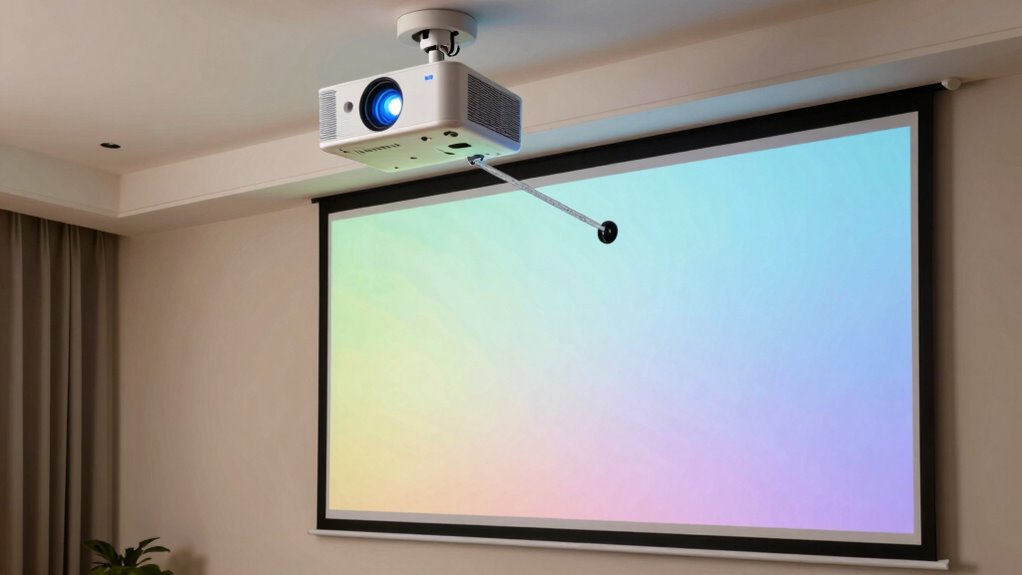
To get a clear, sharp image, you need to position your projector at the right distance from the screen. Knowing how to calculate throw distance helps you find the best placement for your space. Let’s explore some tips for proper projector placement and how to determine the ideal distance. Understanding the projection setup can also improve your viewing experience by ensuring accurate image size and focus. Additionally, considering everyday safety tips when setting up your equipment can help prevent accidents and damage.
Optimal Placement Tips
Determining the right distance between your projector and the screen is essential for achieving a clear and sharp image. For ideal mounting, consider the projector’s throw ratio and your room size to find the perfect placement. Ceiling placement often offers the most stable and unobstructed setup, guaranteeing consistent image quality. Position the projector at the recommended distance specified by the manufacturer to avoid image distortion or loss of clarity. Keep in mind that too close or too far can compromise picture sharpness and brightness. Use a tape measure or laser distance tool for accuracy. Adjust the projector’s position based on your screen size and throw ratio guidelines to ensure the image fits perfectly. Proper placement will enhance your viewing experience and prevent unnecessary adjustments later.
Calculating Throw Distance
Understanding the appropriate throw distance is key to achieving a clear, well-sized image. To determine this distance, consider your projector’s lens zoom feature, which allows you to adjust the image size without moving the device. A zoom lens can provide more flexibility, reducing the need for exact placement. Measure the distance from the projector to the screen based on the desired image size, consulting the projector’s throw ratio for accuracy. Keep in mind that closer placements often lead to lower power consumption, making your setup more energy-efficient. Conversely, placing the projector farther away increases power usage but can improve image quality and reduce shadows. Proper calculation ensures your projector is neither too close nor too far, achieving ideal image clarity and size.
projector with built-in speakers
As an affiliate, we earn on qualifying purchases.
As an affiliate, we earn on qualifying purchases.
Which Projector Types Are Best for Different Rooms and Uses?
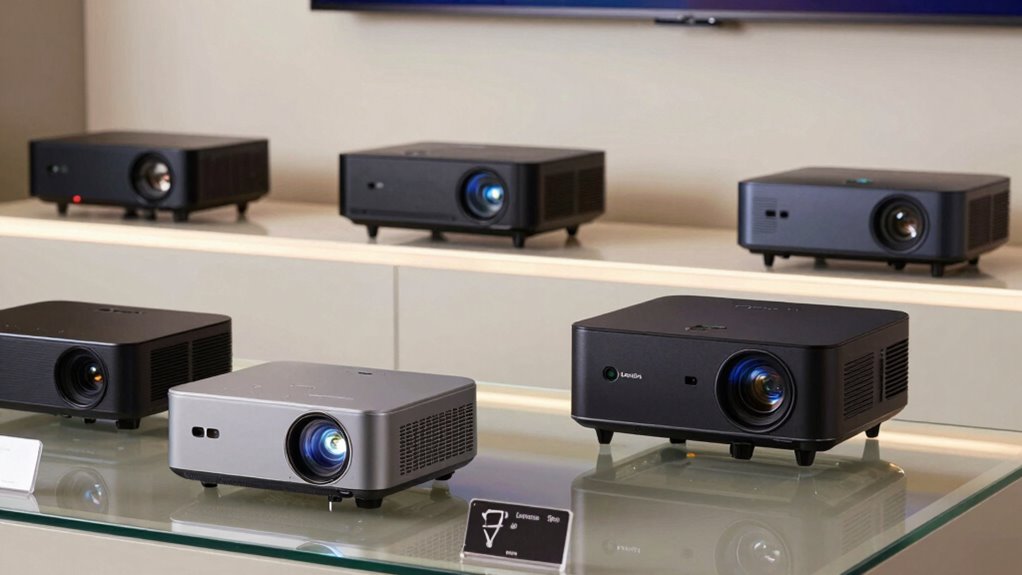
Choosing the right projector type depends largely on the room where you’ll use it and the purpose it will serve. For a cozy living room, a portable projector with good audio integration works well, especially if you want flexibility. In a dedicated home theater, consider a high-lumen, high-contrast model paired with a dedicated projection screen for sharp images. For classrooms or presentations, a bright, durable projector with HDMI connectivity is ideal. Here’s a quick visual:
| Room Type | Recommended Projector Features |
|---|---|
| Living Room | Portable, good audio, projection screens |
| Home Theater | High contrast, 4K resolution, dedicated screens |
| Classroom/Office | Bright, durable, easy connectivity |
Choosing the right projector guarantees clear images and seamless audio, tailored to your space.
Why Contrast Ratio and Resolution Matter for Clear Images
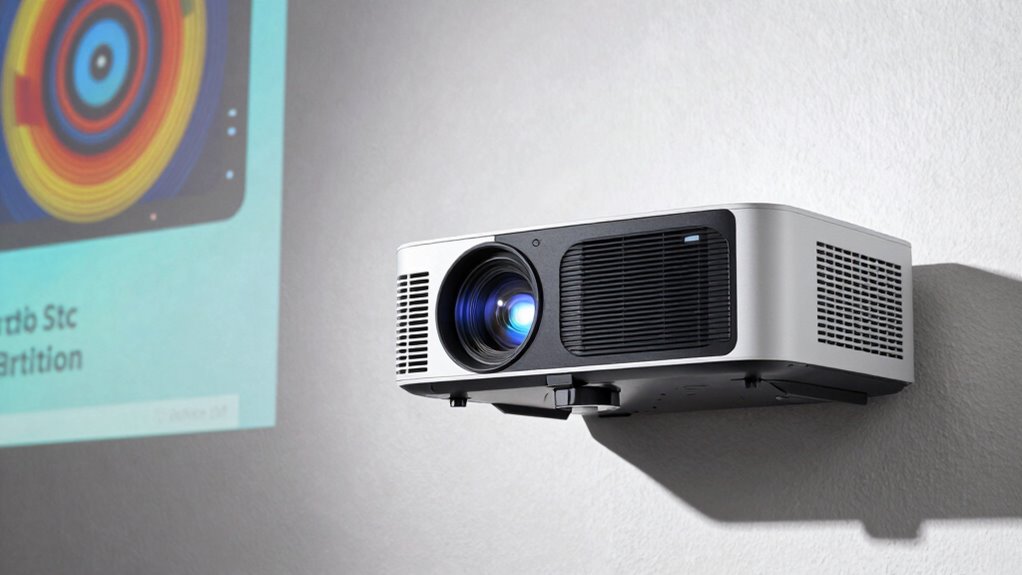
Have you ever wondered why some projected images look vibrant and sharp while others appear dull or blurry? It all comes down to contrast ratio and resolution. A higher contrast ratio enhances color calibration, making colors pop and blacks deeper, which boosts overall image quality. Resolution determines the number of pixels, directly impacting image sharpness; higher resolutions mean clearer details and less pixelation. When both contrast ratio and resolution are high, your projector delivers vibrant, crisp images that draw you in. Additionally, understanding projector specifications can help you choose the best equipment for your needs. Low contrast or resolution, on the other hand, results in washed-out colors and blurry details, diminishing your viewing experience. Proper image quality depends on a combination of factors like contrast ratio and resolution, which are essential for an immersive visual experience. For example, selecting models with advanced filtering systems can significantly reduce allergens and improve air quality in your home environment. Moreover, considering the influence of celestial bodies on traits like attractiveness can be an interesting way to explore personal characteristics, blending astrology with self-perception. So, for the clearest images, prioritize a projector with a strong contrast ratio and high resolution to enjoy vibrant colors and sharp image clarity. Considering market options like Gold IRAs can also help you make informed choices in other financial areas, ensuring your investments are as clear and beneficial as a high-quality projector.
What Features Should You Look for in a Projector? Key Specs and Extras

When shopping for a projector, focusing on key specs and features can make a significant difference in your viewing experience. Look for remote controls that offer easy navigation without needing to get up, especially if you’ll use the projector frequently. Also, consider power consumption; a model with lower energy use saves money and is more eco-friendly. Brightness levels, measured in lumens, are essential for clear images in different lighting conditions. Check for throw distance options to ensure the projector fits your space. Additional features like built-in speakers, multiple HDMI ports, and easy setup can enhance convenience. Ultimately, choosing a projector with the right combination of specifications and extras guarantees it meets your needs and provides a seamless viewing experience.
How to Compare Projectors and Find the Best Deal
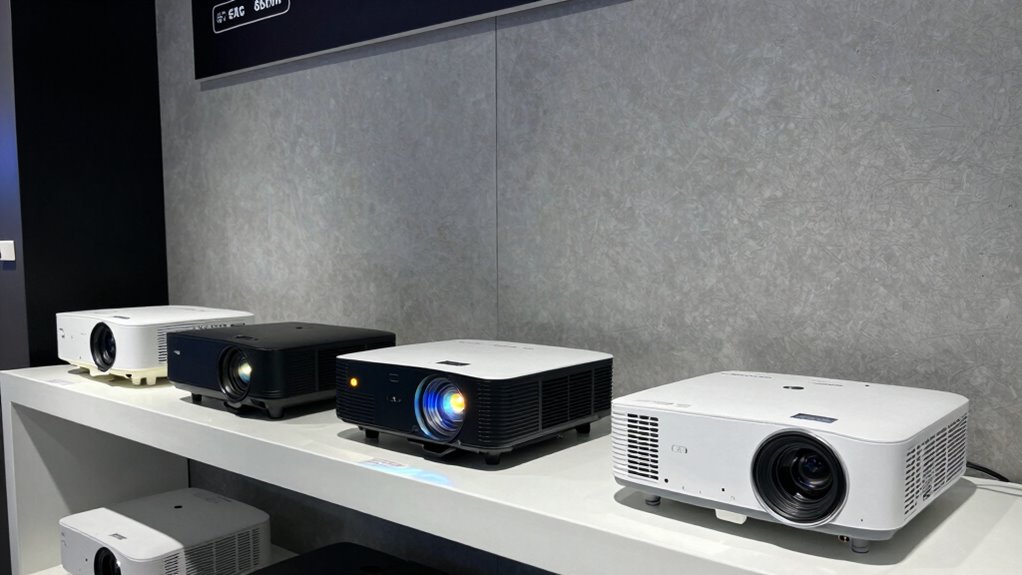
Comparing projectors effectively involves evaluating their features, prices, and user reviews to find the best value for your money. Start by considering projector mounting options—whether ceiling-mounted, portable, or tabletop—based on your room setup. This influences your choice of throw distance and placement flexibility. Next, examine screen materials compatible with each projector; some perform better on matte surfaces, while others work with specialized screens for enhanced image quality. Look for models that balance brightness, resolution, and price, and read reviews to spot any recurring issues. Don’t forget to compare warranties and after-sales support. Additionally, understanding projector specifications like lumens and throw distance will help you make a more informed decision. By considering these factors, you’ll identify a projector that fits your space, meets your needs, and offers the best deal overall.
Matching Your Projector to Your Viewing Needs and Room Setup
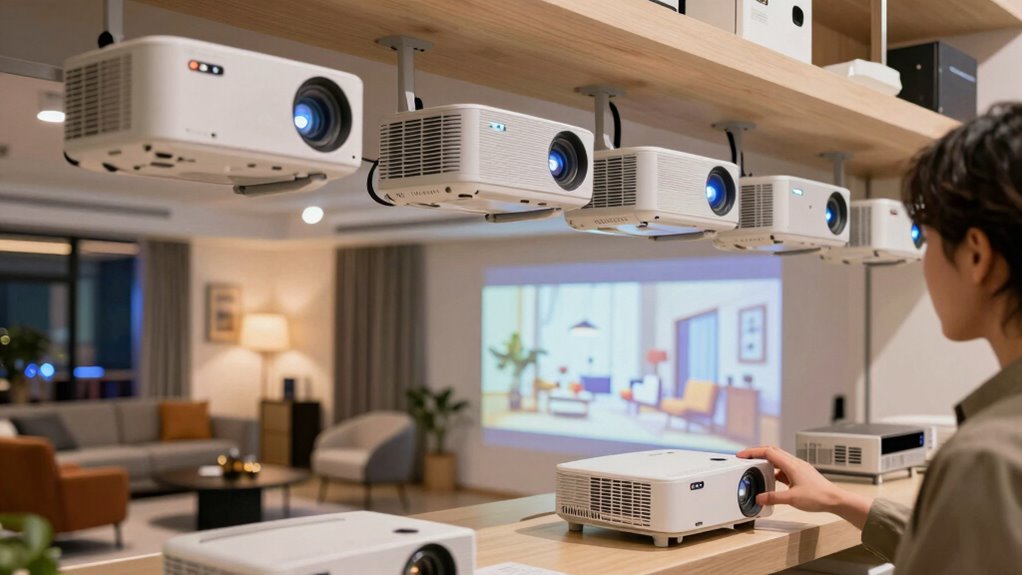
Once you’ve identified the key features and the best deal on a projector, the next step is to match it to your specific viewing needs and room setup. Consider your space size, ambient light, and desired image quality. If you want vibrant colors, look for a projector with good color calibration. Mounting options matter too—ceiling mounts suit permanent setups, while portable stands work for flexibility. Visualize your room with this table:
| Room Size | Mounting Options | Focus on |
|---|---|---|
| Small, cozy | Portable or tabletop | Brightness & color calibration |
| Medium, living room | Ceiling mount | Throw distance & image clarity |
| Large, home theater | Wall or ceiling mount | Contrast & room lighting conditions |
Matching these factors ensures excellent viewing and a seamless setup. Additionally, understanding projector specifications can help you make a more informed decision. For example, knowing how lumens affect brightness can be crucial for different room conditions.
Frequently Asked Questions
What Is Keystone Correction and Why Is It Important?
Keystone correction helps you fix distorted images caused by uneven projector placement, making your display look straight and professional. It’s essential for proper image calibration, especially when you can’t position the projector directly in front of the screen. By adjusting lens settings, you can correct trapezoidal distortion, ensuring your images look accurate and clear. This feature saves you time and hassle during setup, giving you a seamless viewing experience.
How Does Projector Noise Level Impact Viewing Experience?
When the projector’s noise level is high, it can disrupt your viewing experience by causing audio interference and blending with ambient noise. This distracts you from the content on screen and diminishes sound clarity. Choosing a quieter projector reduces these issues, allowing you to enjoy movies or presentations without background distractions. A low noise level ensures your focus stays on the visuals and audio, creating a more immersive viewing environment.
Can Projectors Be Used Outdoors Effectively?
Yes, projectors can be used outdoors effectively if you plan properly. For a successful outdoor setup, prioritize powerful lumens for brightness and consider weather considerations like rain, humidity, and wind. Protect your projector with weatherproof covers and set it up in a shaded, dry spot. Ensuring stable placement and using high-quality audio equipment makes outdoor movie nights more enjoyable, creating a mesmerizing cinematic experience under the stars.
What Is the Lifespan of a Projector Bulb?
The lifespan of a projector bulb typically ranges from 1,500 to 3,000 hours, depending on usage and model. You’ll need to monitor the projector bulb lifespan and plan for projector bulb replacement when brightness dims or colors fade. Regular maintenance helps extend the life of your projector bulb, but eventually, you’ll have to replace it to guarantee the best image quality. Keep an eye on performance to avoid surprises during your presentations or movie nights.
How Do I Maintain and Clean My Projector Properly?
To maintain and clean your projector properly, start by regularly dusting the exterior and lens with a microfiber cloth. Make certain screen placement is appropriate, avoiding direct sunlight or dust-prone areas. Manage cables neatly to prevent accidental disconnections or damage, which can affect performance. Periodically, check and clean the air filters, and use compressed air to remove dust from internal vents. Proper maintenance keeps your projector running smoothly and extends its lifespan.
Conclusion
Choosing the right projector isn’t just about specs—it’s about understanding how those specs match your space and needs. While many believe higher lumens always mean better brightness, that’s not always true; context matters. By considering throw distance, resolution, and features, you’ll find the perfect fit. Remember, investing in the right projector can transform your viewing experience, making it feel like a true cinema. So, trust your needs, do your research, and enjoy a clear, immersive show!
Halloween Picks
halloween
As an affiliate, we earn on qualifying purchases.