
TL;DR

Get the latest gadgets delivered free with Prime
- Fast, free delivery on millions of items
- Prime Video, Amazon Music and more included
- Member-only deals all year
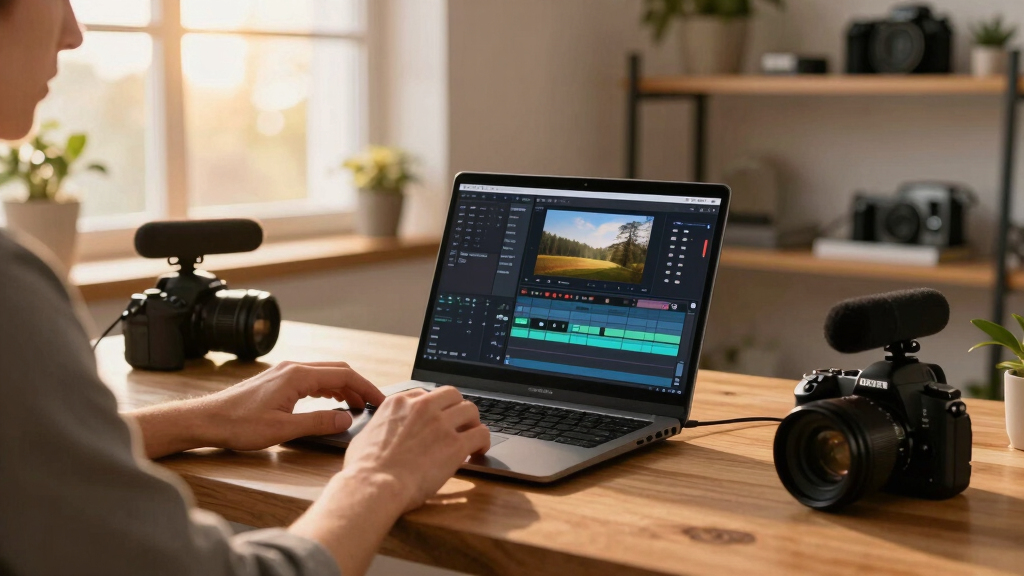
A single video can be transformed into a complete publishing package using local-first tools. This approach keeps your data private, reduces costs, and offers full control, all without cloud dependence.
Imagine finishing a video and having the entire publishing workflow handled on your own machine. No cloud, no waiting, no data leaks. It sounds futuristic, but it’s happening now. The shift toward local-first processing means you can generate everything from transcripts to social media clips without relying on external servers.
In this article, I’ll show you how a single video can fuel a full publishing kit—think titles, descriptions, clips, and posts—all processed locally. We’ll explore what makes this possible, the hardware you’ll need, and why it might be the smarter choice for privacy-conscious creators and publishers.
Key Takeaways
- Local AI tools can generate a full publishing kit from a single video faster and more privately than cloud services.
- You need a capable PC, NAS, or dedicated appliance—hardware in the $1,000–$3,000 range—to run everything smoothly.
- Every asset—titles, clips, descriptions—comes from one source, processed on your machine, keeping your data safe and private.
- Automation is high, but review and edits remain manual, giving you control without the cloud’s vulnerabilities.
- Long-term savings and privacy make local workflows especially appealing for creators handling sensitive content.
Popular right now

Samsung 42-Inch S90H OLED 4K Smart TV Bundle

KitchenAid Artisan 5-Quart Tilt-Head Stand Mixer, Almond Cream

Ninja Foodi 10-Quart DualZone 6-in-1 Air Fryer, Black, DZ302
As an affiliate, we earn on qualifying purchases.
How Local AI Video Tools Are Changing the Game
Local AI video tools are no longer just a trend—they’re a real alternative to cloud services. These tools analyze your videos on your own hardware, handling transcription, scene detection, and even content understanding. For example, a recent product like ChannelHelm can process a 30-minute video in under 10 minutes, generating a comprehensive set of assets.
Instead of uploading footage to a cloud, you run everything on a PC, NAS, or dedicated appliance. This means no data leaves your environment, and you avoid monthly fees. Plus, as hardware gets more powerful, these tools become faster and more accurate, rivaling cloud-based AI.
Understanding this shift is crucial because it directly impacts your privacy and operational costs. Cloud-based tools often require ongoing subscriptions, which can become expensive over time, especially with frequent publishing. Conversely, local tools require an upfront hardware investment but can be more cost-effective long-term. The tradeoff lies in maintaining hardware and managing updates versus ongoing cloud payments, but for many, the privacy and control benefits outweigh the initial setup effort.
What Does ‘One Video, Many Assets’ Actually Mean?
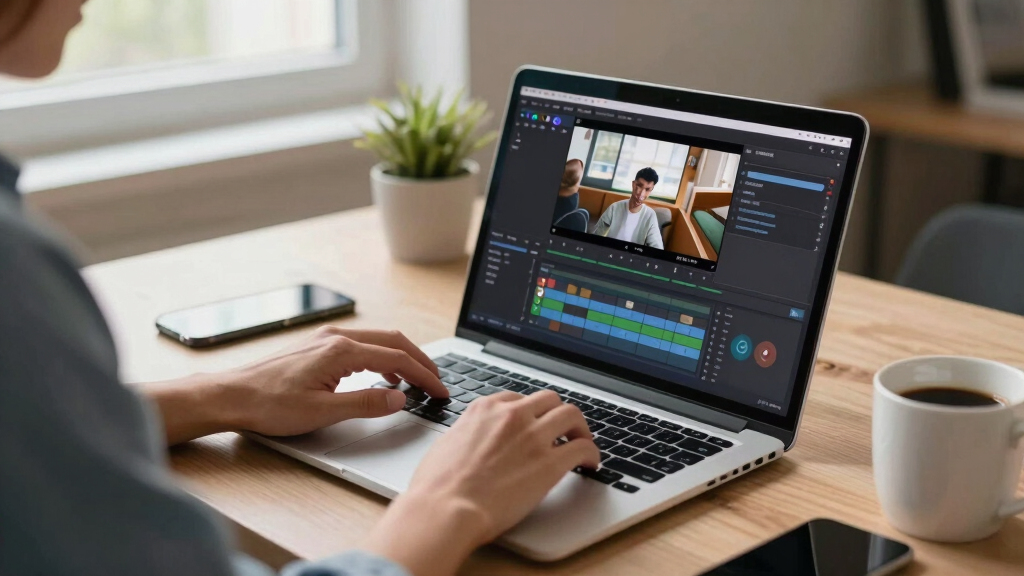
One video can become a treasure trove of content—transcripts, clips, thumbnails, descriptions, and social posts. Here’s what a typical local workflow produces:
| Asset Type | What It Is | Use Case |
|---|---|---|
| Transcript | Word-for-word text of your video | Captions, SEO, blog posts |
| Clips | Highlight moments trimmed from the full video | Shorts, TikToks, Reels |
| Thumbnails | Eye-catching images pulled from key scenes | YouTube, social media |
| Descriptions & Tags | SEO-friendly summaries & keywords | Video platforms, blogs |
| Social Posts | Platform-specific content snippets | Twitter, Instagram, Facebook |
Generating all these assets from a single source file isn’t just about convenience; it fundamentally transforms your content creation process. When everything is processed locally, you gain immediate control over your assets, allowing for rapid iteration and customization without delays caused by uploading or cloud processing. This means you can adapt your content for different platforms on the fly, testing different titles or clips, and instantly seeing the results. The tradeoff here is that while automation speeds up production, a certain level of manual review remains essential to ensure quality and accuracy, especially since AI-generated content may need human oversight to catch nuances or errors.

Hardware You Need to Run a Fully Local Publishing Workflow
Running a complete, cloud-free video publishing kit requires decent hardware—think fast enough to handle AI processing without lag. A high-performance NAS, a dedicated workstation, or a compact server can do the job. For example, a modern PC with an RTX 30-series GPU can process a 20-minute video in under five minutes. This speed is vital because it allows creators to work efficiently, especially when producing multiple videos a week.
Some products, like ChannelHelm, are designed for on-prem use, with minimal hardware specs. You’ll need enough storage to hold your raw footage and generated assets—say, a 10TB SSD for a month’s worth of content—and a machine running Windows, macOS, or Linux. The importance of choosing the right hardware isn’t just about speed; it also impacts your workflow stability and future scalability. Investing in reliable, modern hardware ensures that processing times stay manageable and that your system remains responsive as your content library grows. While the initial costs might seem high, they are often offset by the savings on cloud subscriptions and the increased control over your data, which is especially critical if your content is sensitive or proprietary.

Step-by-Step: Turning a Video Into a Publishing Powerhouse
- Ingest: Drop your video file into the system or paste a link. The software detects your channel and sets up processing. This step is crucial because it initiates the entire workflow, and a smooth ingestion process ensures that subsequent steps can proceed without delays or errors. Proper organization at this stage minimizes manual cleanup later.
- Understand: The system transcribes, analyzes visuals, and fuses data into a scene log. Think of it as a detailed map of your video’s content, which allows for precise asset creation and editing. This stage is where the AI’s depth of understanding matters—better scene detection and transcription accuracy directly influence the quality of the assets generated. The implications are significant: more accurate scene logs reduce manual correction, saving time and improving content relevance.
- Review: You see a dashboard with auto-generated assets—titles, descriptions, clips. You tweak what you want, regenerate sections, or approve as is. This step empowers creators to maintain their voice and branding, ensuring that automation enhances rather than replaces their oversight. It’s about balancing efficiency with quality control, recognizing that AI is a tool to assist, not replace, human judgment.
- Publish: The system exports everything—ready to upload to platforms or schedule for release. All done locally, with no cloud dependency. This independence allows for rapid deployment, especially useful in scenarios where internet connectivity is limited or where data sensitivity is paramount. The ability to generate and prepare all assets offline means you can maintain a consistent publishing schedule without interruption or exposure to potential cloud outages.
For example, you upload a 15-minute tutorial. Within minutes, you have a catchy title, a detailed description, three short clips for Instagram, and a blog draft—all on your machine. This streamlined process reduces the time from recording to publishing, enabling creators to focus more on content quality rather than technical logistics.
Why Going Local Beats Cloud for Publishing & Privacy
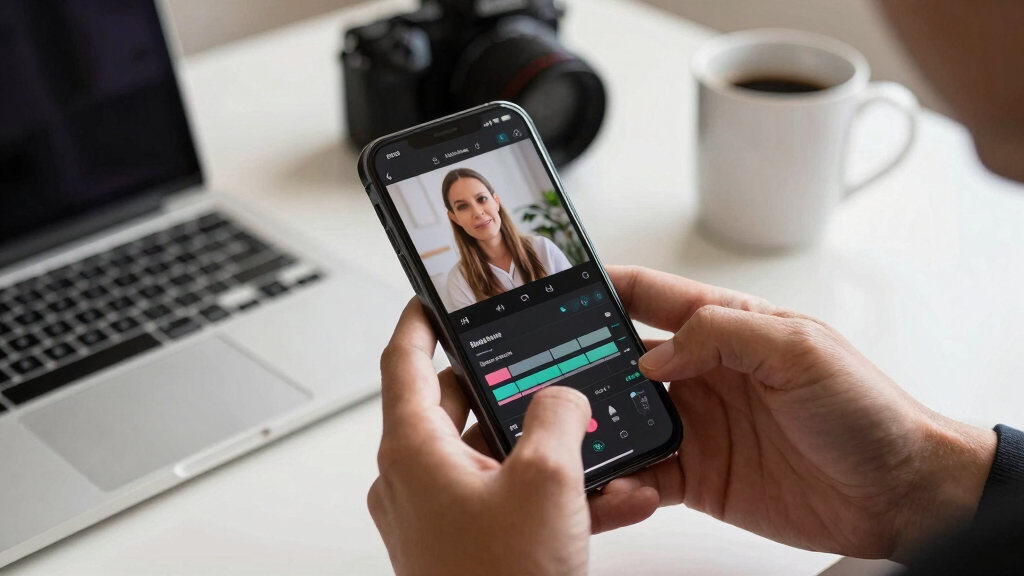
Staying off the cloud isn’t just about avoiding fees. It’s about control and privacy. When your footage and metadata stay on your hardware, you eliminate risks of data breaches or leaks. For instance, a marketing team handling sensitive client campaigns can process everything internally, knowing no third-party servers are involved. This control is especially important in industries with strict compliance standards or proprietary content, where even minor leaks can have serious repercussions.
Plus, local workflows mean fewer ongoing costs. Instead of paying monthly for AI processing or storage, you make a one-time hardware purchase. Over a year, this can save hundreds or thousands of dollars, especially for high-volume publishers. The tradeoff involves managing hardware updates and maintenance, but many find that the peace of mind and data security outweigh the convenience of cloud services. Additionally, local workflows enable faster turnaround times, since you’re not dependent on internet speeds or cloud server queues, which can introduce delays and variability in publishing schedules.
And with privacy laws tightening worldwide, keeping everything on-site is a smart move for compliance and trust. This approach not only safeguards your data but also demonstrates a commitment to user privacy, which can be a competitive advantage in today’s market.

Real-World Example: A Content Creator’s Local Workflow
Meet Lisa. She’s a YouTuber with a passion for tech reviews. Every week, she shoots a new video—about 20 minutes long. Instead of outsourcing editing or uploading to the cloud, she runs ChannelHelm on her PC.
Within 10 minutes, she has a full set of assets: a thumbnail, a catchy title, a detailed blog draft, and short clips for TikTok and Reels. She reviews everything in her local studio, makes a few tweaks, then hits publish. No delays, no data leaks, no monthly fees. This efficiency allows her to focus more on content quality rather than technical hurdles, and the immediate access to assets means she can quickly adapt her content for different platforms or audiences.
This approach saves her $50+ monthly cloud costs and keeps her content private. Plus, she controls every asset—no vendor lock-in, no subscription traps. The ability to operate offline ensures she can work seamlessly even with limited internet connectivity, making her workflow resilient and flexible.
Frequently Asked Questions
Does a local workflow require a lot of technical skill?
Not necessarily. Many tools, like ChannelHelm, are designed to be user-friendly with guided interfaces. Basic familiarity with your hardware helps, but you can often set up automated processes with minimal fuss.
Can I still publish to all platforms without the cloud?
Absolutely. You generate all assets locally—titles, clips, descriptions—and then upload them manually or via integrated tools. The workflow eliminates the need for cloud-dependent publishing pipelines.
What about AI accuracy—will I need to do a lot of editing?
AI isn’t perfect yet, but these tools are quite reliable for most tasks. You’ll review and tweak assets, but the heavy lifting—transcription, scene detection—is already accurate enough to save hours.
Is it expensive to set up a local publishing system?
Initial hardware costs can range from $1,000 to $3,000, but you avoid ongoing cloud subscription fees. Over time, this can lead to significant savings, especially if you publish frequently.
Will I need an internet connection at all times?
Once everything is set up and assets are generated, you can operate offline. A connection is only needed for initial setup or manual uploads, depending on your publishing process.
Conclusion
Choosing a local-first video publishing workflow means you keep your content, data, and control where they belong—on your own hardware. It’s a faster, more private way to publish, with the added bonus of cutting ongoing costs.
Imagine finishing a video and having everything ready to go—without waiting for uploads, approvals, or cloud processing. That’s the future of content publishing, and it’s already here. Are you ready to take control?