Choosing between an external drive, backup drive, or cloud depends on your needs for security, accessibility, and budget. External and backup drives are great for quick, local access and offers physical control, but they can be damaged or stolen. Cloud storage is flexible, scalable, and lets you access files anywhere, though it involves ongoing costs. To find the best fit for your data, you’ll discover helpful tips and options if you explore further.

Get the latest gadgets delivered free with Prime
- Fast, free delivery on millions of items
- Prime Video, Amazon Music and more included
- Member-only deals all year
Key Takeaways
- Choose external drives for portable, high-capacity storage and quick local access; secure them with encryption to prevent theft or damage.
- Use backup drives for regular, reliable data backups and disaster recovery; consider encryption for sensitive information.
- Opt for cloud storage for scalable, remote access, collaboration, and effortless data growth without hardware limitations.
- Assess security needs, budget, and convenience when selecting storage; combine options for optimal data protection.
- Regularly update, encrypt, and back up data regardless of storage type to ensure safety and reliability.
external hard drive with encryption
As an affiliate, we earn on qualifying purchases.
As an affiliate, we earn on qualifying purchases.
What Are the Main Storage Options (External, Backup, Cloud)?
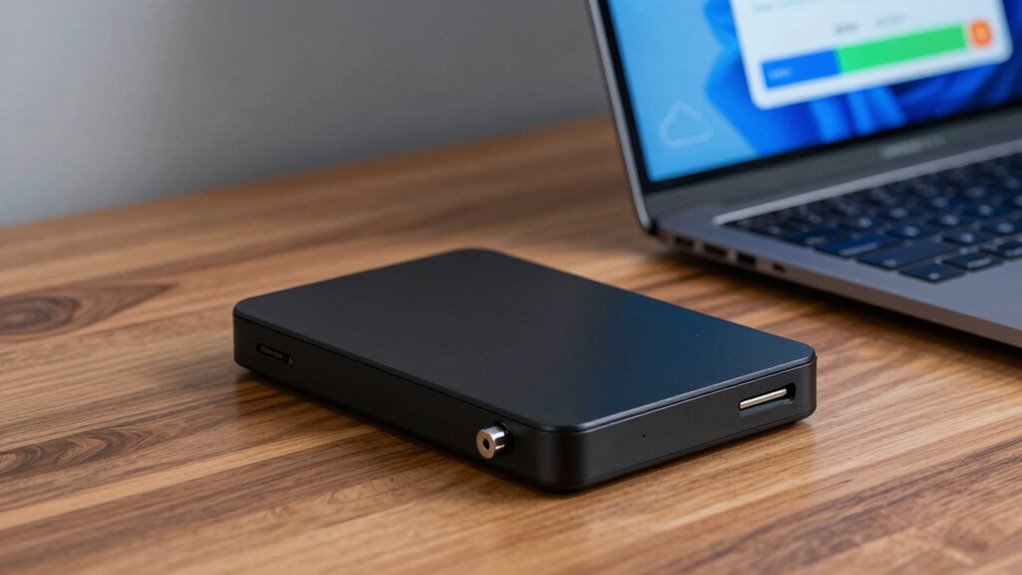
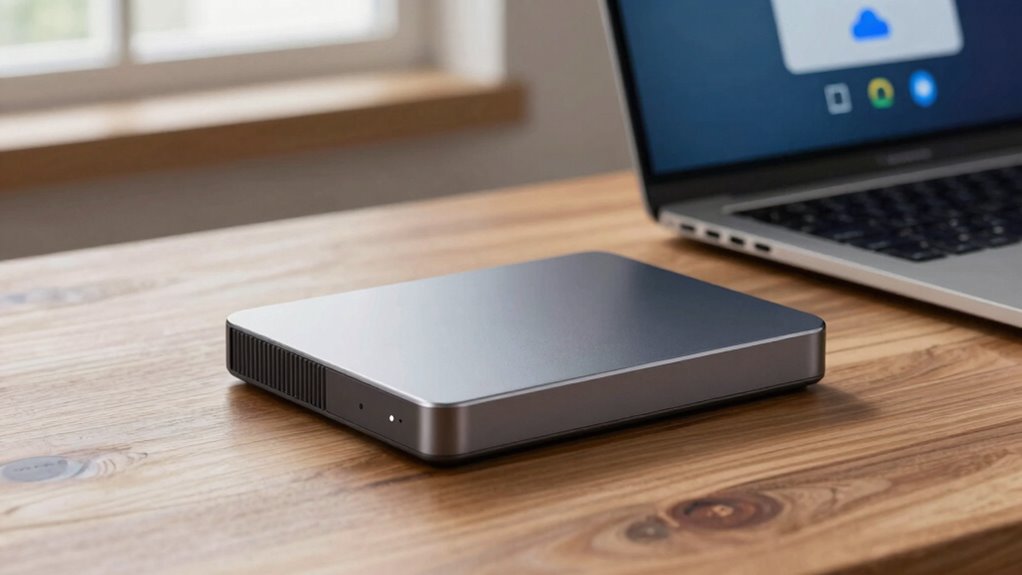
There are three main storage options to contemplate when managing your digital files: external drives, backup drives, and cloud storage. External drives are portable, offering quick access and physical control, but their storage durability depends on proper handling and quality. Backup drives are essential for safeguarding data, often featuring data encryption to protect your information from unauthorized access. Cloud storage provides remote access from anywhere, with data encryption ensuring your files stay secure online. Each option varies in resilience; external and backup drives can be vulnerable to physical damage, while cloud services rely on robust data encryption and server security. Choosing the right storage depends on your needs for data security, storage durability, and convenience, making it crucial to understand how each option balances these factors. Additionally, understanding the data storage/backup gear available, such as optical drives and enterprise USB backups, can help you make more informed decisions. A clear understanding of storage durability is vital when selecting the appropriate solution for your needs. Considering the contrast ratio of your storage options can also influence your decision, especially if you require high-quality visual data management.
As an affiliate, we earn on qualifying purchases.
How Do Storage Types Differ and Which Is Best for You?
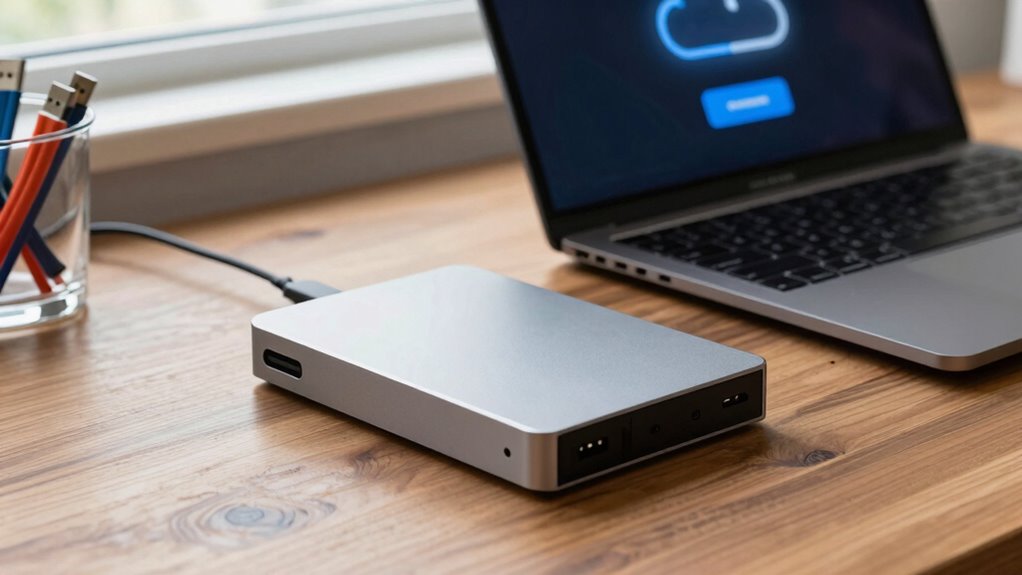
Understanding how different storage options vary will help you determine which best suits your needs. External drives are portable and offer high storage durability, making them ideal for physical backups. They often support data encryption, adding a layer of security for sensitive files. Backup drives are designed for regular, reliable backups and are usually connected directly to your device; their durability depends on build quality and usage. Cloud storage provides easy access from anywhere and automatically encrypts your data during transfer and storage, enhancing security. However, cloud solutions depend on internet speed and have ongoing subscription costs. Each option has strengths: external drives excel in local storage and durability, backup drives focus on regular backups, and cloud storage emphasizes accessibility and data security through encryption. Choose based on your security needs, portability, and access preferences.
cloud storage subscription plans
As an affiliate, we earn on qualifying purchases.
As an affiliate, we earn on qualifying purchases.
Pros and Cons of External Drives for Personal and Business Use
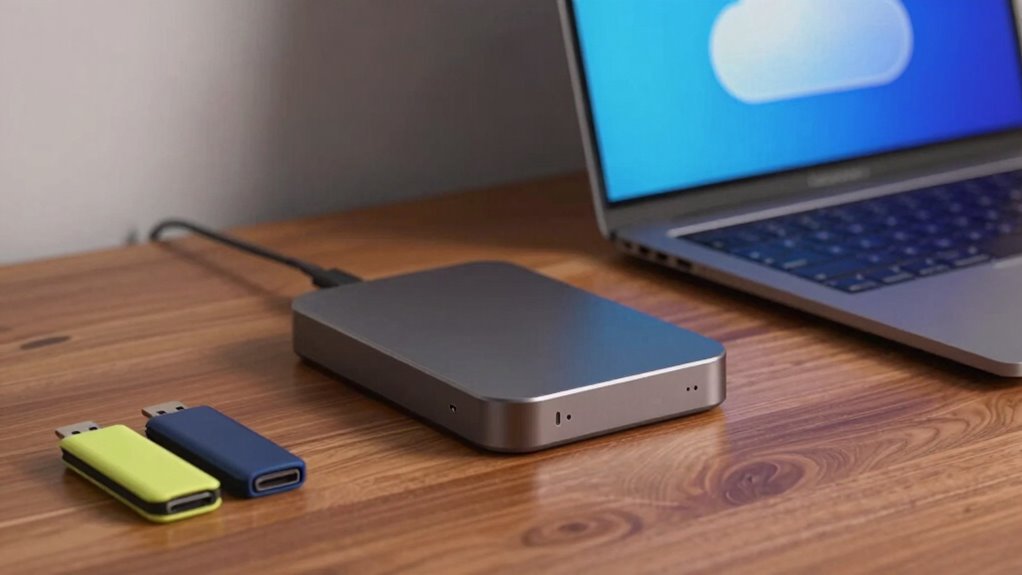
External drives offer great portability and quick access, making them convenient for both personal and business use. However, you need to take into account security risks and whether the device is reliable enough for your needs. For those balancing multiple responsibilities, understanding work-life harmony can help you make smarter storage choices that support your overall productivity. Additionally, data security should be a priority to protect sensitive information stored on external devices. Implementing home safety measures such as secure storage practices can further safeguard your data from theft or damage. Let’s explore the advantages and potential drawbacks of using external drives in different scenarios.
Portability and Accessibility
External drives offer a convenient way to quickly access and transfer files on the go, making them popular for both personal and business use. Their portability provides excellent travel convenience, allowing you to carry important data wherever you need it. You don’t rely on internet connections, so you can work or access files even in remote locations. However, this ease of access can also be a drawback if you forget or lose the drive, risking data loss or theft. While external drives excel in physical mobility, they lack remote access capabilities that cloud storage offers. This means you need to be physically connected to the drive to retrieve files, which can limit accessibility if you’re away from your device. Overall, external drives are highly portable but require careful handling to maintain accessibility.
Security and Reliability
While external drives are convenient for quick data access, their security and reliability can vary considerably. You need to evaluate encryption protocols to protect sensitive information from unauthorized access. External drives are susceptible to physical damage, theft, or loss, impacting disaster recovery plans. Regular backups and using encrypted drives help mitigate risks. Reliability depends on build quality and proper handling; cheap drives may fail unexpectedly. For personal use, encryption offers peace of mind, but for business, robust security protocols are essential. Keep in mind that external drives lack the redundancy of cloud solutions, making disaster recovery more challenging if data gets corrupted or lost. To maximize security and reliability, combine external drives with supplementary backup methods and strong encryption practices. Proper wiring and heat management are also crucial to prevent overheating that can lead to hardware failure. Additionally, understanding the importance of support networks for new dads and other resilience strategies can be beneficial in overall data management planning. Furthermore, considering factors like natural pool design and eco-friendly practices can help in creating a sustainable backup environment. Incorporating proper maintenance routines can also extend the lifespan and performance of your storage devices.
portable high-capacity external SSD
As an affiliate, we earn on qualifying purchases.
As an affiliate, we earn on qualifying purchases.
Why Backup Drives Are Critical for Data Security
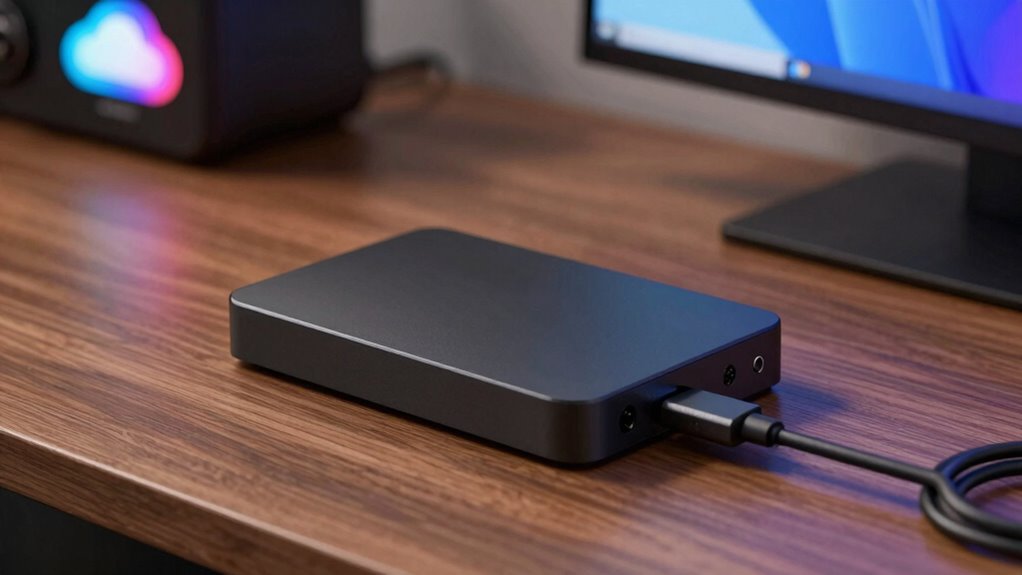
Backing up your data with a reliable drive is essential because it provides a safeguard against unexpected events like hardware failures, cyberattacks, or accidental deletions. Backup drives help guarantee your data remains accessible and protected, especially when disaster strikes. Implementing encryption protocols on your backup drive adds an extra layer of security, keeping sensitive information safe from unauthorized access. In case of a data breach or system failure, having a backup drive simplifies disaster recovery, allowing you to restore your files quickly and minimize downtime. Without a backup drive, you risk losing critical data permanently. Utilizing conversion tools can help you understand the scale of your stored data in different units, making it easier to assess storage needs. Investing in a secure, reliable backup drive is a key step toward maintaining your data security and ensuring business continuity or personal data preservation.
Benefits of Cloud Storage for Flexibility and Growth

Cloud storage offers you the flexibility to easily scale your data needs as your business grows, without worrying about hardware limitations. It also enables seamless collaboration, so your team can access and share files from anywhere, anytime. This adaptability helps you stay agile and responsive in a dynamic environment. Additionally, understanding digital concepts can help you make informed decisions about your storage options.
Scalability and Adaptability
One of the key advantages of cloud storage is its ability to easily scale with your needs. This scalability potential allows you to expand or reduce your storage capacity effortlessly, supporting your growth without costly hardware upgrades. Cloud services offer adaptability flexibility, enabling you to adjust resources in real-time as your demands change. Whether you’re handling more data, launching new projects, or scaling back, cloud storage adapts seamlessly. You won’t have to worry about outgrowing your storage solution or facing downtime. Instead, you benefit from a flexible system that grows with you.
- Instant capacity adjustments
- Cost-effective resource management
- Support for fluctuating data loads
- Quick onboarding of new users
- Future-proofed infrastructure
Seamless Collaboration Opportunities
The flexibility of cloud storage not only supports your growing data needs but also enhances how your team collaborates. With cloud solutions, file sharing becomes instant and effortless, allowing everyone to access the latest versions from any device. This seamless access promotes real-time team collaboration, reducing delays and miscommunications. You can work together on documents, spreadsheets, or presentations without worrying about email attachments or version control issues. Cloud storage also enables multiple team members to edit files simultaneously, boosting productivity. As your team expands, the cloud adapts easily, accommodating more users and data without hassle. This versatility ensures your team stays connected, synchronized, and efficient, fostering an environment that supports growth and innovation through streamlined file sharing and collaboration.
Which Storage Solution Is Most Budget-Friendly?

When comparing storage options, cost often plays a crucial role in decision-making. You’ll find that external drives generally have a lower upfront cost, making them budget-friendly for individual use. Backup drives can be affordable too, especially if you need extra storage for periodic backups. Cloud storage tends to have ongoing subscription fees, which can add up over time. Additionally, consider that performance upgrades like faster drives can enhance overall efficiency, similar to how quality automotive parts improve vehicle performance. Here are some points to weigh:
- External drives usually have a one-time purchase cost
- Backup drives are affordable for local backups
- Cloud services often involve monthly or yearly fees
- Cost comparison varies based on storage size and usage
- Environmental impact: cloud data centers consume significant energy, while external drives have minimal impact
- When selecting a storage option, understanding storage management can help optimize your setup while keeping costs in check. For instance, storage efficiency techniques can reduce unnecessary expenditures and improve overall data handling.
Choosing the right option depends on your budget and environmental considerations.
Tips to Keep Your Data Safe on Any Storage Type
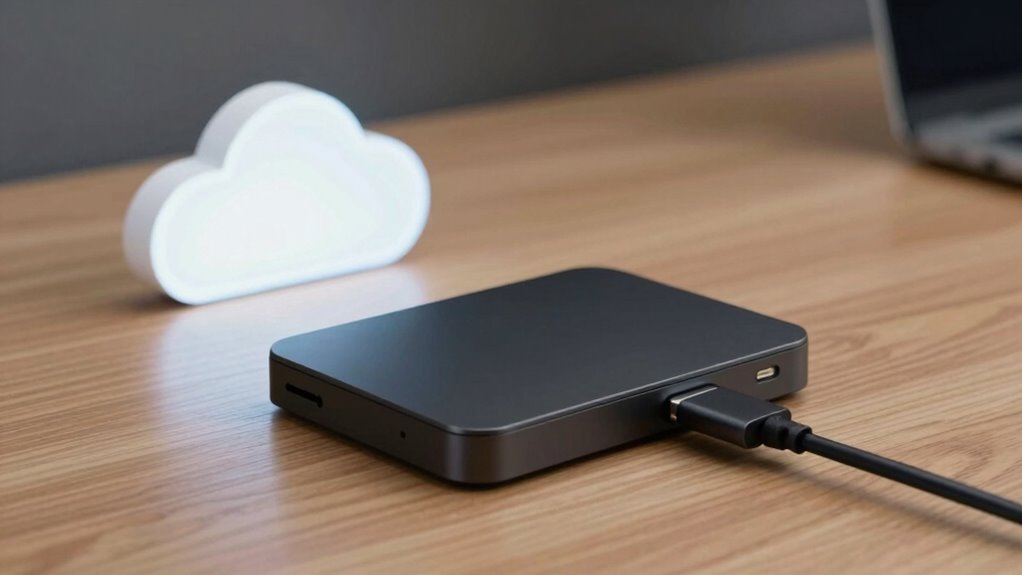
Regardless of whether you opt for an external drive, backup drive, or cloud storage, safeguarding your data should always be a priority. Start by enabling data encryption to protect sensitive information from unauthorized access. Encryption adds a layer of security, making it difficult for hackers or malicious software to read your files. Additionally, implement storage redundancy by regularly backing up data across multiple devices or platforms. This way, if one storage option fails or gets compromised, your data remains safe elsewhere. Keep your software and security tools up to date to patch vulnerabilities. Use strong, unique passwords and enable two-factor authentication whenever possible. These simple measures help guarantee your data stays protected, no matter which storage type you choose. For those using electric bikes or other tech gadgets, understanding power output and proper maintenance can also help ensure your devices operate safely and efficiently.
Common Mistakes When Picking a Storage Solution
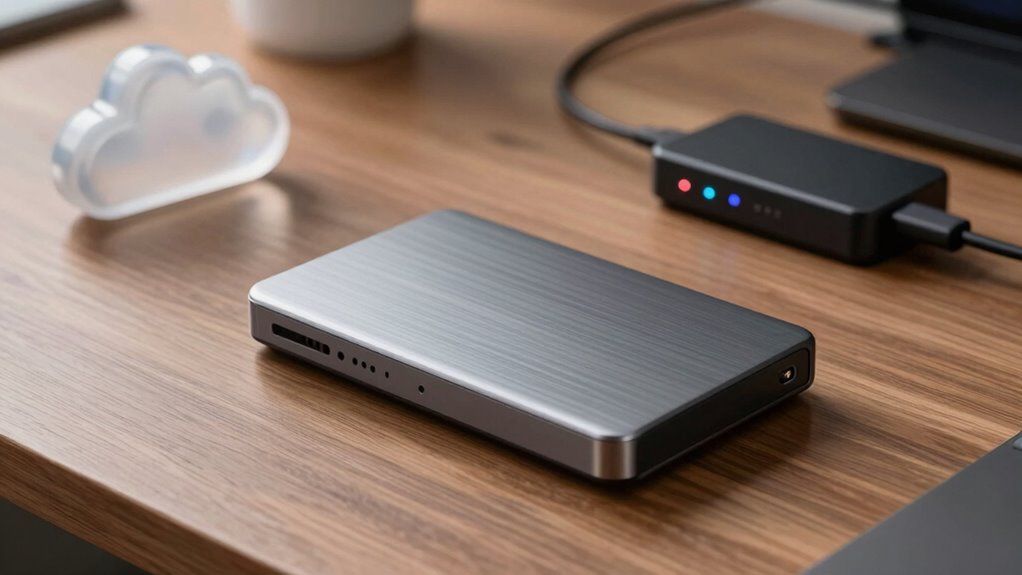
Choosing the wrong storage solution can lead to serious data loss or security vulnerabilities. Many make mistakes by overlooking key factors like data encryption and storage redundancy, risking exposure or loss. For example, relying solely on external drives without encryption leaves data vulnerable if lost or stolen. Skipping redundancy means a single failure could wipe out everything, especially with cloud or backup drives. Some ignore the importance of scalability, choosing solutions that won’t grow with your needs. Others overlook cost-effectiveness, investing too much in unnecessary features. Failing to assess security measures can leave your data exposed. To avoid these pitfalls, prioritize solutions that offer robust data encryption and reliable storage redundancy to protect your data effectively. Additionally, understanding the role of time and memory in data management can help optimize your storage strategy for longevity and reliability. Being aware of storage lifespan and how data persistence impacts your backups ensures your information remains accessible over time. Moreover, considering data retention policies can help you plan for future storage needs and avoid unnecessary upgrades. Recognizing the importance of data durability can further safeguard your data against hardware failures or corruption. Implementing practices that account for hardware lifespan helps ensure your storage solutions remain dependable over time.
How to Choose the Right Storage for Your Needs
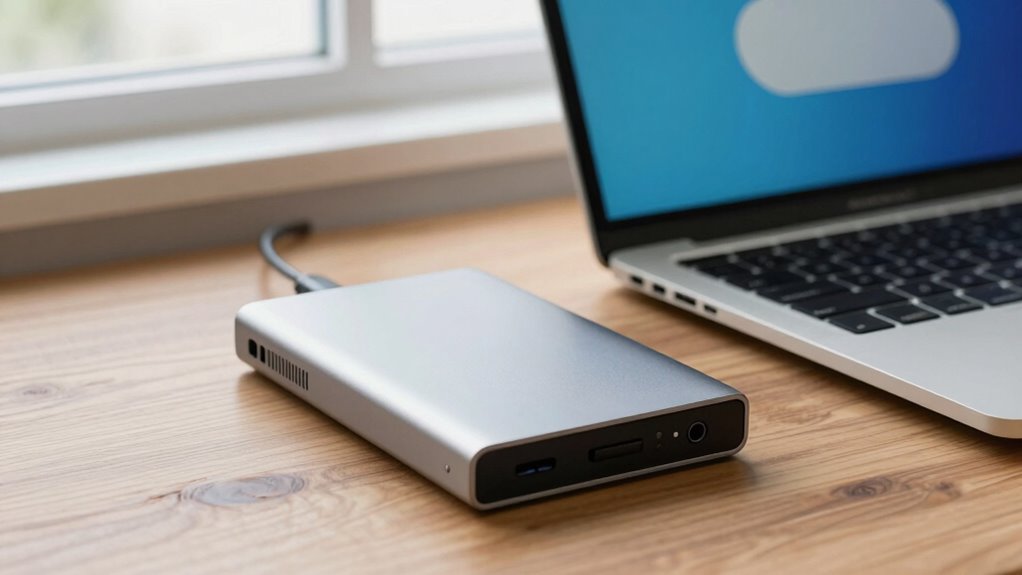
Selecting the right storage solution depends on understanding your specific needs and how you plan to use the data. Consider how much storage capacity you require and whether you’ll need quick access or long-term backup. If security is a priority, look for options that offer data encryption to protect sensitive information. For frequent use, external drives or cloud services with easy access might be best, but don’t forget about storage maintenance; regular updates and backups keep your data safe and accessible. If you’re concerned about physical damage or theft, cloud storage offers remote access and added security. Balance these factors to choose a solution that matches your data volume, security needs, budget, and convenience. Making an informed decision guarantees your data stays protected and manageable.
Frequently Asked Questions
How Do I Determine the Ideal Storage Capacity for My Needs?
You should determine your ideal storage capacity by evaluating how much data you regularly handle and planning for growth. Use data compression to optimize space and consider storage scalability to accommodate future needs. Think about your current data volume, potential file size increases, and backup requirements. This approach helps you choose a capacity that’s sufficient now and allows for easy expansion later, ensuring you won’t run out of space unexpectedly.
What Are the Environmental Impacts of Different Storage Options?
Different storage options impact the environment through energy consumption and electronic waste. External drives and backup drives use energy constantly when powered on, contributing to higher electricity use. Cloud storage relies on data centers, which consume significant energy but often improve efficiency over time. Electronic waste is a concern with all options, especially when devices become obsolete or broken. Choosing eco-friendly, energy-efficient solutions and recycling old devices helps reduce environmental harm.
Can I Mix Multiple Storage Solutions Effectively?
Yes, you can effectively mix multiple storage solutions. In fact, a hybrid setup enhances storage redundancy, protecting your data from hardware failures or cyber threats. Notably, studies show that 60% of users adopt multiple storage options for better security. By combining local and cloud storage, you balance quick access and off-site backup, ensuring your data’s safety while optimizing cost and convenience. This approach offers a flexible, resilient data management strategy.
How Do I Migrate Data Between Different Storage Types Securely?
You can migrate data securely by using reliable data transfer tools that support encryption protocols like AES or TLS. First, back up your data to prevent loss. Then, connect your source and destination storage, and initiate the transfer with encryption enabled. Make certain both devices are updated and secured. Always verify data integrity after migration, and consider using VPNs for added security during transfers.
What Security Measures Are Recommended for Cloud Storage?
Think of cloud storage as a vault—security is your shield. You should use robust encryption protocols to scramble your data, making it unreadable to outsiders. Implement strict access controls, like multi-factor authentication and permissions, to keep only authorized eyes in. Regularly update your security settings, monitor activity logs, and choose reputable providers, so your data remains safe amidst the digital storm.
Conclusion
Choosing the right storage depends on your needs, budget, and priorities. Whether you opt for an external drive, backup solution, or cloud, remember that “a stitch in time saves nine.” Stay proactive about data security, weigh your options carefully, and don’t rush the decision. With the right approach, you’ll safeguard your valuable information and keep your digital life running smoothly—because in the world of data, prevention is always better than cure.
Halloween Picks
halloween
As an affiliate, we earn on qualifying purchases.