
TL;DR

Get the latest gadgets delivered free with Prime
- Fast, free delivery on millions of items
- Prime Video, Amazon Music and more included
- Member-only deals all year
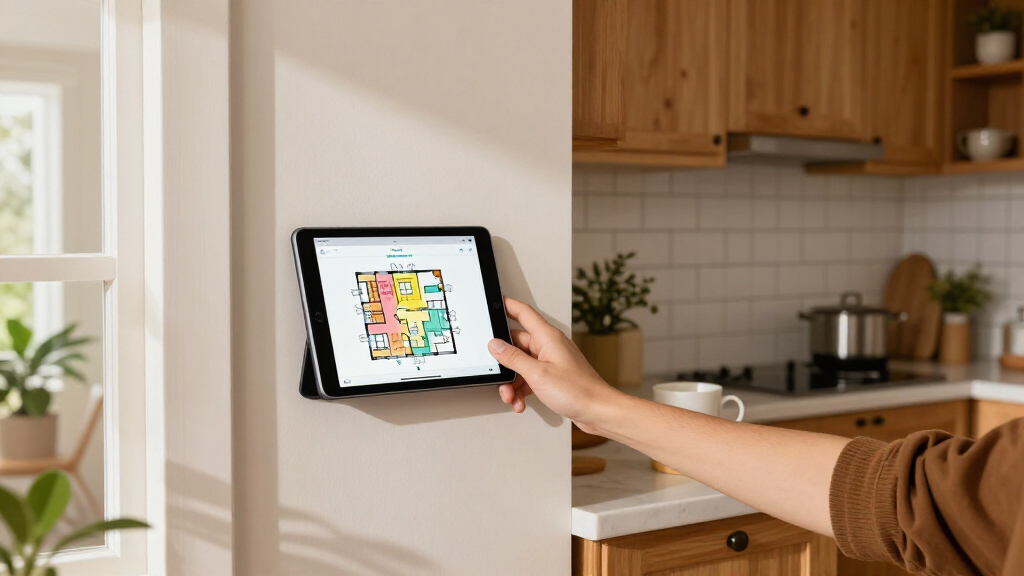
Anton Frolov commissioned an illustrator to draw his home, then used the artwork as the basis for an interactive Home Assistant dashboard. The project addresses a practical household problem: family members were reluctant to use his earlier dashboard to control devices such as garden lights.
Anton Frolov commissioned an illustrator to draw his home and turned the artwork into an interactive Home Assistant dashboard, aiming to make smart-home controls easier for his family to use. In a report on the project, he describes the illustration as a house map whose rooms and devices change visually with their status, including animated depictions of equipment that is on.
Frolov said he had spent about a year automating his home with Home Assistant, an open-source smart-home platform. Some routines ran automatically: air conditioners switched off when everyone left, while a sprinkler adjusted its run time according to weather conditions. Other tasks still required someone to open an app.
Garden lights were a particular problem. Frolov said they could be controlled through an app, and a Home Assistant timer switched them off after a period of time. As the timer approached its end, the lights blinked to prompt someone to extend it. He wrote that other household members did not want to use his earlier dashboard or the Home Assistant app, leaving the lights harder to manage for them.
Rather than rely on a physical switch, Frolov explored an illustrated floor plan. He hired an environment artist and supplied an architectural plan, room photographs, visual references, examples of dashboards and a technical brief. He asked for day and night versions of each floor and individual device artwork, with still images for off states and short animation loops for on states.
The project highlights a usability issue that can arise even when a smart home is automated: someone still needs to operate the controls that are not handled by routines. Frolov’s account suggests that an interface can be technically capable yet not useful to a household if other residents find it unappealing or difficult to use.
His approach makes the house itself the visual interface. Rooms provide the setting, while device artwork and status readouts communicate what is happening. Frolov said the result was the first dashboard his whole family enjoyed using. That is his assessment of his own household, not evidence that illustrated dashboards will suit every user or home.
The account may interest Home Assistant users who want to make a dashboard more personal, especially those managing controls that do not fit neatly into automatic routines. It also shows that the work may involve more than configuring software: commissioning suitable artwork and defining how it must be delivered took a substantial share of the project.
custom smart home dashboard display
As an affiliate, we earn on qualifying purchases.
As an affiliate, we earn on qualifying purchases.
From Automation to Illustrated Floor Plan
Frolov described the project as a response to a gap in his existing setup. He had automated tasks such as climate control and sprinkler watering, but the garden lights still depended on someone using an app. A physical switch was not his preferred fix, he wrote, because it would not address the timer and some devices were more practical to control through an app.
He considered floor-plan dashboards after looking at other examples. The 3D designs he found often used a static model with interactive icons layered over it, while a pixel-art plan appealed to him but would require drawing or arranging individual sprites. He ultimately hired an illustrator whose portfolio focused on illustrated environments.
For the Home Assistant implementation, Frolov used the standard picture-elements card. In his description, the house illustration serves as the background; images, icons and sensor labels sit above it, and conditional elements can appear or disappear according to device status. He also said he initially requested PNG sprite sheets for animations, then converted the frames to animated WebP files himself.
“For the first time, it’s one the whole family actually enjoys using.”
— Anton Frolov, describing the finished dashboard
interactive home automation interface
As an affiliate, we earn on qualifying purchases.
As an affiliate, we earn on qualifying purchases.
Details Beyond One Household
The supplied report describes Frolov’s own project, but does not provide the artist’s name, the commission cost or the total build time. It also does not report user testing, accessibility findings, or whether the dashboard has been shared as a reusable configuration for other Home Assistant users.
Frolov’s statement that his family enjoys using the interface is a personal account; the source material does not include comments from other household members. It is also unclear how much of the underlying configuration or artwork is available to readers, and whether the same design would work as well on different screens or for people with different access needs.
As an affiliate, we earn on qualifying purchases.
Applying the Artwork in Home Assistant
Frolov’s report focuses on commissioning the artwork and placing it into Home Assistant, rather than announcing a product launch or a broader release. In the described setup, the next practical step is to configure image elements so devices display the appropriate still image or animation for their state, and to position controls and readouts over the illustrated floor plan.
Readers considering a similar project can follow the documented approach: prepare reference material, agree on file formats and lighting variants, and ask for all assets to share one canvas so their positions remain aligned. The report does not give a date for a follow-up or say that Frolov plans to publish a downloadable dashboard.
personalized smart home illustration
As an affiliate, we earn on qualifying purchases.
As an affiliate, we earn on qualifying purchases.
Key Questions
What is the illustrated Home Assistant dashboard?
It is a custom illustration of Frolov’s home used as the background for Home Assistant controls and status information. Device images can change to reflect whether equipment is on or off.
Why did Frolov commission an illustrator?
He said his family did not want to use his earlier dashboard or the Home Assistant app. The illustrated floor plan was intended to make household controls more appealing and easier to recognize.
How did he add the artwork to Home Assistant?
Frolov used the standard picture-elements card. The illustration acts as the background, with device images, icons and status labels placed over it.
What did he ask the illustrator to provide?
He requested day and night artwork for each floor, plus individual device images for off and on states. He advised using transparent image files and exporting each asset on the same-size canvas so components line up.
Is the dashboard available for others to download?
The supplied report does not say that a downloadable configuration or the commissioned artwork has been released. It describes Frolov’s project and process.
Source: hn
Halloween Picks
halloween
As an affiliate, we earn on qualifying purchases.