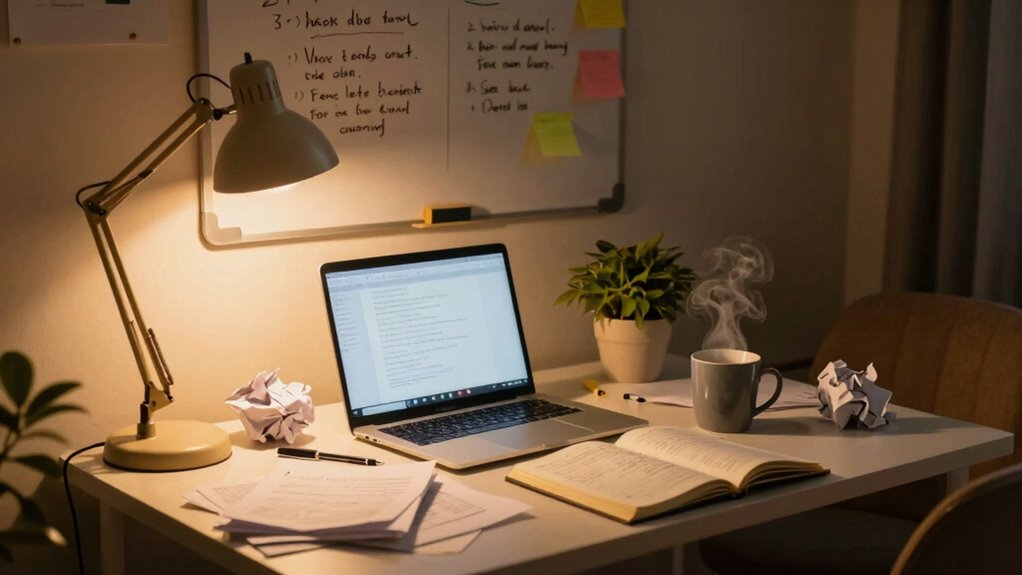
After long work sessions, you’ll notice discomfort like neck strain, back pain, or eye fatigue, indicating your home office setup needs adjustments. You might feel restless or distracted, and clutter can make focus harder. Poor lighting or misaligned furniture can also cause fatigue. These signs show it’s time to optimize your space with ergonomic furniture, better lighting, and organization. Keep going, and you’ll discover simple ways to improve your workspace for better comfort and productivity.
Key Takeaways
- Creators notice increased fatigue and discomfort without ergonomic furniture and proper posture adjustments.
- Long work sessions reveal the need for better lighting to reduce eye strain and headaches.
- Cluttered spaces hinder focus, prompting improvements in organization and storage solutions.
- Continuous workspace adjustments are necessary to maintain comfort and prevent long-term strain.
- Personal touches like plants and artwork enhance mood and alleviate stress during extended work periods.
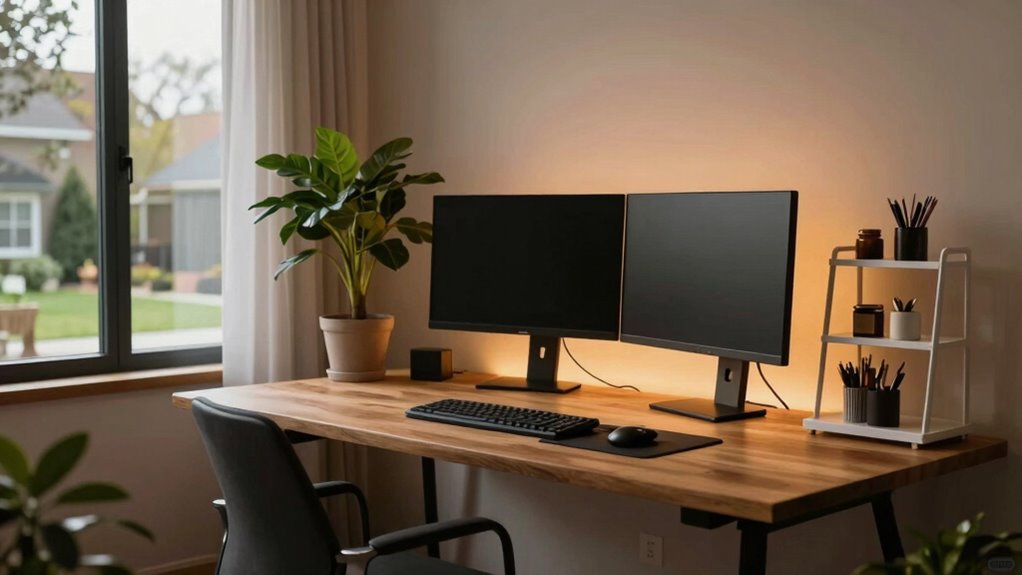
If you’ve been considering a home office upgrade, now’s the perfect time to act. After long work sessions, you might notice signs that your workspace needs some attention. Comfort and efficiency go hand-in-hand, and small changes can profoundly impact your productivity and well-being. One of the most effective upgrades you can make is investing in ergonomic furniture. When your desk and chair support your body properly, you reduce strain on your neck, back, and wrists. This not only prevents discomfort but also helps you stay focused longer without the distraction of aches or fatigue. An ergonomic chair with adjustable height and lumbar support can make a huge difference, as can a sit-stand desk that allows you to switch positions throughout the day.
Upgrade your home office with ergonomic furniture to boost comfort, focus, and long-term well-being.
Lighting improvements also play a critical role in your home office environment. Poor lighting strains your eyes, causes headaches, and makes it harder to concentrate. Bright, natural light is ideal, so if possible, position your workspace near a window. When natural light isn’t enough, invest in quality task lighting. Adjustable desk lamps with warm light bulbs can reduce eye strain and create a welcoming atmosphere. Avoid harsh fluorescent lighting, which can cause glare and discomfort. Instead, opt for layered lighting: combine ambient, task, and accent lights to create a balanced, flexible setup that adapts to different times of day and tasks. Incorporating appropriate lighting can also help you conserve energy and support your circadian rhythms. Additionally, selecting lighting with color temperature control can help you adjust the ambiance to suit your needs and time of day.
Beyond furniture and lighting, consider how your space is organized. Clutter can be distracting and reduce your focus. Use storage solutions like shelves or filing cabinets to keep essential items within reach but out of sight. A clean, organized workspace helps your mind stay clear and reduces stress after long work hours. Make sure your setup promotes good posture, with your computer screen at eye level and your keyboard and mouse positioned comfortably to prevent repetitive strain injuries. Additionally, paying attention to ergonomic principles can help you design a healthier workspace tailored to your needs.
Lastly, don’t forget to incorporate some personal touches that make your workspace inviting. Plants, artwork, or motivational quotes can boost your mood and make long hours more enjoyable. Staying comfortable and energized requires continuous adjustments, so regularly evaluate your setup and be prepared to tweak your ergonomic furniture, lighting, and organization habits. By paying attention to these details, you’re not just upgrading your home office—you’re protecting your health, enhancing your focus, and setting yourself up for sustained productivity during those demanding work marathons.
ergonomic office chair with lumbar support
As an affiliate, we earn on qualifying purchases.
As an affiliate, we earn on qualifying purchases.
Frequently Asked Questions
How Long Is Considered a “Long Work Session” for Upgrades?
A “long work session” for upgrades typically lasts around 2 to 4 hours, depending on your comfort and productivity. During this time, you might notice strain without ergonomic furniture or proper lighting improvements. To prevent fatigue, take breaks, adjust your workspace, and incorporate ergonomic furniture and lighting improvements. These upgrades help maintain focus and comfort during extended work periods, ensuring your home office remains a productive, healthy environment.
What Safety Measures Do Creators Recommend During Upgrades?
Creators recommend taking safety measures during upgrades by using ergonomic accessories to prevent strain and fatigue, and ensuring proper lighting improvements to reduce eye strain. You should take regular breaks, stay hydrated, and maintain good posture. Keep your workspace well-lit, and consider adjustable lighting options. Using ergonomic accessories like supportive chairs and keyboard stands helps minimize injury risk, making long upgrade sessions safer and more comfortable for you.
Are There Specific Tools Required for the Upgrade Process?
Think of upgrading your home office as preparing your ship for smooth sailing. You’ll need specific tools like ergonomic accessories to guarantee comfort and proper posture and cable management tools to keep everything neat and functional. These tools help prevent strain and tangled wires, making your upgrade more efficient. Having the right equipment on hand ensures your workspace is optimized, safe, and ready for long work sessions without unnecessary disruptions.
How Often Should Home Office Upgrades Be Performed?
You should perform home office upgrades every 12 to 24 months to keep your workspace comfortable and efficient. During these upgrades, consider adding ergonomic accessories like adjustable chairs or keyboard supports to prevent discomfort. Also, incorporate aesthetic enhancements such as new decor or lighting to boost motivation. Regular updates guarantee your space remains functional and inspiring, helping you stay productive and comfortable during long work sessions.
Can Upgrades Be Done Without Professional Assistance?
You can definitely do upgrades yourself, especially if you focus on ergonomic considerations and budget planning. Coincidentally, many DIY projects align with improving comfort and productivity. Just make certain you have the right tools and knowledge, and follow safety tips. While some upgrades are straightforward, complex tasks might still need professional help. Assess your skills and resources first, then proceed to create a more efficient, comfortable home office on your own.
As an affiliate, we earn on qualifying purchases.
Conclusion
So, after all those long work sessions, you finally realize your home office isn’t just a fancy backdrop for Zoom calls. It’s a sanctuary where your back can rebel and your productivity can pretend to thrive. But hey, at least now you know that upgrading your space isn’t just about shiny gadgets—it’s about surviving the chaos in style. Cheers to the next marathon session, armed with ergonomic chairs and a dash of hope!
LED desk lamp with color temperature control
As an affiliate, we earn on qualifying purchases.
As an affiliate, we earn on qualifying purchases.
storage solutions for home office organization
As an affiliate, we earn on qualifying purchases.
As an affiliate, we earn on qualifying purchases.