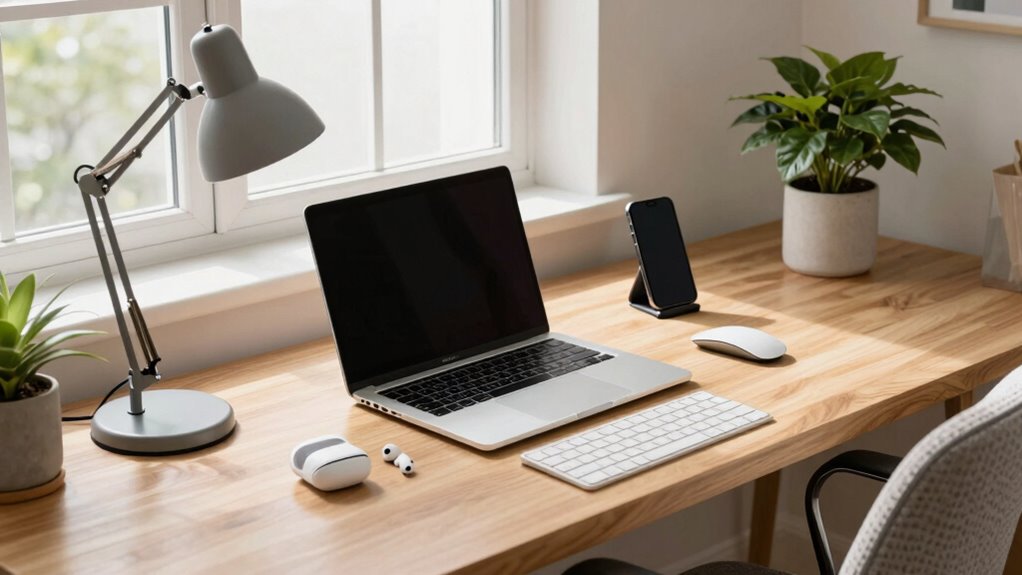

To set up a better desk tech routine, start by organizing your workspace with ergonomic accessories like adjustable chairs and monitor stands to stay comfortable. Keep your devices updated and use cloud storage for easy file access. Install focus apps to block distractions, set reminders for breaks, and regularly maintain your devices for peak performance. Create clear boundaries and routines that support productivity and well-being. Continue exploring to discover more tips for a productive work-from-home setup.
Key Takeaways
- Regularly update devices and software to ensure optimal performance and security.
- Organize digital files and desktop icons for quick access and reduced clutter.
- Use productivity and focus apps to manage tasks and minimize distractions.
- Schedule routine breaks and stretch periods to maintain comfort and prevent fatigue.
- Set clear boundaries and a dedicated workspace to enhance focus and work-life separation.
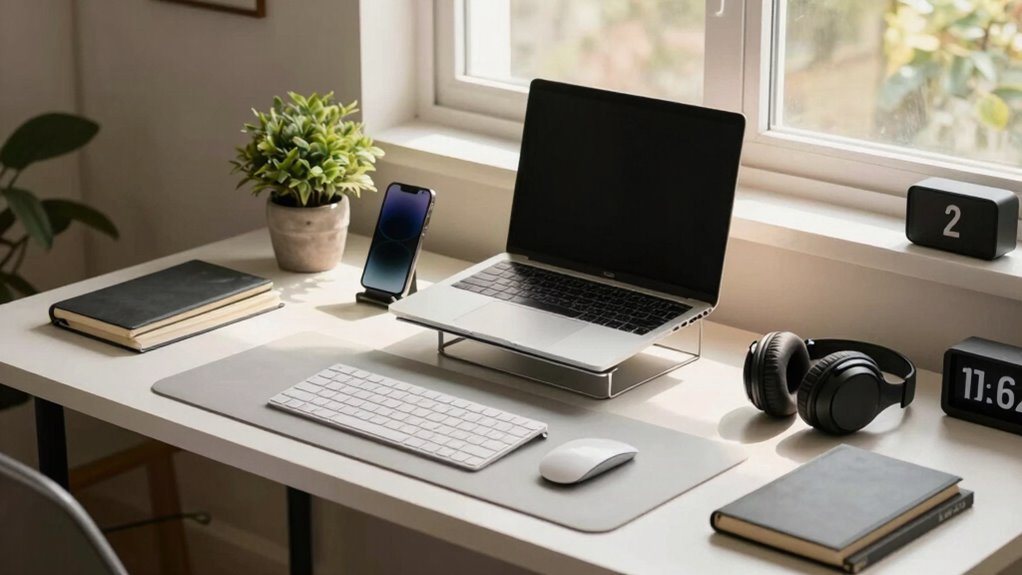
Are you tired of feeling disorganized or distracted while working from home? Establishing a solid tech routine can make a huge difference in your day-to-day productivity and comfort. Start by assessing your workspace setup, focusing on ergonomic accessories that support good posture and reduce fatigue. Invest in items like an adjustable chair, a supportive keyboard, and a monitor stand. These accessories not only improve your comfort but also help prevent common issues like neck strain and wrist pain. When your body is well-supported, you can concentrate better and work longer without discomfort.
Next, streamline your digital environment by selecting productivity apps that keep you focused and organized. Use task management tools like Trello or Asana to break projects into smaller, manageable steps. Set up calendar reminders for deadlines and breaks, ensuring you stay on schedule and avoid burnout. Also, consider installing focus apps that block distracting websites during work sessions—these can be game-changers for maintaining concentration. By customizing your digital toolkit, you create an environment that promotes efficiency and minimizes interruptions.
Streamline your digital space with task managers, reminders, and focus apps to boost productivity and minimize distractions.
Creating a consistent tech routine also means optimizing your device setup. Keep your devices updated to ensure smooth performance and security. Use cloud storage services like Google Drive or Dropbox to access your files from any device, making transitions seamless and reducing clutter on your desktop. Organize your desktop icons and folders to avoid wasting time searching for files. Additionally, customize your notifications to only alert you for essential messages, so you’re not constantly pulled away from your work. Improving your device setup is part of establishing a tech routine, and incorporating proper device maintenance can further enhance your workflow and prevent technical issues. Incorporating biodiversity-conscious technology by choosing eco-friendly devices can also contribute to sustainable living.
Another crucial element is establishing a dedicated workspace free from distractions. Position your computer and accessories in a way that minimizes glare and eye strain, and make sure your ergonomic accessories are correctly adjusted. Set boundaries with others in your household, signaling when you’re in “work mode” to help you stay focused. When you’re intentional about your setup and routines, it becomes easier to slip into a productive mindset each day. Incorporating ergonomic principles into your workspace setup can help prevent discomfort and boost your overall well-being. Additionally, exploring ergonomic accessories that suit your specific needs can further improve comfort and prevent strain.
Finally, develop habits that reinforce your tech routine. At the start of each workday, review your task list and set clear priorities. Take regular breaks using timers or productivity apps to stretch, hydrate, or briefly step away from your desk. As you build these habits, your workspace becomes a well-oiled machine that supports your work efficiency and well-being. With a thoughtful setup and consistent routine, working from home can become more manageable, productive, and even enjoyable.

TRALT Office Chair – Ergonomic Desk Chair with Adjustable Lumbar Support, Mesh Computer Chair, Executive Chairs for Home Office Comfortable Lumbar Support (Black)
- High-Resilience Foam Seat: Maintains shape and comfort over time
- Adjustable Lumbar Support: Customizable depth for lower back relief
- Breathable Mesh Backrest: Ensures airflow and durability
As an affiliate, we earn on qualifying purchases.
As an affiliate, we earn on qualifying purchases.
Frequently Asked Questions
How Can I Prevent Tech Distractions While Working Remotely?
To prevent tech distractions while working remotely, you should take tech-free breaks regularly to reset your focus. Use focus-enhancing apps to block distracting websites and notifications during work periods. Keep your phone out of reach or on silent, and set specific times for checking emails or social media. These strategies help maintain concentration, improve productivity, and create a healthier balance between work and personal tech use.
What Ergonomic Tech Accessories Improve Comfort During Long Work Hours?
Did you know that poor ergonomics can lead to a 25% increase in discomfort during long work hours? To improve your comfort, invest in ergonomic tech accessories like a keyboard with adjustable height for better keyboard ergonomics and a mouse that fits your hand comfortably. These upgrades reduce strain, minimize fatigue, and help you stay productive and pain-free throughout your workday.
How Do I Manage Multiple Devices Efficiently?
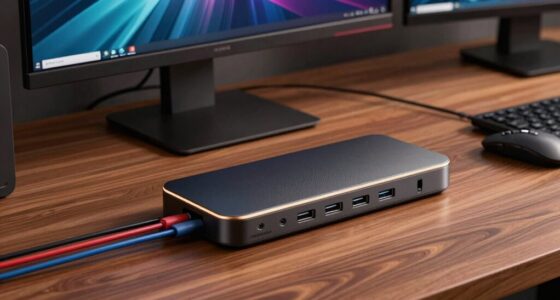
You can manage multiple devices efficiently by implementing device organization and cable management strategies. Use cable clips and sleeves to keep cords tidy and prevent tangling. Invest in a multi-port dock or hub to connect all devices seamlessly, reducing clutter and improving accessibility. Regularly declutter your workspace, label cables, and create designated spots for each device. These practices keep your setup streamlined, making it easier to switch between devices without hassle.
What Are Best Practices for Online Security at My Desk?
Think of your online security as a fortress, with your password management as the strong gates and data encryption as the secret tunnels. Use complex, unique passwords for each account and store them securely. Enable two-factor authentication whenever possible. Regularly update your software to patch vulnerabilities. These practices keep your digital fortress resilient, ensuring your work-from-home setup stays safe from intruders and data breaches.
How Can I Optimize Internet Speed for Remote Work?
To optimize your internet speed for remote work, focus on bandwidth optimization by limiting bandwidth-heavy activities during peak hours. Proper router placement is essential—position it centrally, off the floor, and away from interference to enhance signal strength. Regularly update your router’s firmware and use a wired Ethernet connection for stability. These steps guarantee a faster, more reliable connection, helping you work efficiently without frustrating interruptions.

HUANUO FlowLift™ Dual Monitor Stand, Fully Adjustable Gaming Monitor Desk Mount for 13–32″ Computer Screens, Full Motion VESA 75×75/100×100 with C-Clamp & Grommet Base, Each Arm Holds 4.4 to 19.8 lbs
- Monitor Compatibility: Supports 13-32 inch, 4.4-19.8 lbs, VESA 75×75/100×100
- Desk Compatibility: Fits wooden desks 0.59-3.54 inches thick
- Secure Mounting: Dual C-Clamp and Grommet options for stability
As an affiliate, we earn on qualifying purchases.
As an affiliate, we earn on qualifying purchases.
Conclusion
By fine-tuning your desk tech routine, you’re crafting a symphony of productivity amidst a sea of distractions. Think of your setup as a well-tuned instrument, where each device and habit plays its part in harmony. With mindful adjustments, you’ll transform your workspace into a sanctuary of focus and efficiency, turning everyday tasks into a graceful dance. Embrace these changes, and watch your work-from-home rhythm become a masterpiece in motion.
As an affiliate, we earn on qualifying purchases.
As an affiliate, we earn on qualifying purchases.