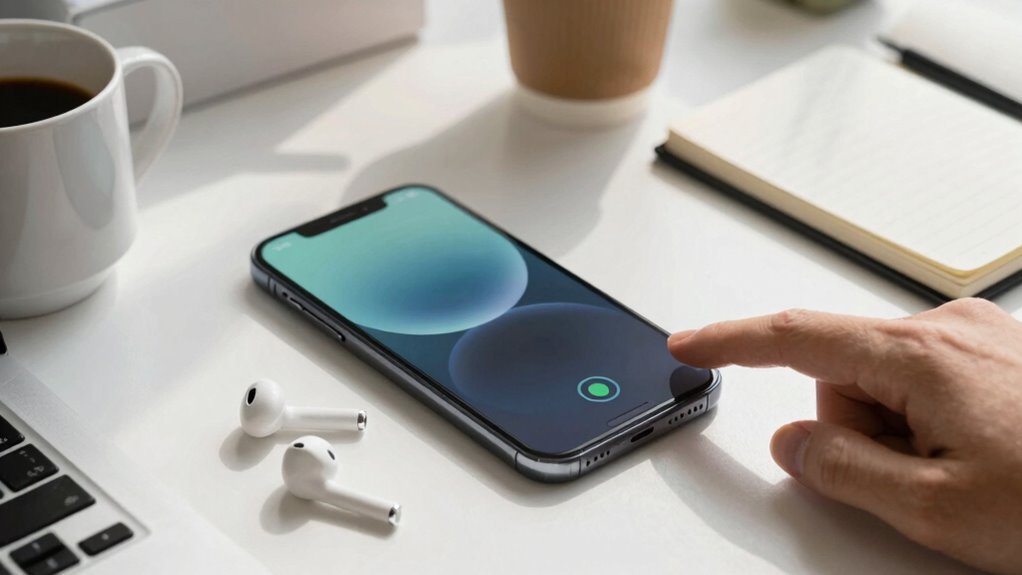

To make your phone battery last longer during busy days, use energy-saving habits like dimming your screen, disabling unnecessary notifications, and turning on battery saver mode. Keep your device in a stable temperature environment and avoid exposing it to extreme heat. Practice proper charging habits, like charging when it’s between 20% and 80%, and consider wireless charging for convenience. Monitoring your battery and maintaining good habits can greatly extend its lifespan—discover more tips to stay powered up longer.
Key Takeaways
- Enable battery saver mode and dim screen brightness to reduce power consumption.
- Use wireless charging pads for convenient, cable-free recharging during breaks.
- Turn off unnecessary notifications, location services, and background apps.
- Keep your device in a stable, cool environment to prevent overheating and battery degradation.
- Regularly calibrate your battery for accurate usage readings and optimal performance.

On busy days, your phone often becomes an essential tool for communication, navigation, and productivity, but it can also drain quickly when you need it most. To make sure your device stays powered throughout the day, you need to adopt smart habits and maintenance tricks. One simple way to keep your battery healthy is using wireless charging whenever possible. Wireless chargers are convenient, allowing you to top up your phone without fussing with cables, especially during meetings or breaks. Just place your phone on a compatible pad, and it’ll start charging automatically. This reduces the wear and tear on your charging port, which can degrade over time with frequent cable connections. Plus, wireless charging encourages you to keep your battery between 20% and 80%, preventing overcharging and extending its lifespan. Battery health is also influenced by how you manage charging habits and environmental factors. Paying attention to environmental conditions can help preserve your battery’s longevity and performance. Additionally, avoiding exposing your phone to extreme temperatures can significantly impact its overall battery performance. Maintaining a stable environment can also prevent unnecessary battery degradation, helping your device stay reliable longer. Incorporating proper charging practices can further optimize your battery’s lifespan and efficiency.
Another crucial aspect is battery calibration, which helps your phone accurately display remaining battery life. Over time, your phone’s battery indicator can become inaccurate, leading you to believe your phone is about to die when it still has power left. To calibrate your battery, fully charge your phone to 100%, then use it until it completely drains and turns off. Afterward, recharge it uninterrupted to 100%. This process resets the battery indicator, ensuring you get a more precise reading of your remaining power. Regular calibration, say once a month, can significantly improve your phone’s ability to manage power efficiently, especially during long workdays or travel.
In addition to these tips, consider other habits to conserve energy. Dim your screen brightness, disable unnecessary notifications, and turn off location services when you don’t need them. Enable battery saver mode, which limits background activity and reduces power consumption. Keep apps updated, as developers often optimize them for better energy efficiency. Avoid leaving your phone in hot environments, as heat accelerates battery wear. If you notice your battery isn’t holding a charge like it used to, it might be time for a replacement or professional check-up.
wireless charging pad for smartphones
As an affiliate, we earn on qualifying purchases.
As an affiliate, we earn on qualifying purchases.
Frequently Asked Questions
Does Closing Background Apps Improve Battery Life Significantly?
Closing background apps can help improve your battery life, but the effect is usually minimal. It can slightly reduce battery drain caused by apps running in the background, which supports better battery health over time. However, your charging habits and maintaining ideal battery health are more impactful. To truly extend your phone’s battery life, focus on limiting high-power apps, reducing screen brightness, and avoiding excessive charging cycles.
Can Using Airplane Mode Extend Battery Duration?
Switching to airplane mode can substantially stretch your phone’s battery life, especially during busy days. By disabling wireless signals, you reduce power drain, helping maintain battery health. Just remember, frequent charging habits and avoiding overcharging are key to long-term battery performance. When you need a quick boost or are in low-signal areas, activating airplane mode is a smart, simple strategy to conserve energy and keep your phone powered longer.
Are There Specific Settings to Optimize for Battery Saving?
To optimize your battery saving, tweak settings like lowering screen brightness, disabling Bluetooth and Wi-Fi when unused, and turning off location services. Maintaining good battery health involves avoiding frequent full charges and using proper charging habits, like unplugging once it reaches 80-90%. These adjustments, combined with mindful charging practices, help extend your phone’s battery life during busy days and preserve its overall health over time.
How Does Screen Brightness Affect Battery Consumption?
Bright screens burn through battery, so lowering brightness helps conserve power. When your screen calibration aligns with ambient light, it adjusts automatically, reducing energy drain and preventing unnecessary brightness. Dimming your display during dull days or in low-light environments makes a big difference, prolonging your phone’s life. So, keep your screen dimmed, enable adaptive brightness, and consider calibration settings to keep your device running longer during busy days.
Do Certain Phone Brands Have Better Battery Longevity?
Some phone brands do offer better battery longevity thanks to advanced battery technology and efficient power management. In a brand comparison, Apple and Samsung often lead with optimized hardware and software, ensuring longer battery life. You’ll find that flagship models from these brands tend to last longer throughout busy days. Choosing phones with newer battery technology and good reviews on battery performance can help you stay connected longer without frequent charging.
battery saver mode for Android/iPhone
As an affiliate, we earn on qualifying purchases.
As an affiliate, we earn on qualifying purchases.
Conclusion
By following these tips, you’ll keep your phone’s battery glowing like a steady lighthouse amid a stormy sea of busy days. Think of your phone as a loyal companion, and with just a little care, it’ll shine brightly when you need it most. Don’t let dead batteries sink your plans—nurture it wisely, and watch it stand resilient, a steadfast beacon guiding you through your hectic journey. Your phone’s energy is your silent hero—cherish it.
As an affiliate, we earn on qualifying purchases.
As an affiliate, we earn on qualifying purchases.